Great interfaces.
Start with the right pieces.
See the actual rendered examples before choosing a component. Open any card to try its variants and copy working code into your application.
All components
115 components
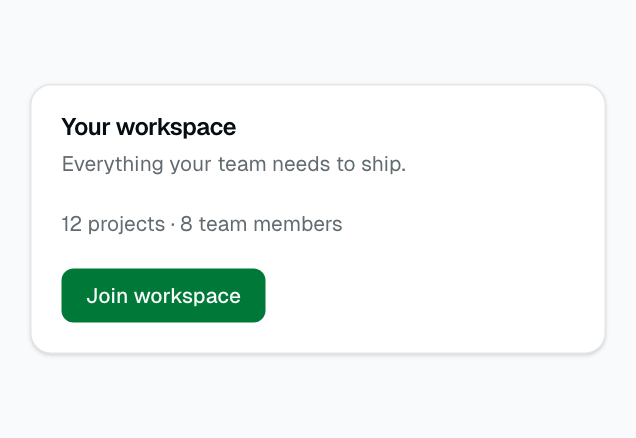
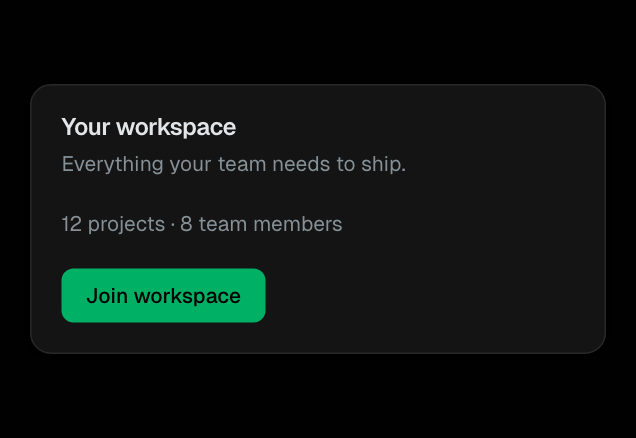
Card
Container with header, content, and footer slots. Used for stats, forms, and data panels.
Layout
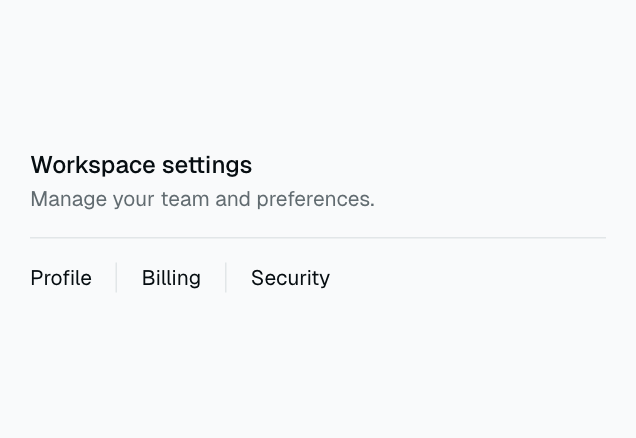
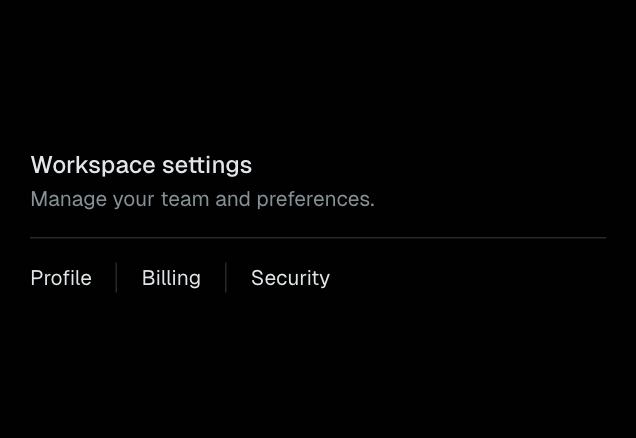
Separator
Horizontal or vertical divider line between sections.
Layout
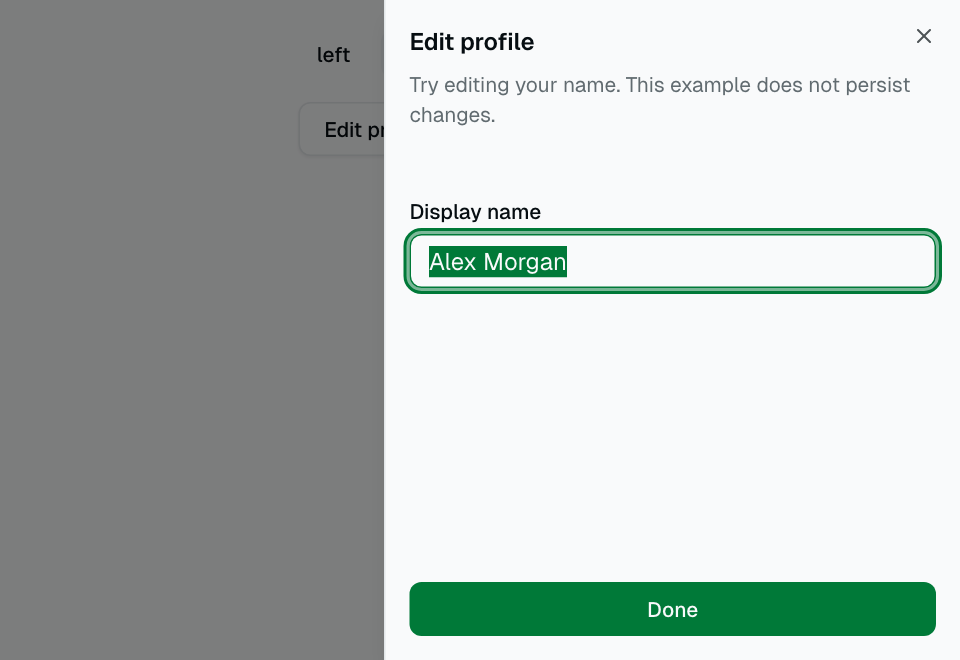
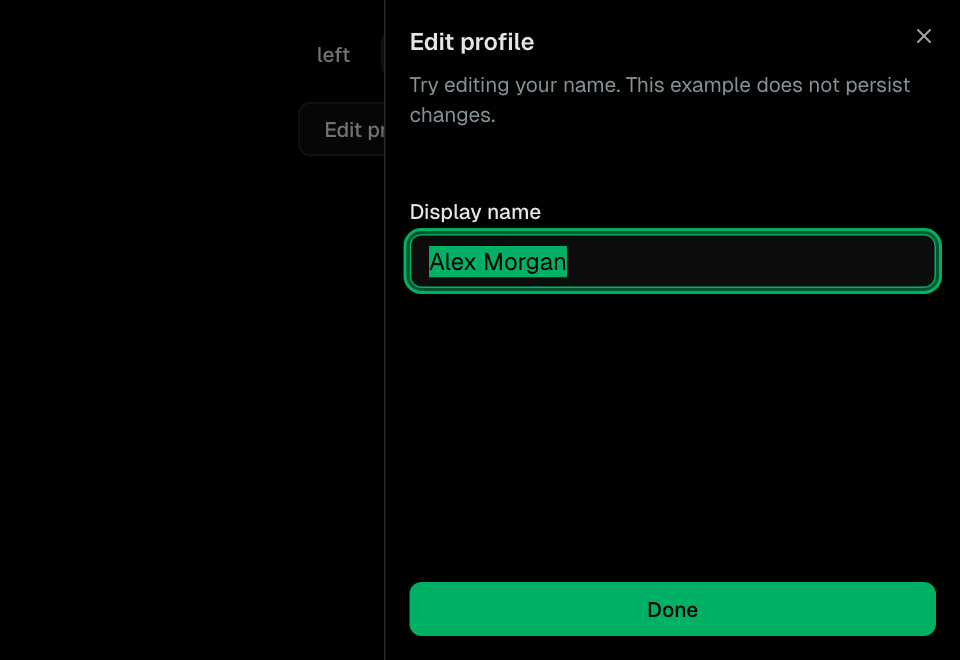
Sheet
Slide-out panel from any edge. Used for mobile menus and detail views.
Layout
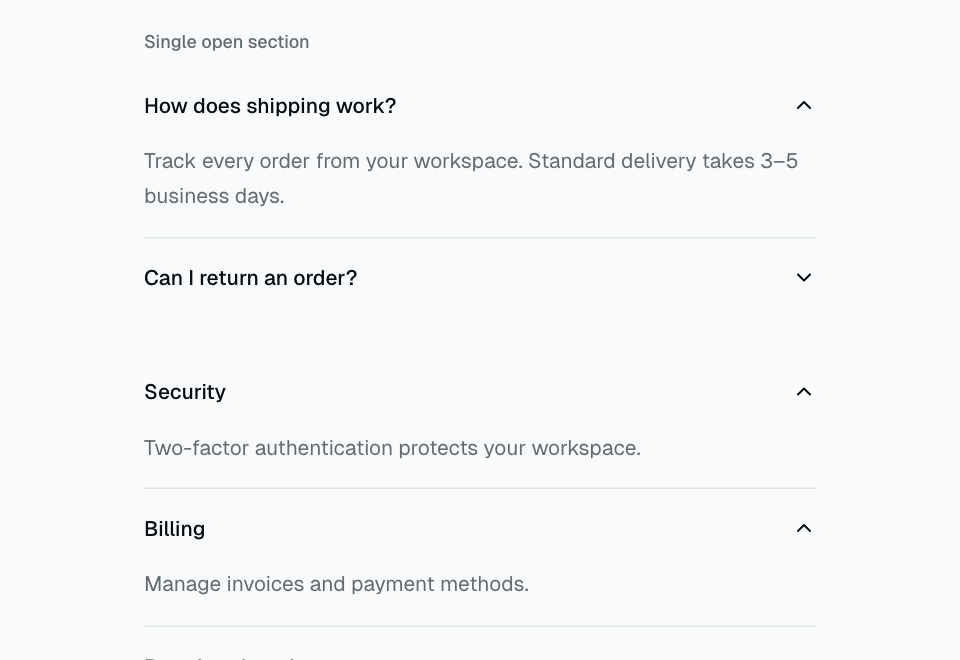
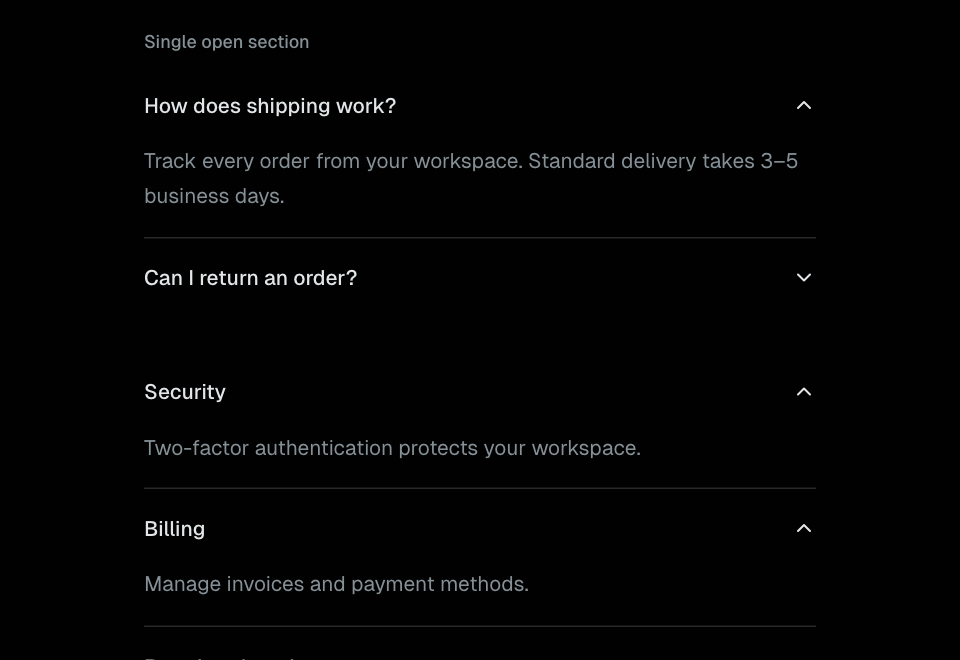
Accordion
Single or multiple expandable sections with keyboard navigation.
Layout
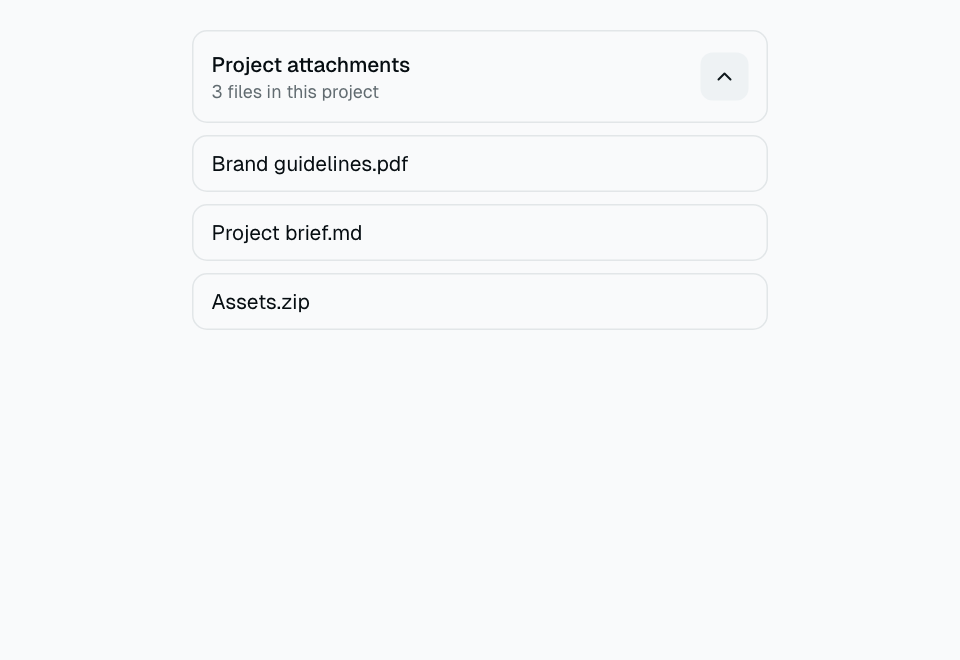
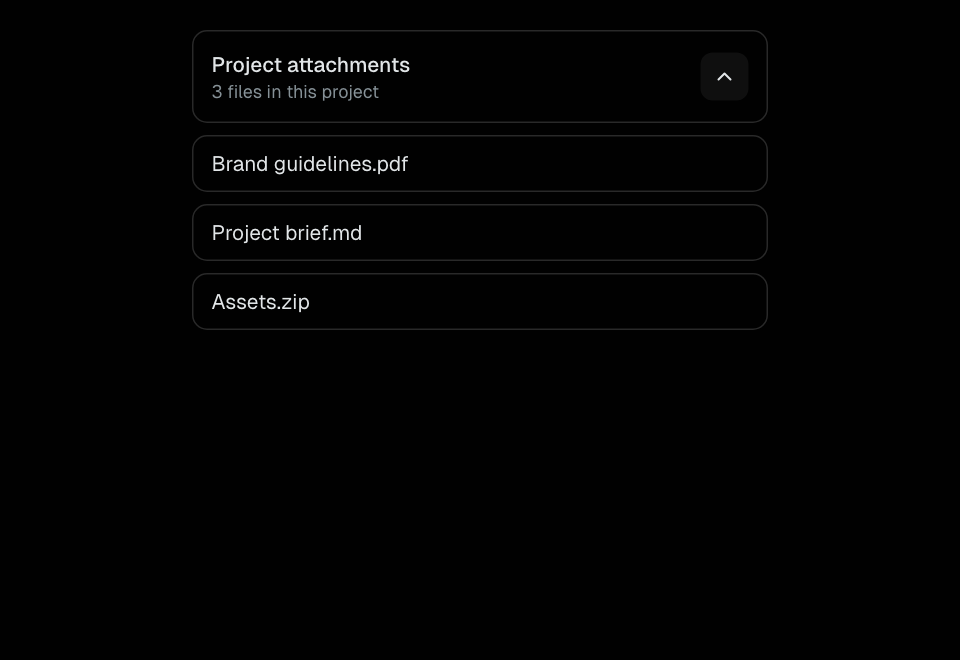
Collapsible
A controlled or uncontrolled disclosure for related content.
Layout
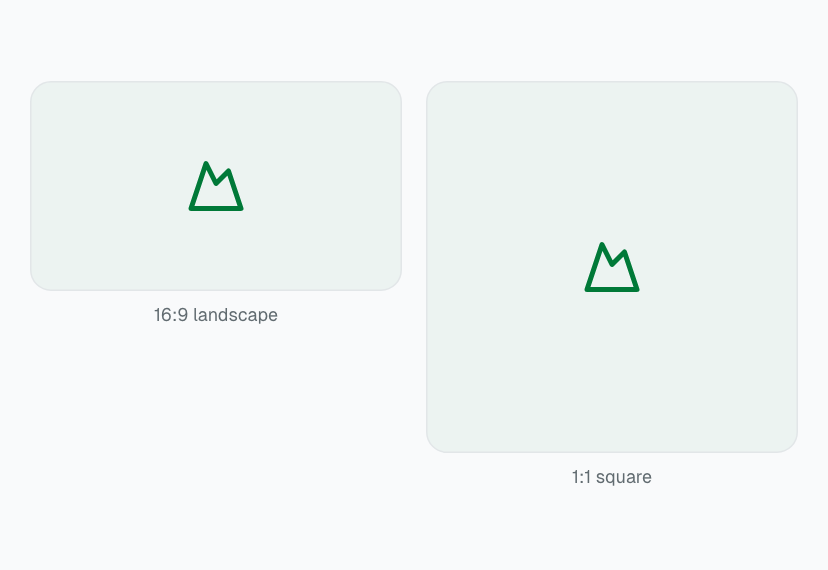
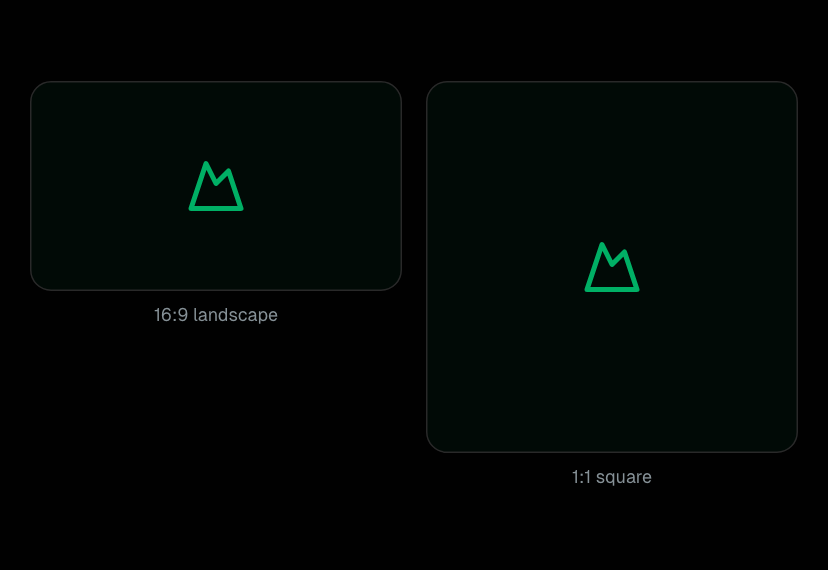
AspectRatio
A stable proportional container for media and previews.
Layout
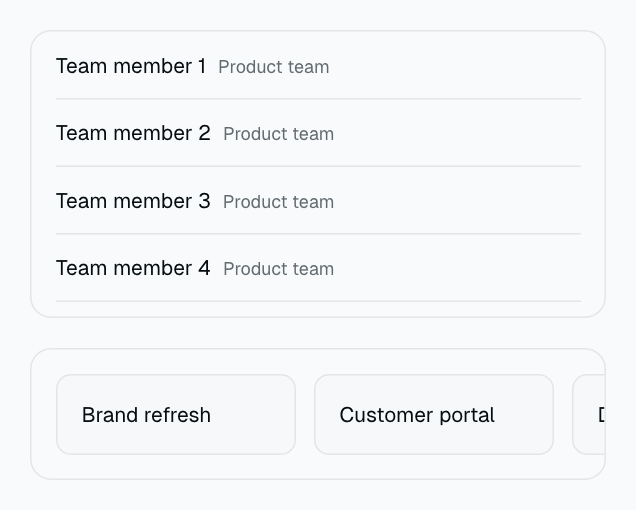
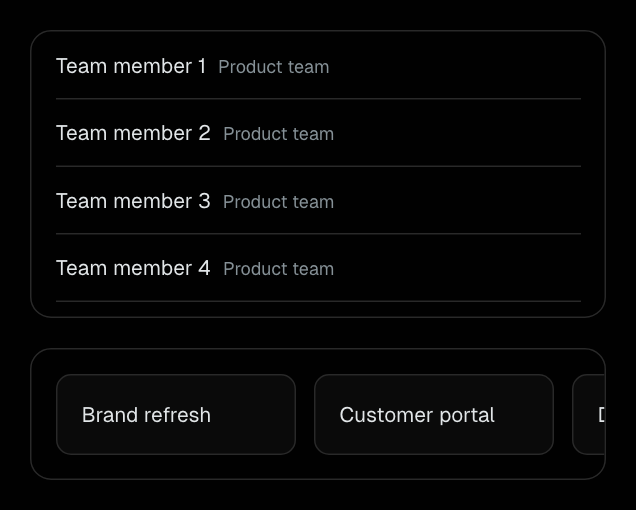
ScrollArea
Keyboard-focusable scrolling with vertical and horizontal tracks.
Layout
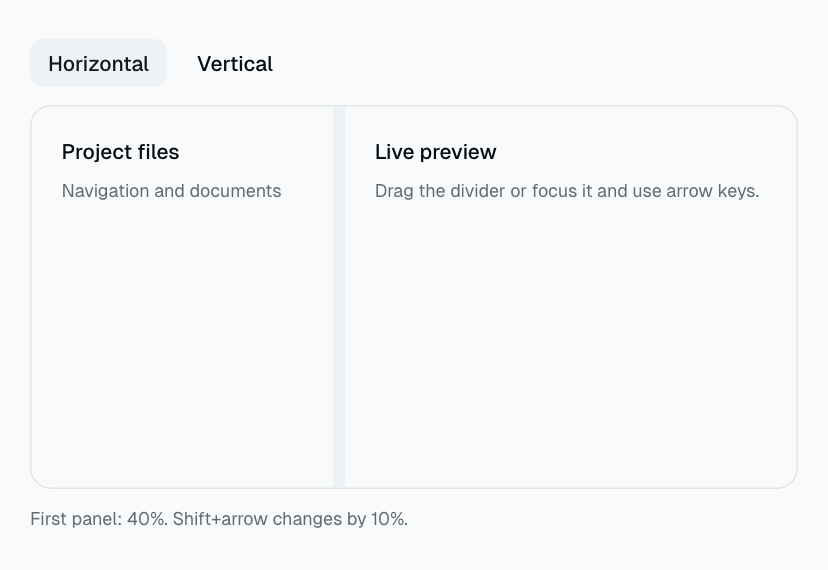
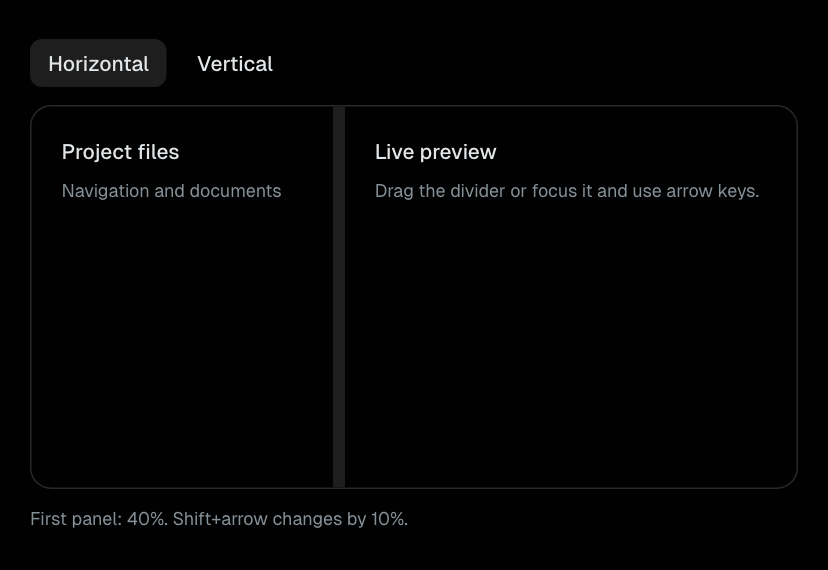
Resizable
Two-pane resizing with pointer, keyboard, and RTL support.
Layout
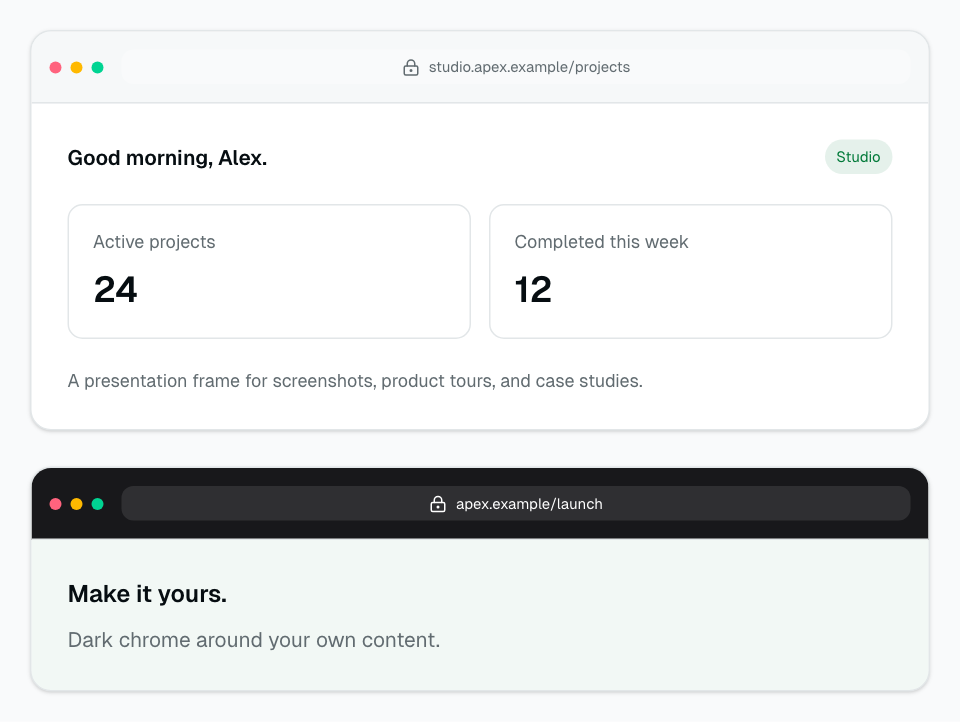
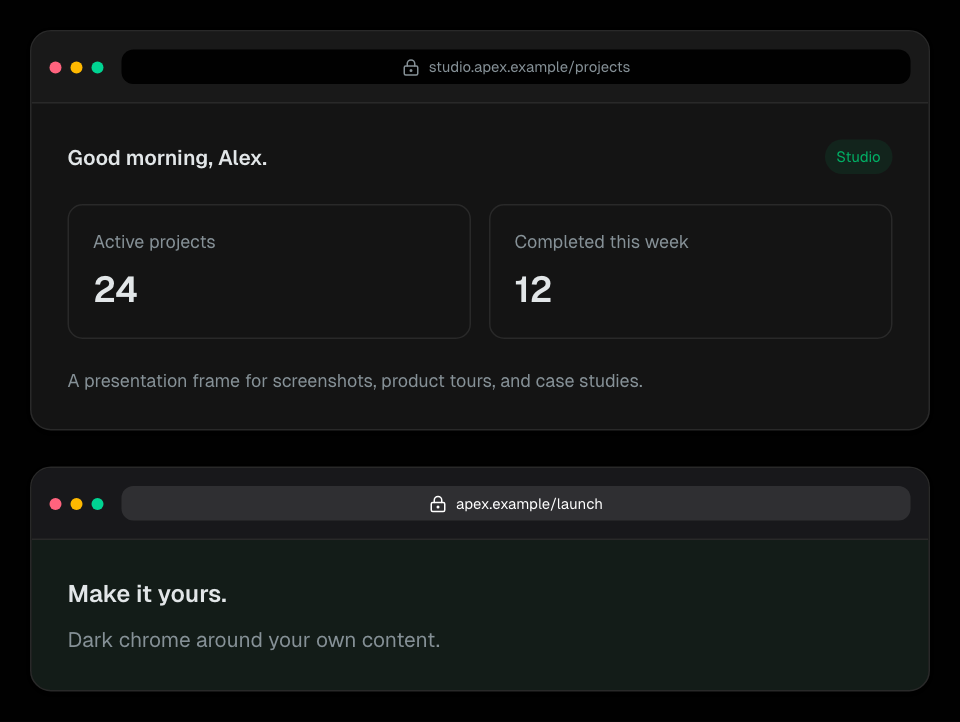
BrowserFrame
A presentation browser frame with address text and editable child content.
Layout
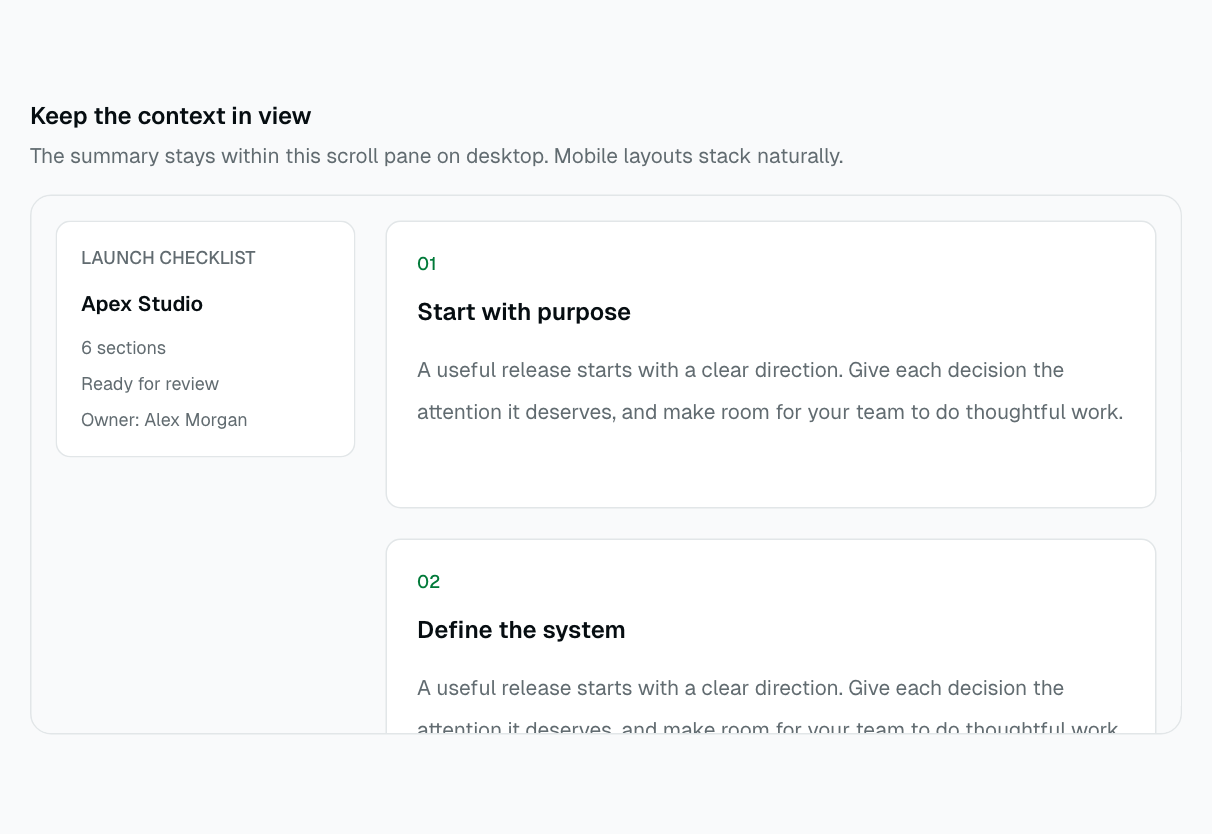
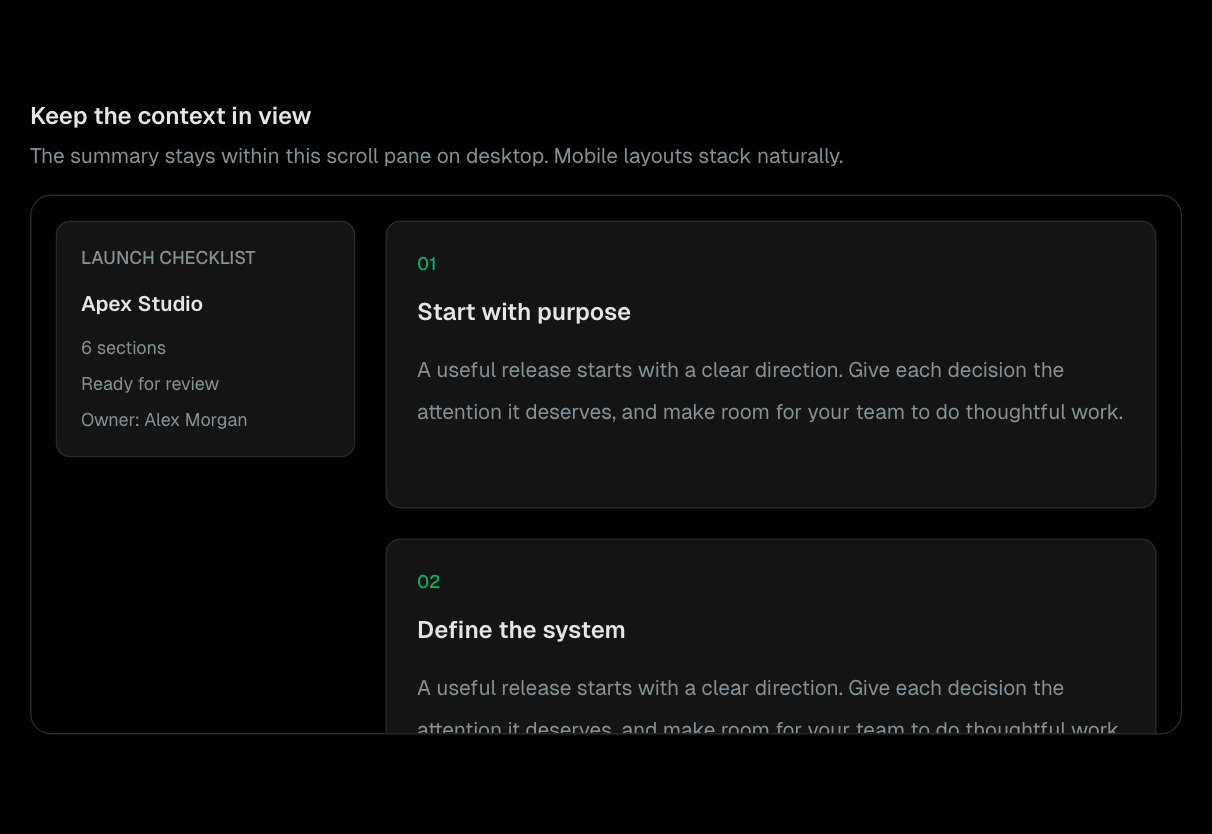
StickyPanel
A bounded document pane with a sticky desktop sidebar and stacked mobile layout.
Layout
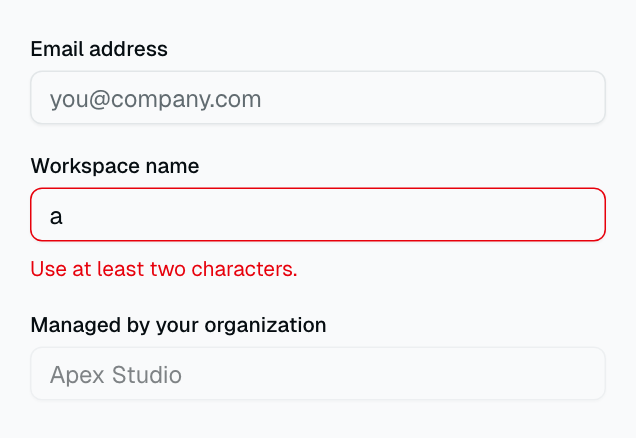
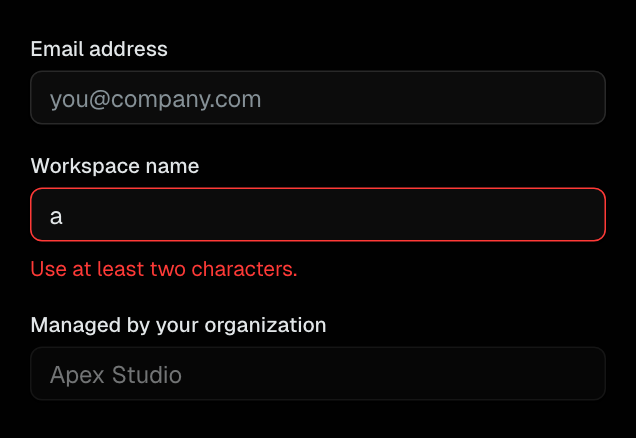
Input
Text input field with consistent border and focus ring styling.
Form
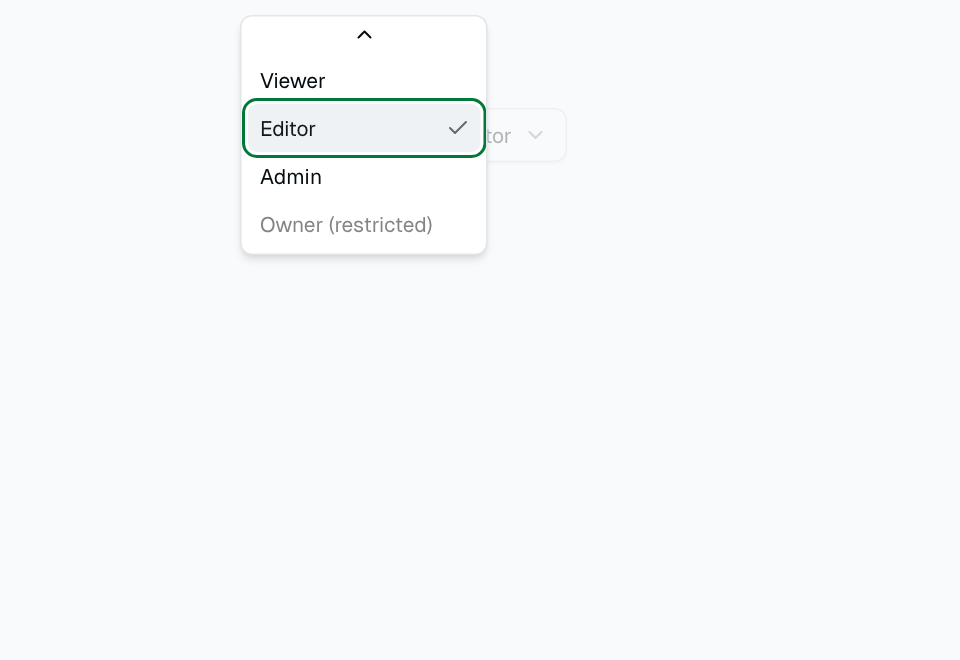
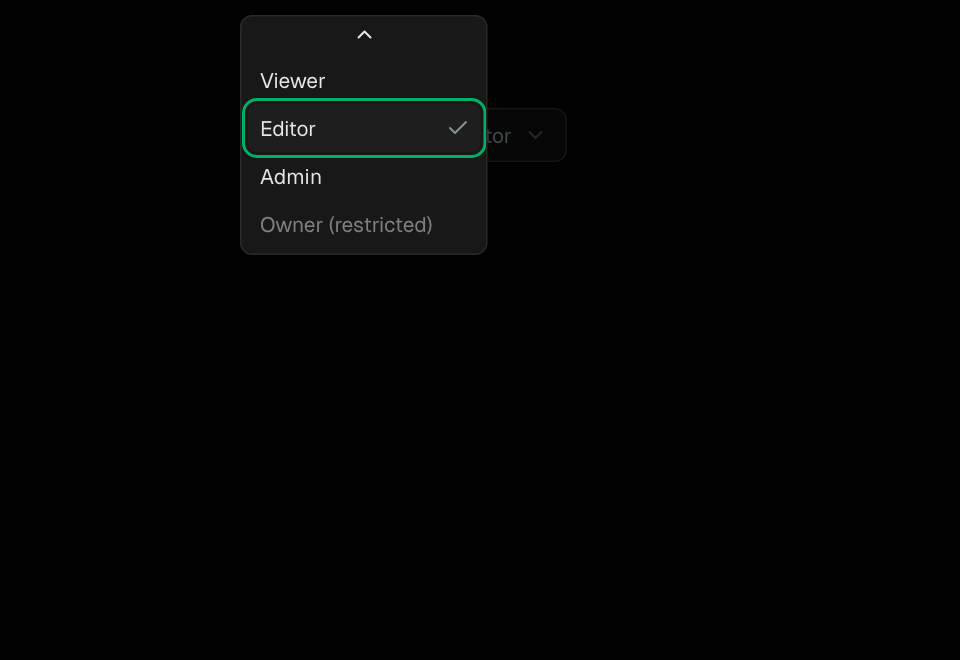
Select
Dropdown select menu built on Radix UI Select primitive.
Form
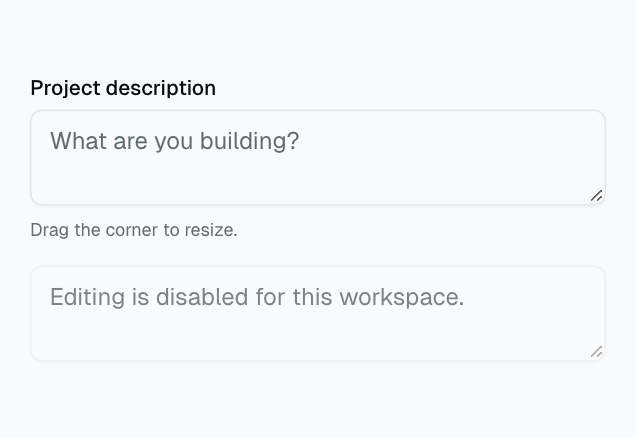
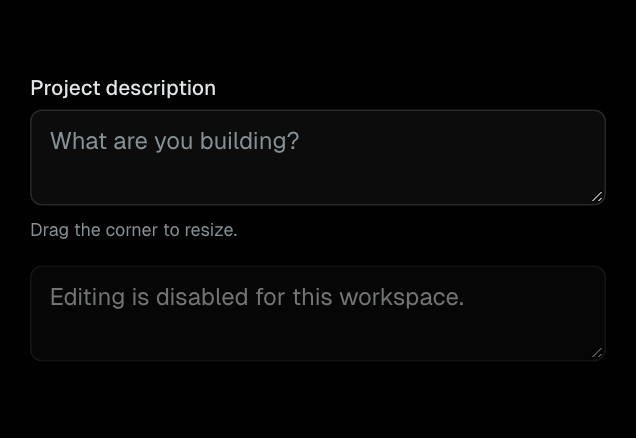
Textarea
Multi-line text input with native resizing support.
Form
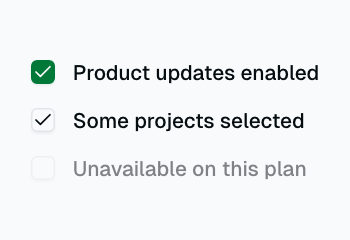
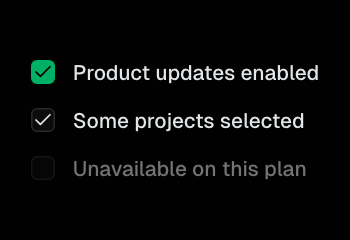
Checkbox
Boolean toggle with checkmark indicator. Supports indeterminate state.
Form
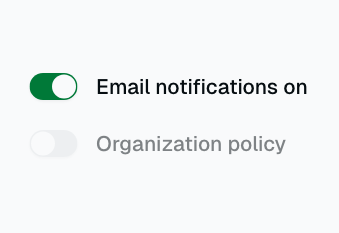
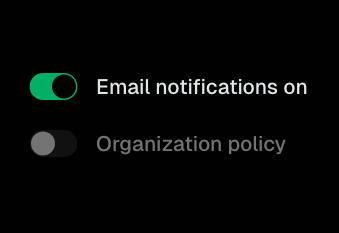
Switch
Toggle switch for on/off boolean states.
Form
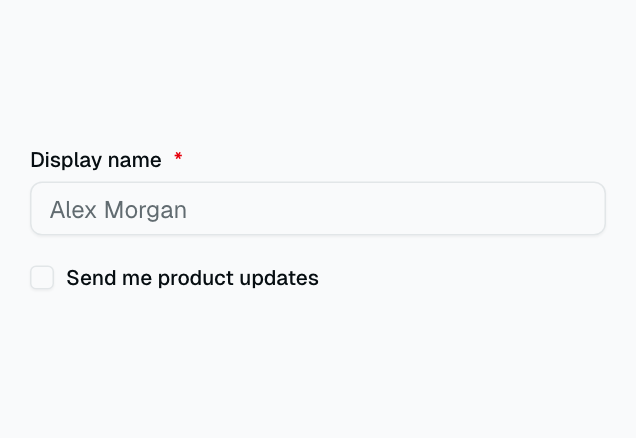
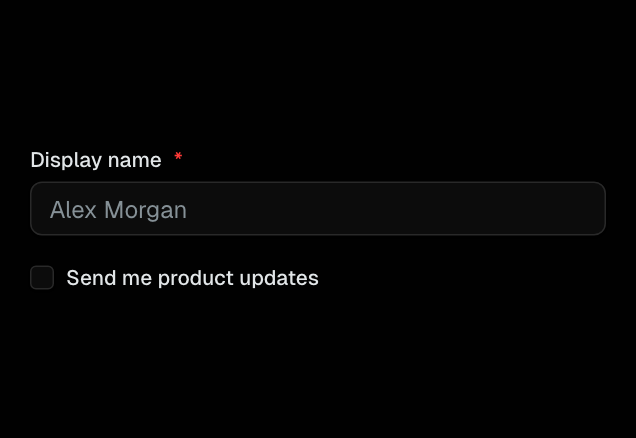
Label
Accessible label element that pairs with form inputs.
Form
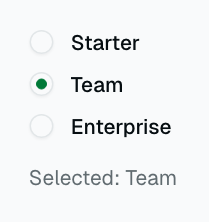
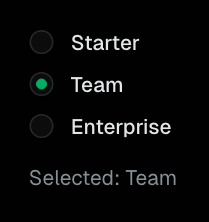
Radio Group
Group of radio buttons for single-select from multiple options.
Form
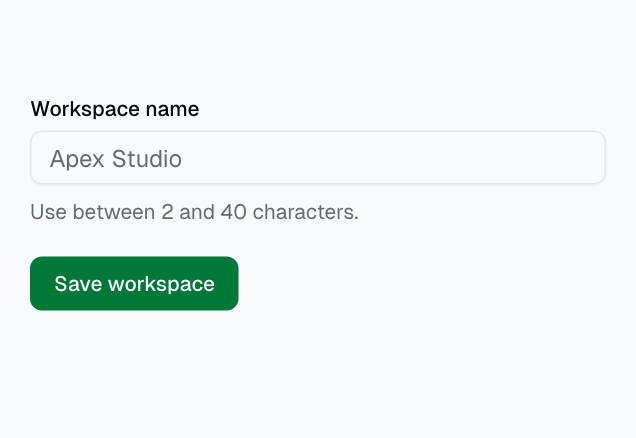
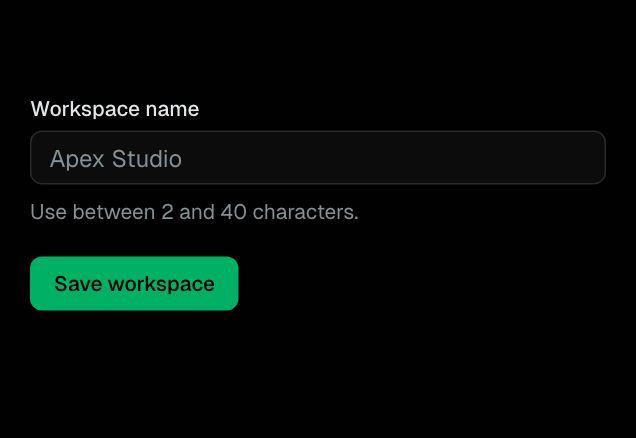
Form
React Hook Form integration with Zod validation and accessible error messages.
Form
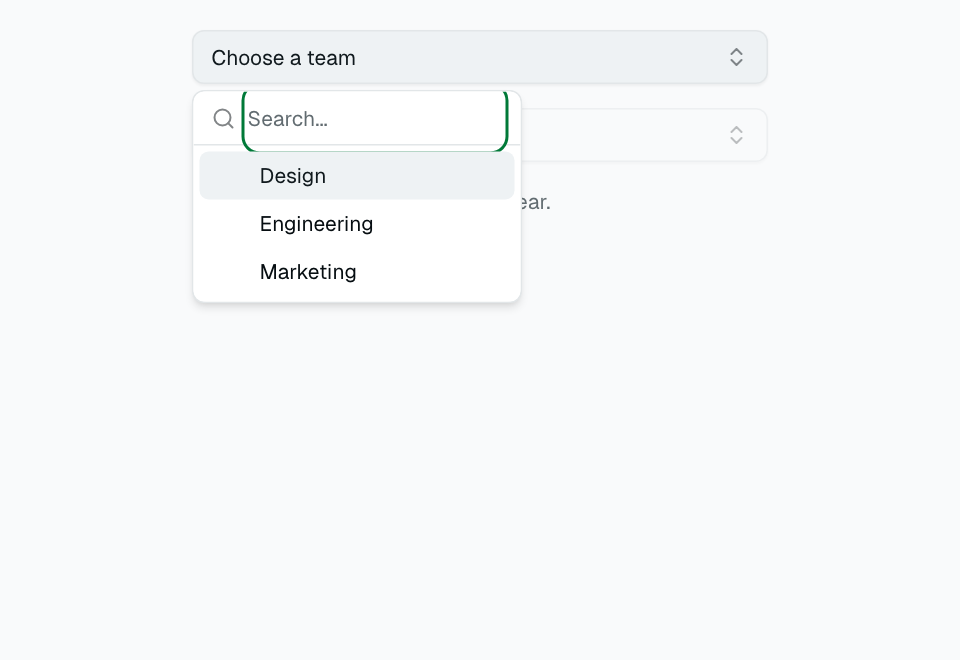
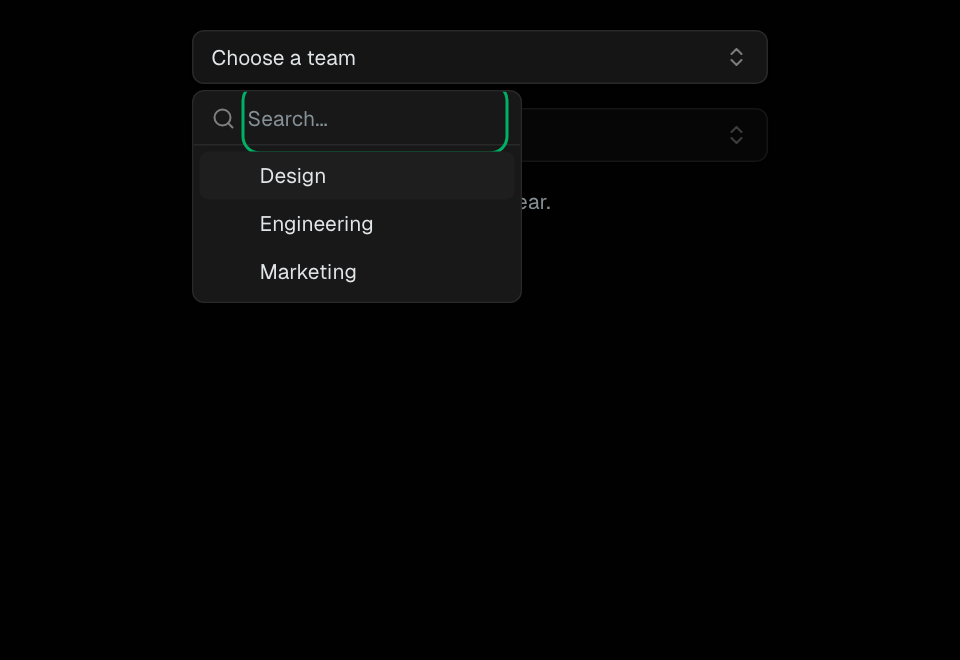
Combobox
Searchable autocomplete input combining a text field with a filtered dropdown list.
Form
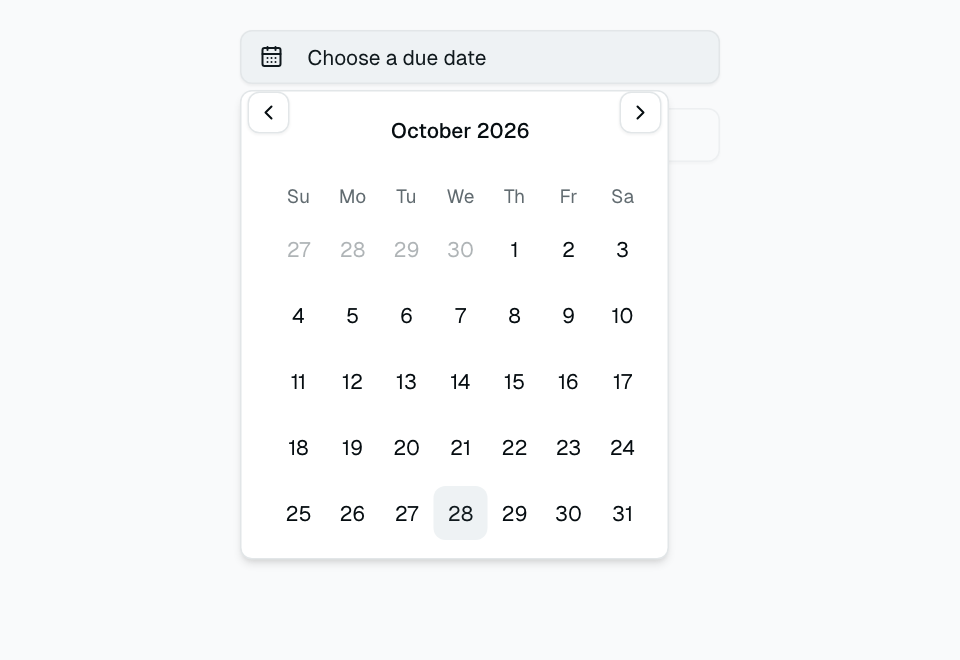
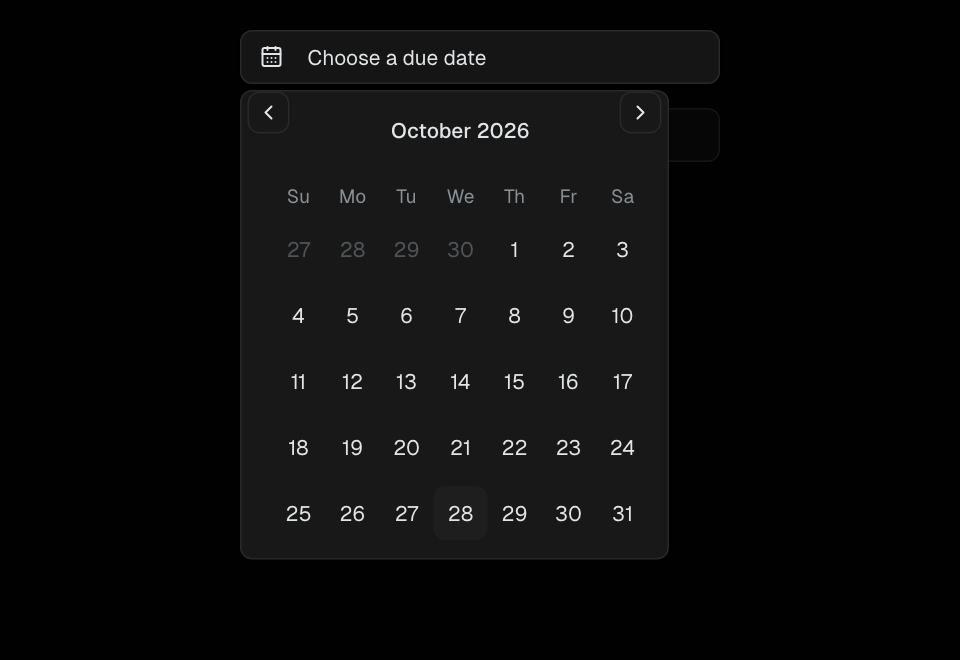
Date Picker
Calendar-based date selection input with popover display.
Form
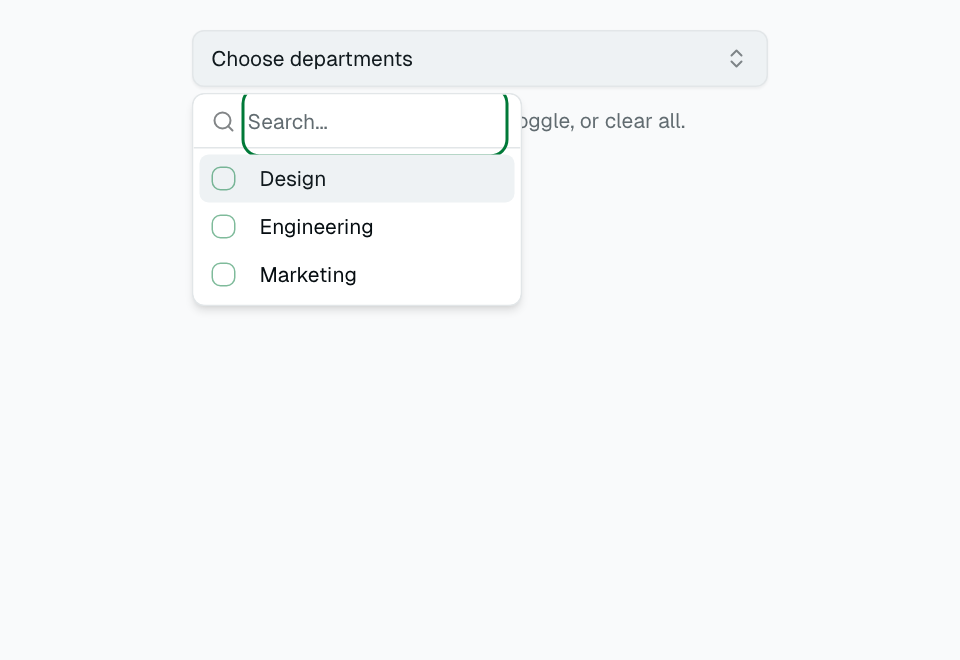
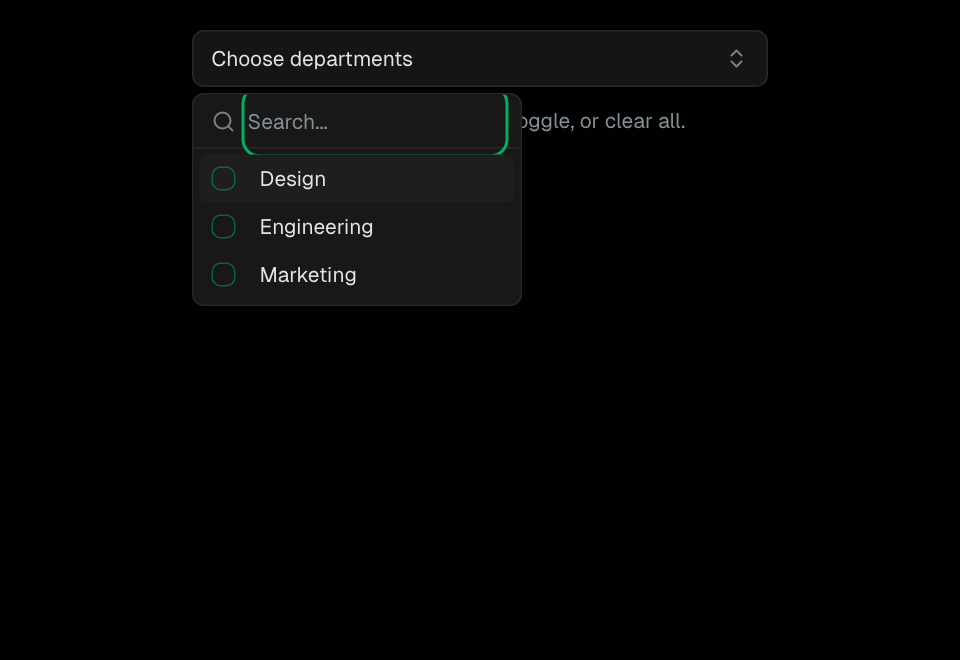
Multi-Select
Select multiple values from a dropdown with tag-style display of selections.
Form
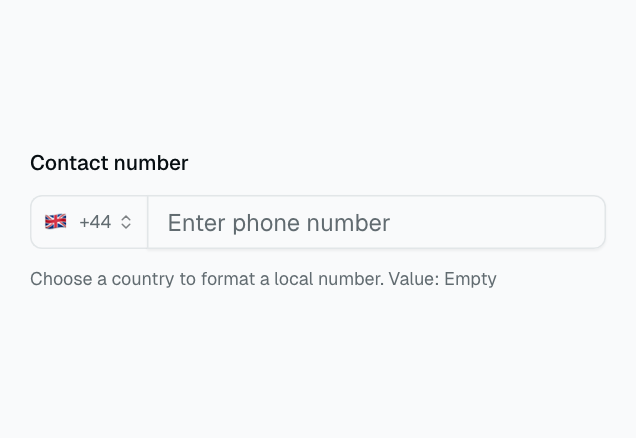
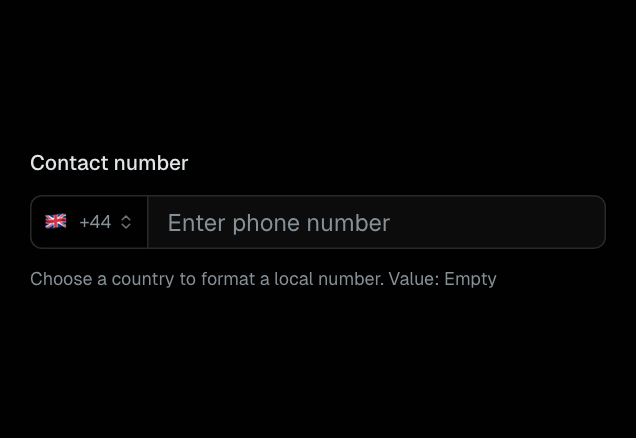
Phone Input
International phone number input with country code selector and formatting.
Form
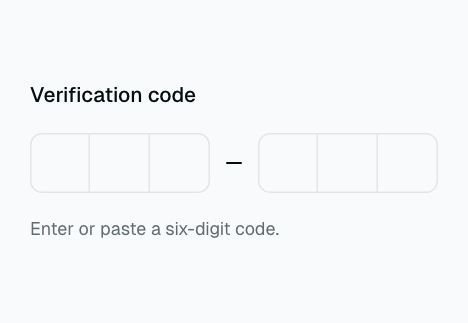
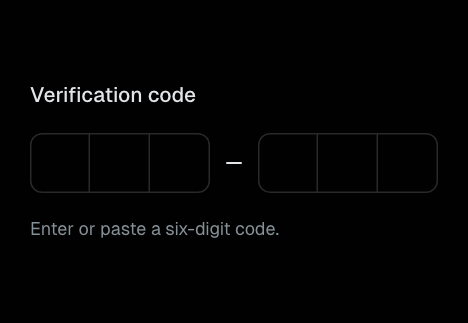
OTP Input
One-time password input with individual digit fields and auto-advance.
Form
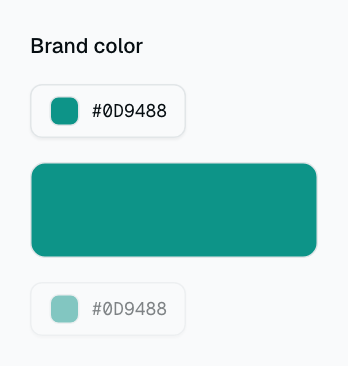
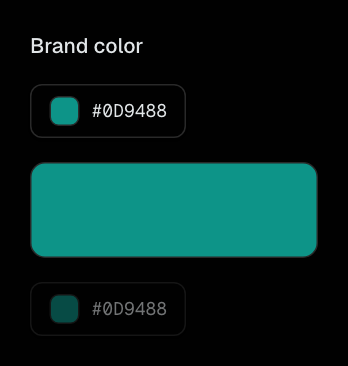
Color Picker
Visual color selection input with hue/saturation controls and hex value entry.
Form
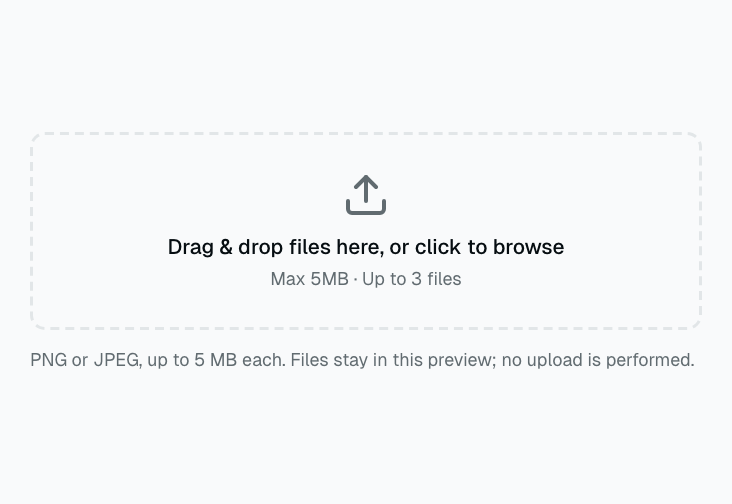
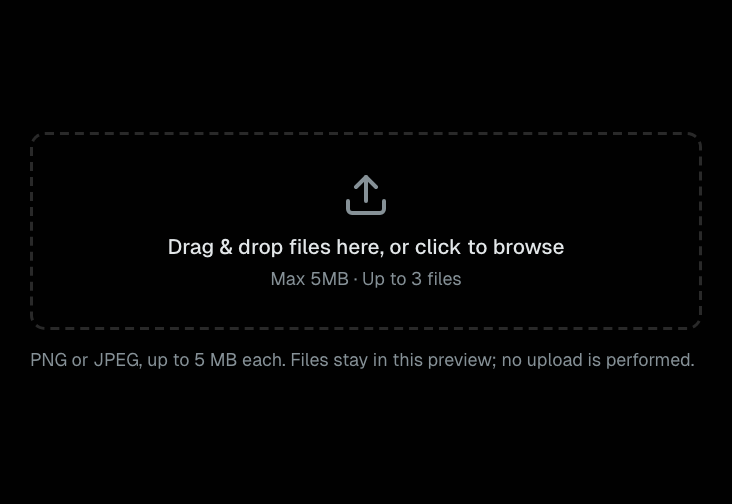
File Uploader (Dropzone)
Drag-and-drop file upload area built with react-dropzone. Supports file type and size validation.
Form
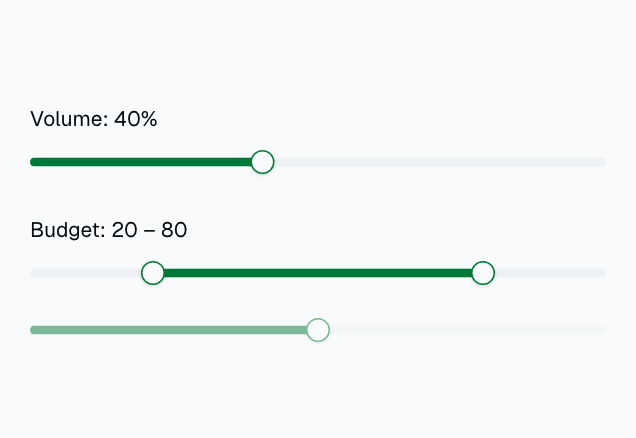
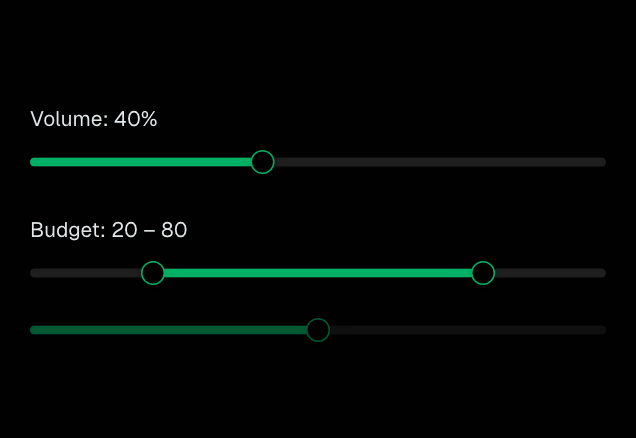
Slider
Range input for selecting a numeric value within a min/max range. Supports single and dual thumbs.
Form
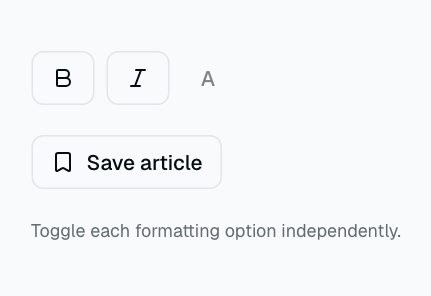
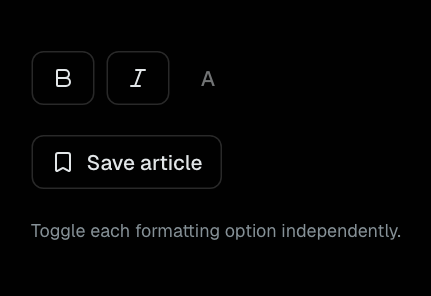
Toggle
A pressed button for independent on/off choices.
Form
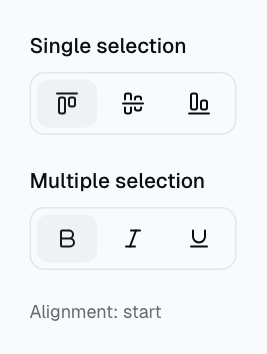
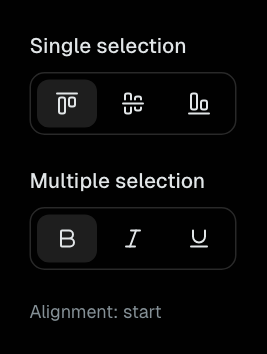
ToggleGroup
Single or multiple pressed selections in a compact segmented group.
Form
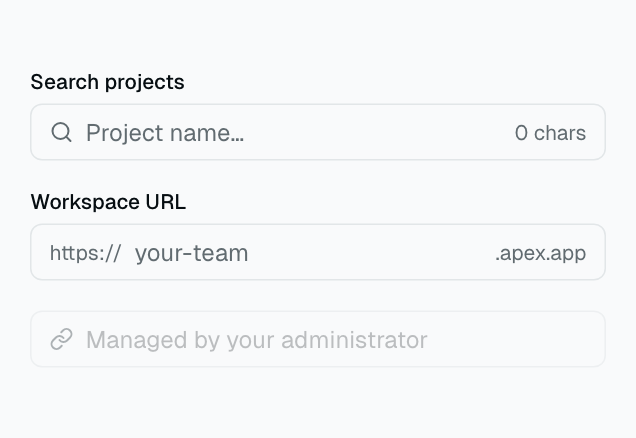
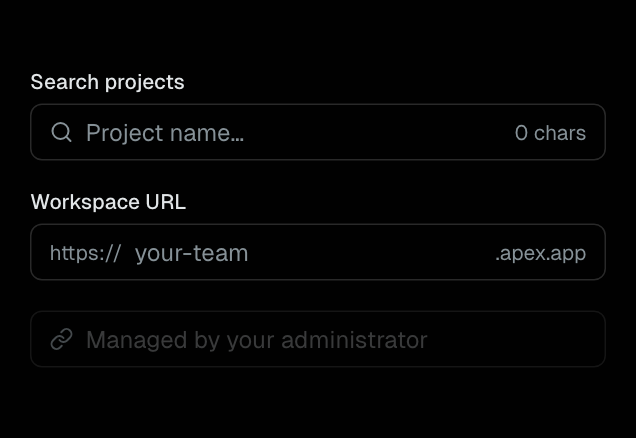
InputGroup
Input composition with prefix, suffix, icon, and metadata slots.
Form
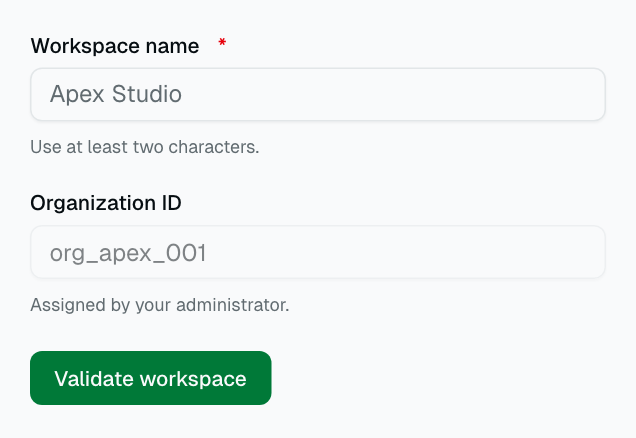
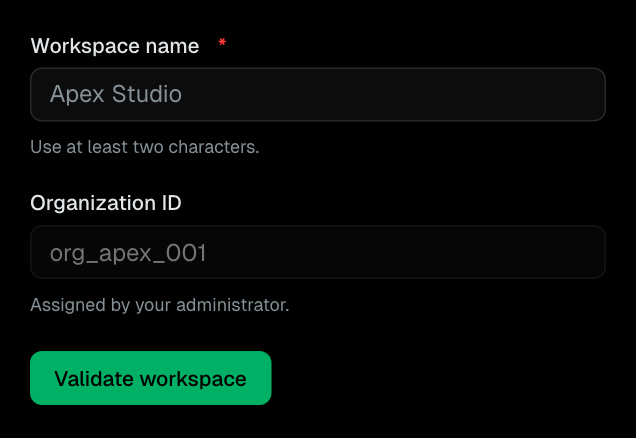
Field
A render-prop field wrapper connecting labels, hints, and errors.
Form
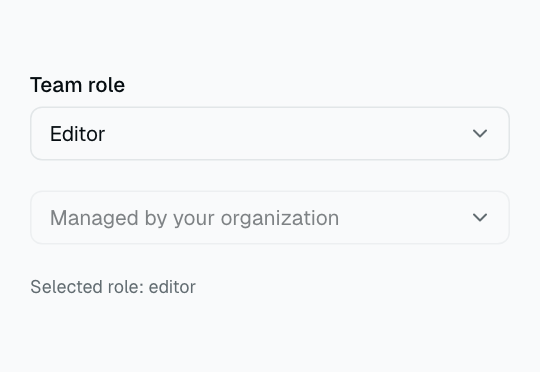
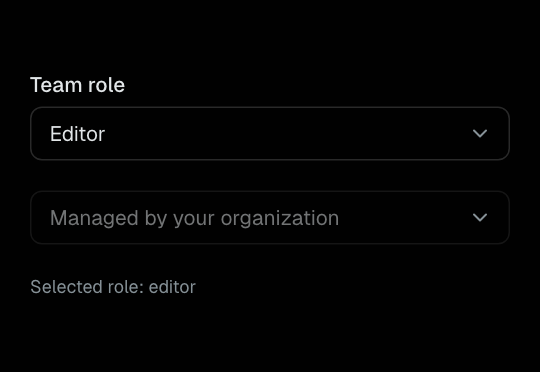
NativeSelect
A themed native select with option groups and browser behavior.
Form
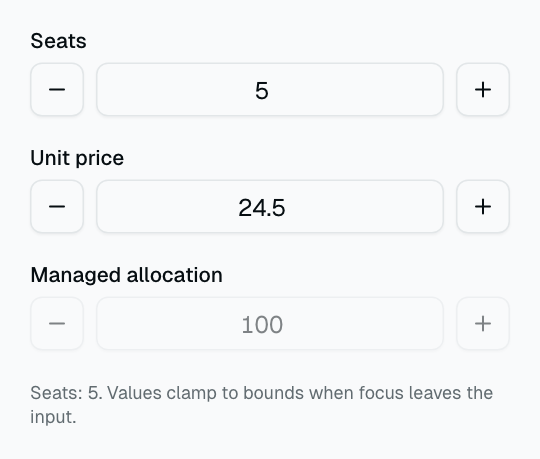
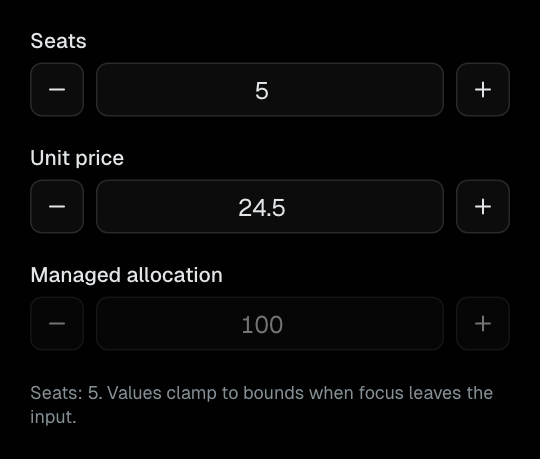
NumberField
Labeled numeric entry with bounded increment and decrement controls.
Form
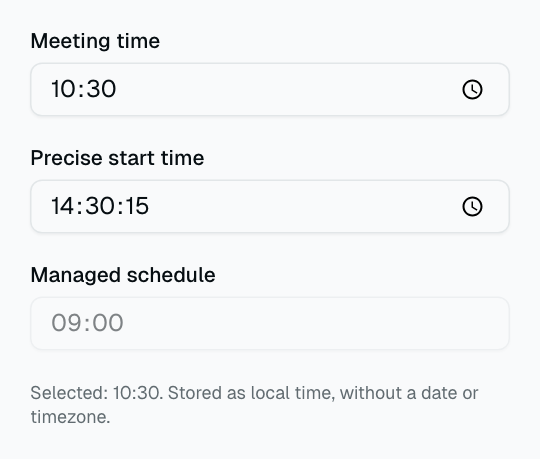
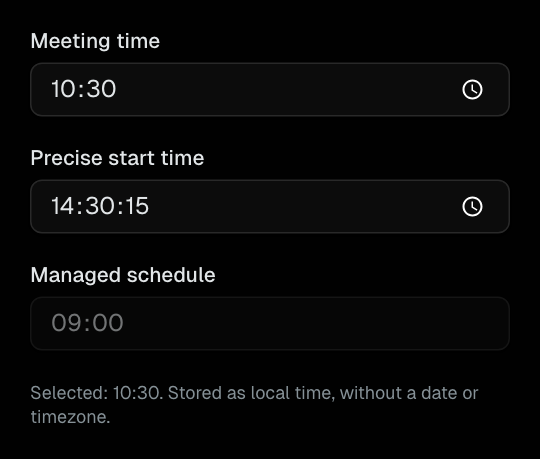
TimePicker
A labeled native time input with minute or second precision.
Form
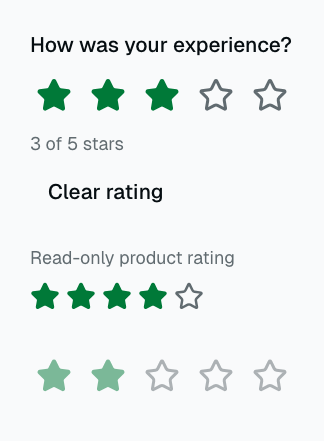
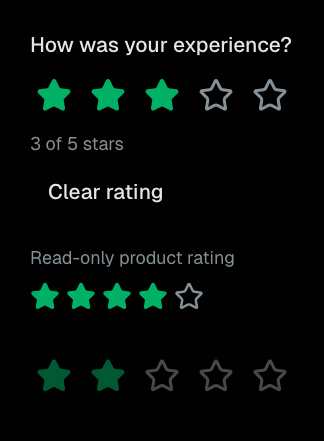
Rating
Whole-star ratings with controlled, disabled, and read-only modes.
Form
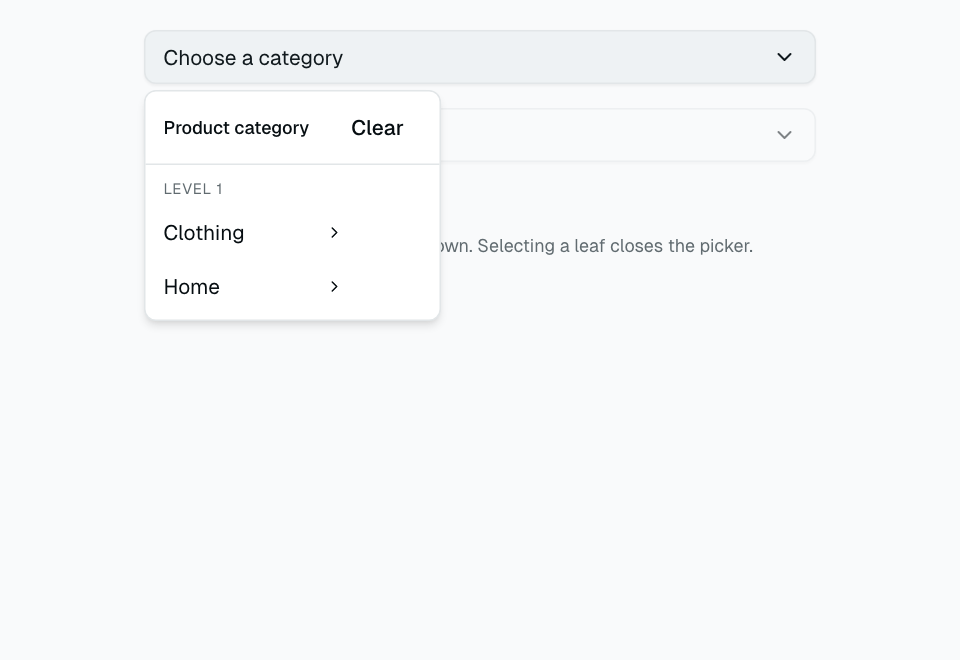
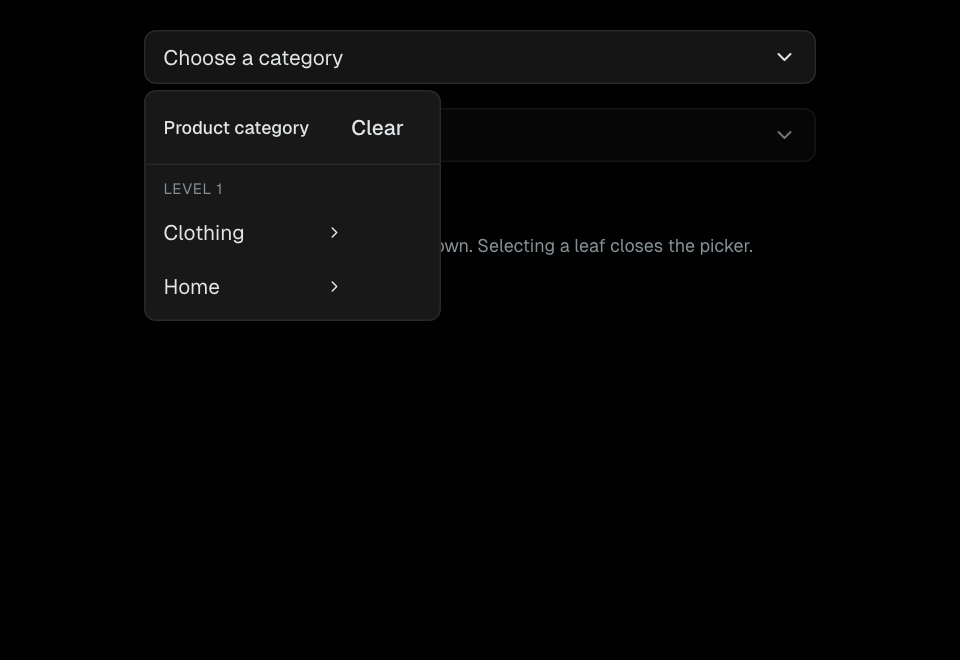
Cascader
Multi-level category selection with a breadcrumb path and column popup.
Form
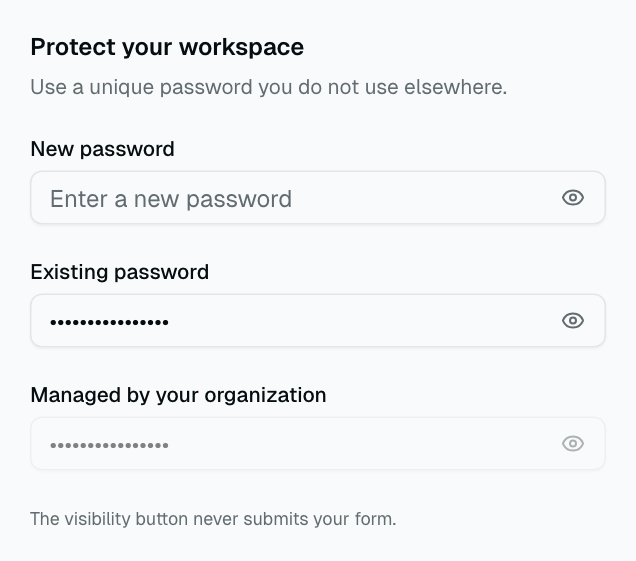
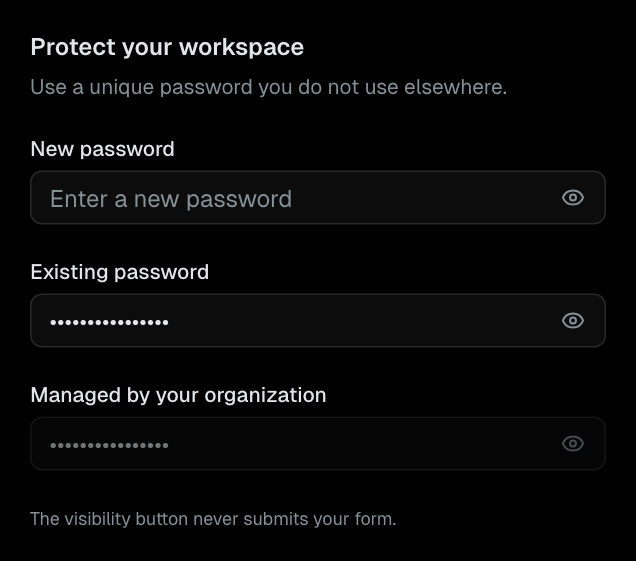
PasswordInput
Labeled password entry with an accessible visibility toggle.
Form
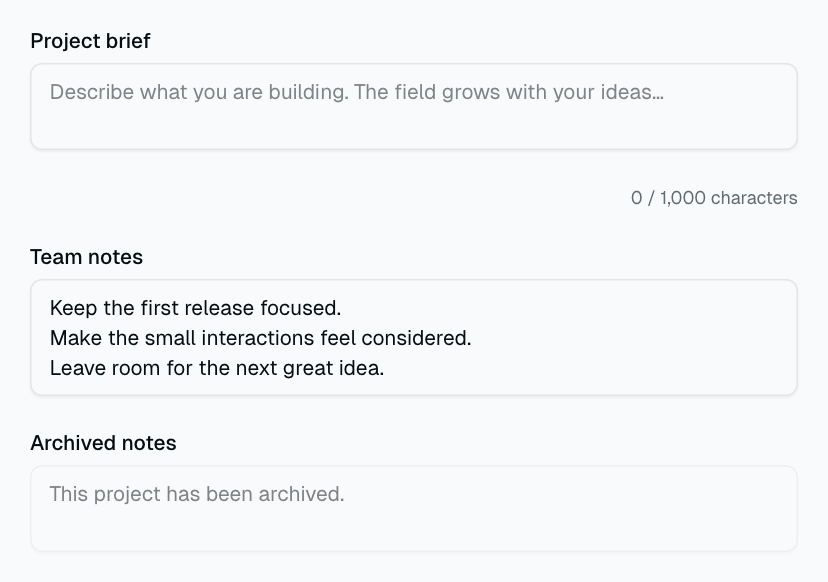
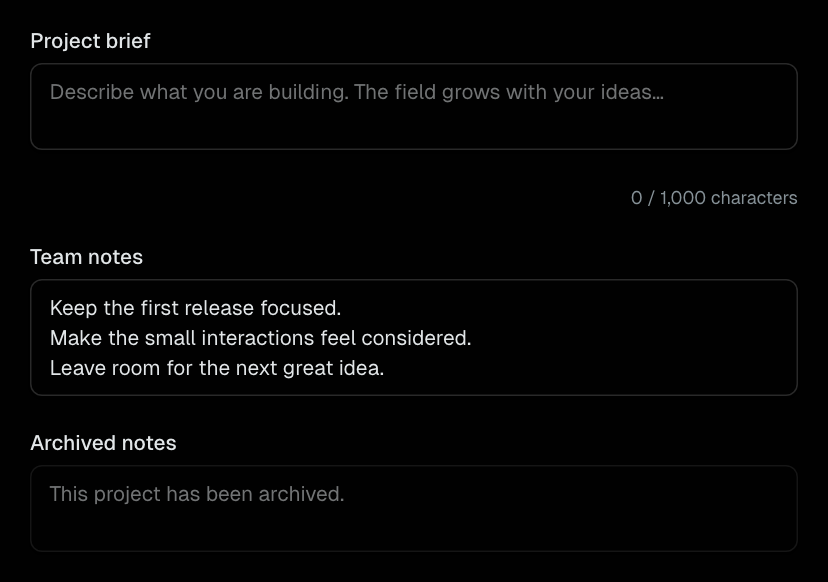
AutosizeTextarea
A labeled textarea that grows with content and scrolls at a defined row limit.
Form
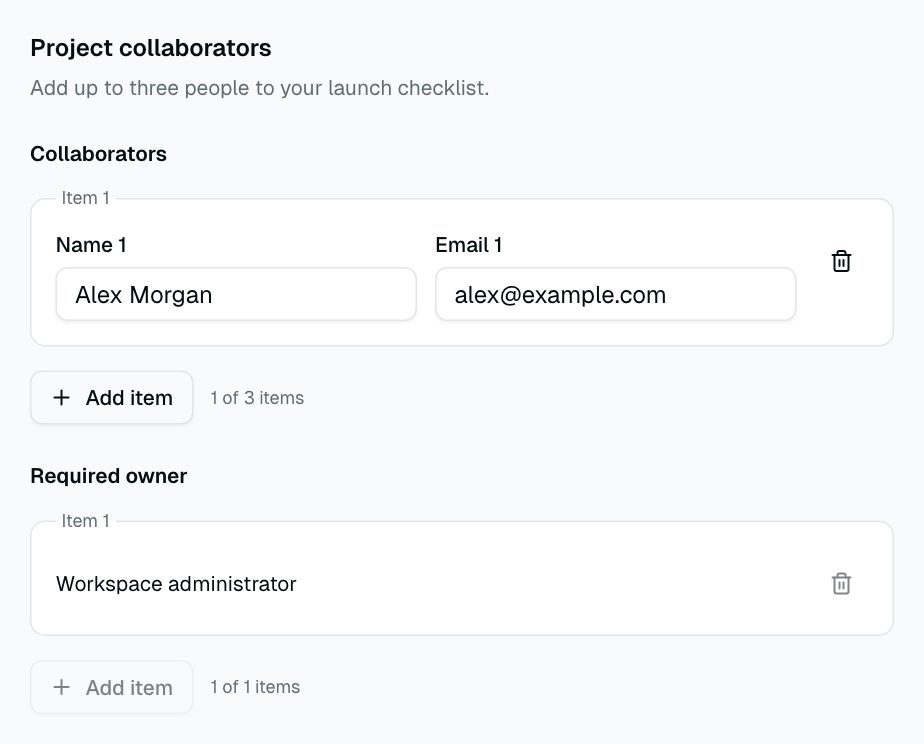
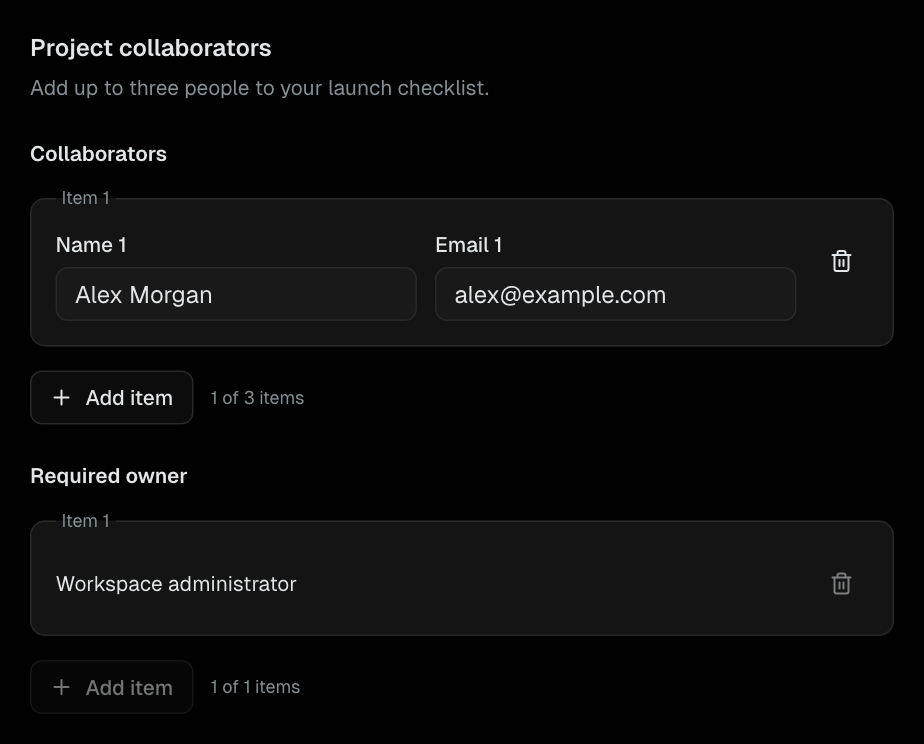
FormRepeater
Controlled repeatable form rows with stable identities and add/remove limits.
Form
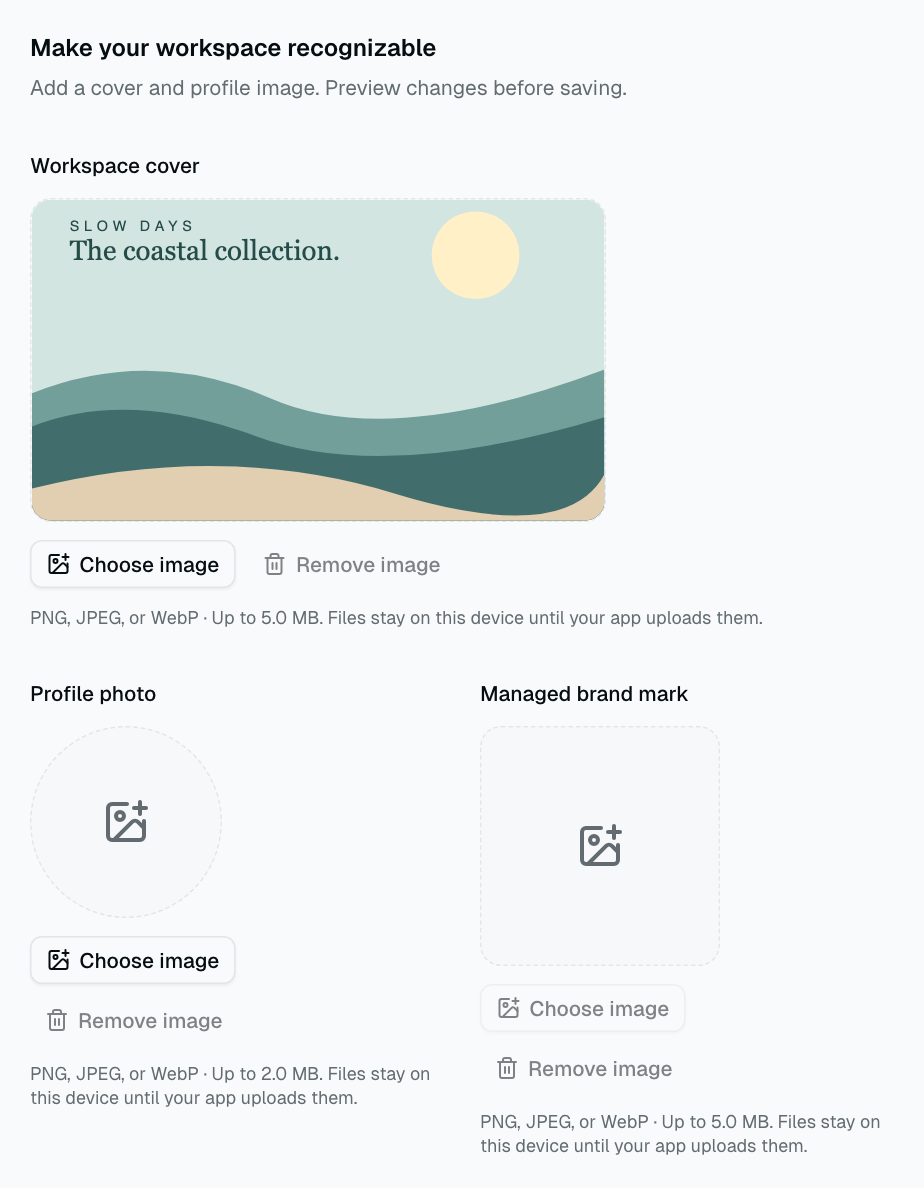
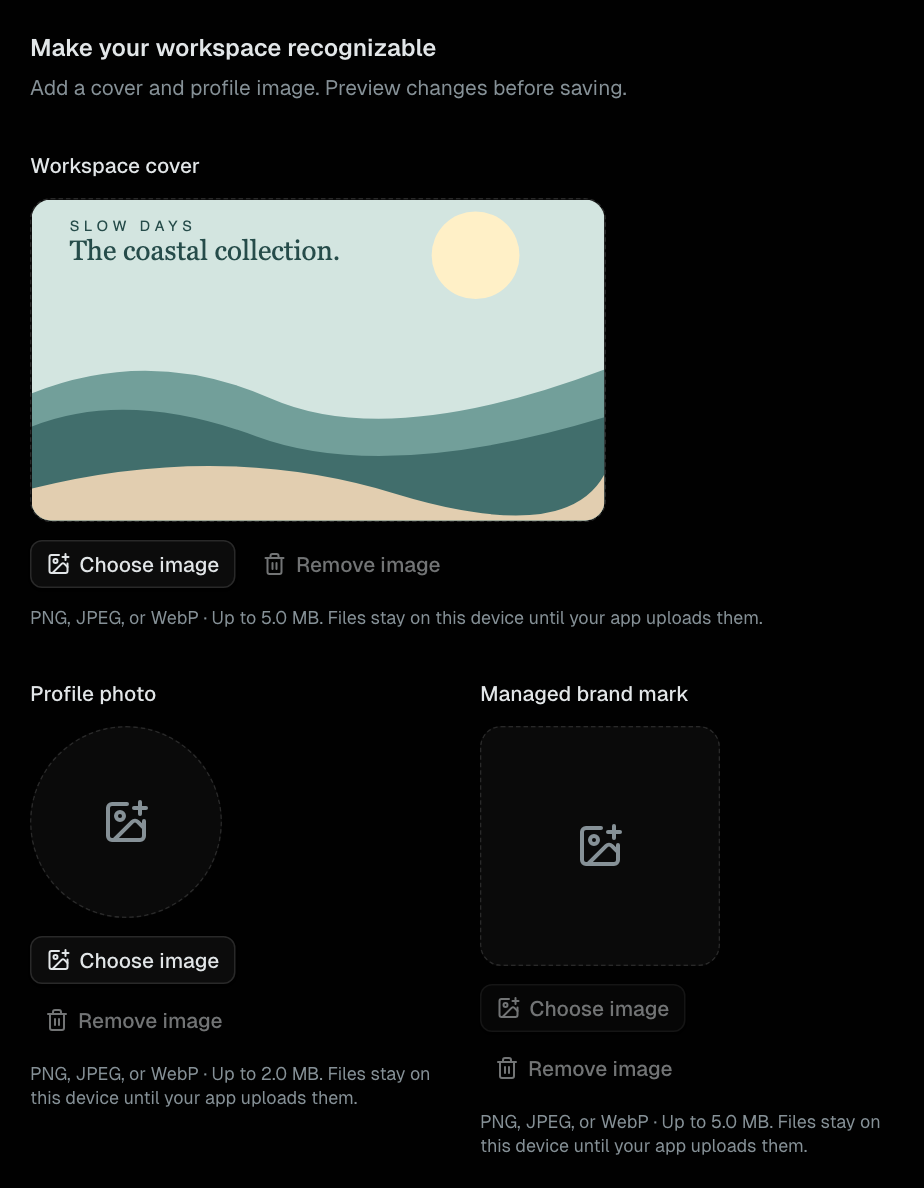
ImageInput
Validated raster image selection with local previews, replacement, and removal.
Form
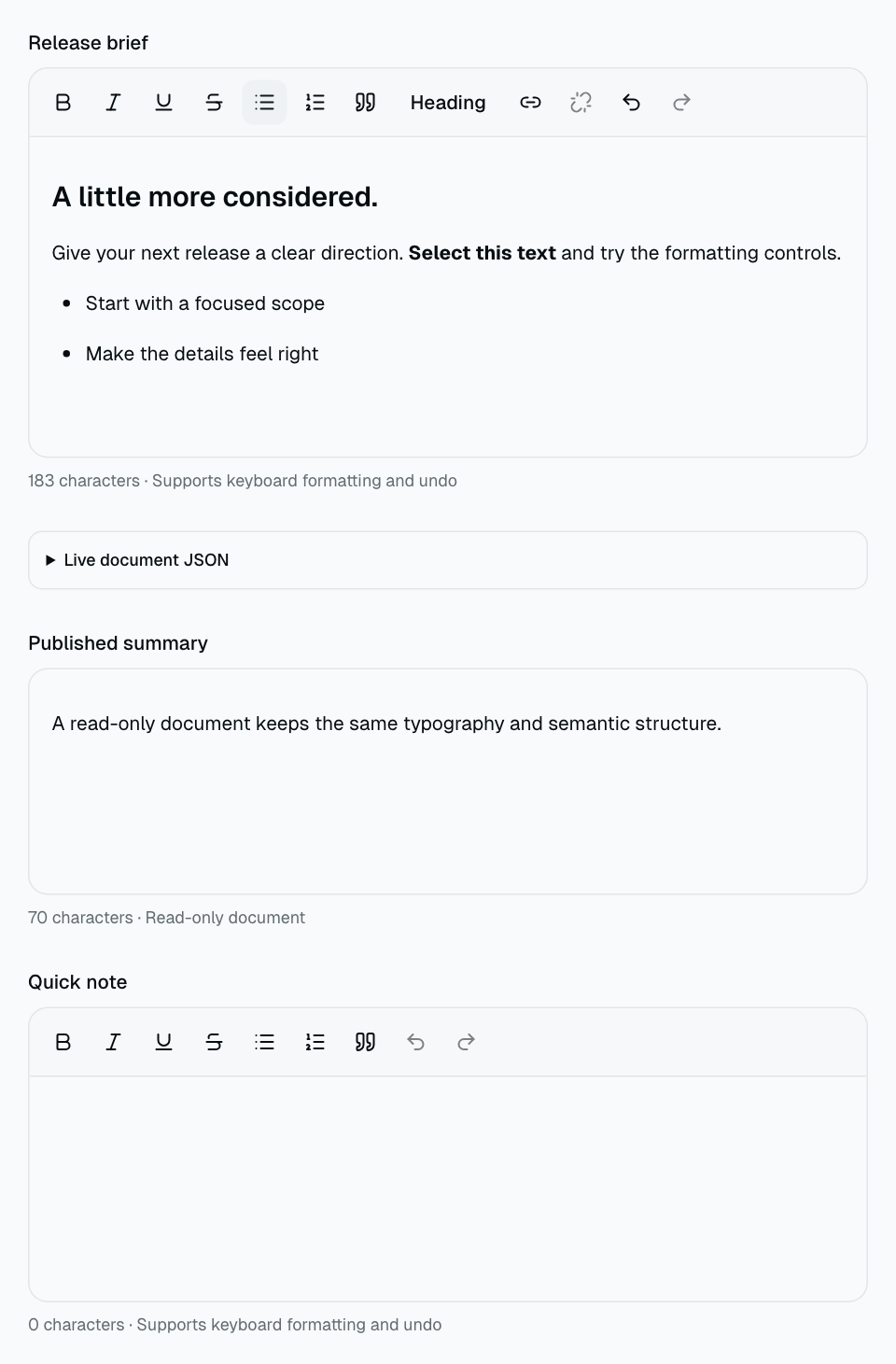
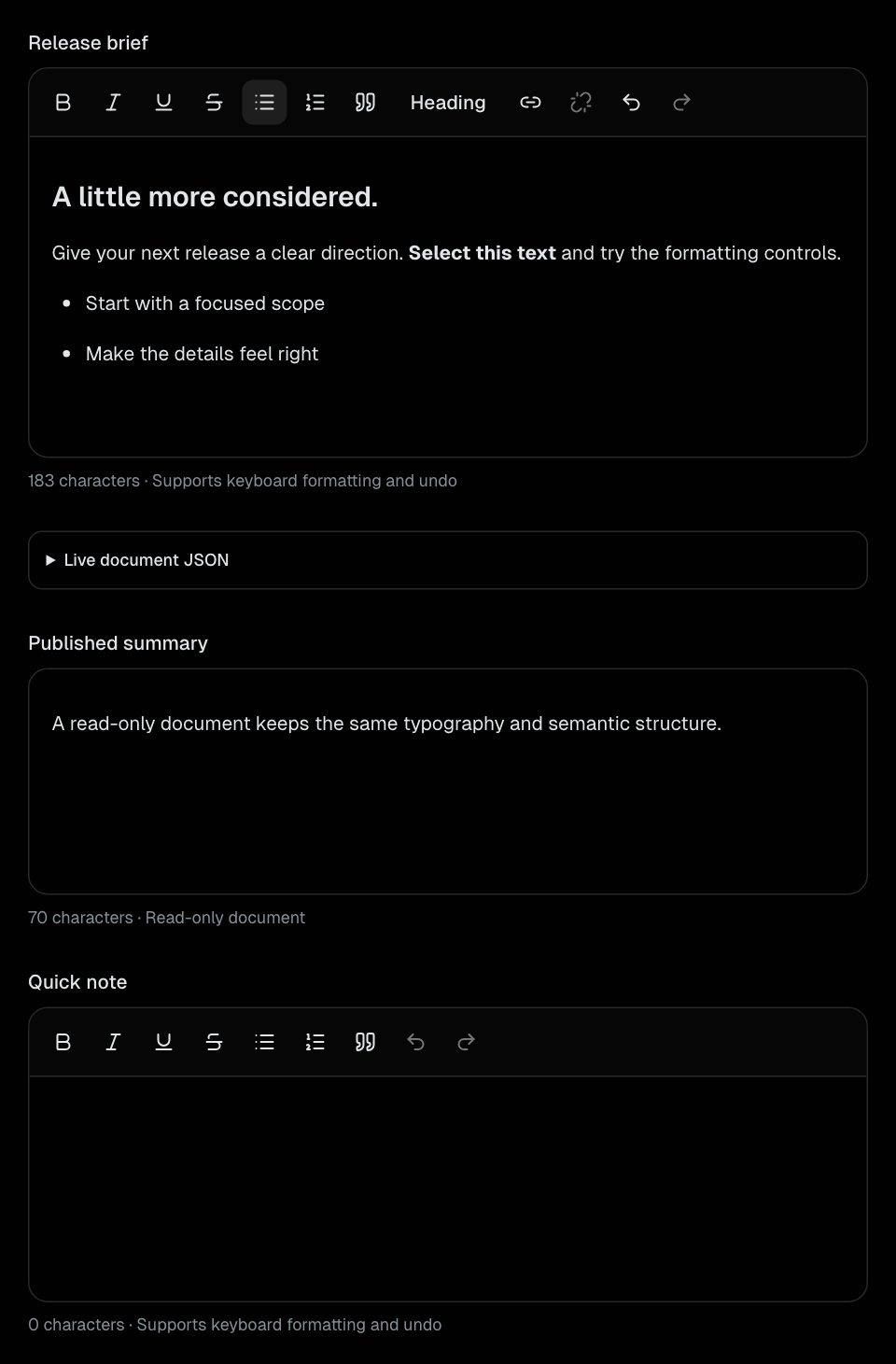
RichTextEditor
Schema-based rich text with formatting, lists, links, undo, and JSON output.
Form
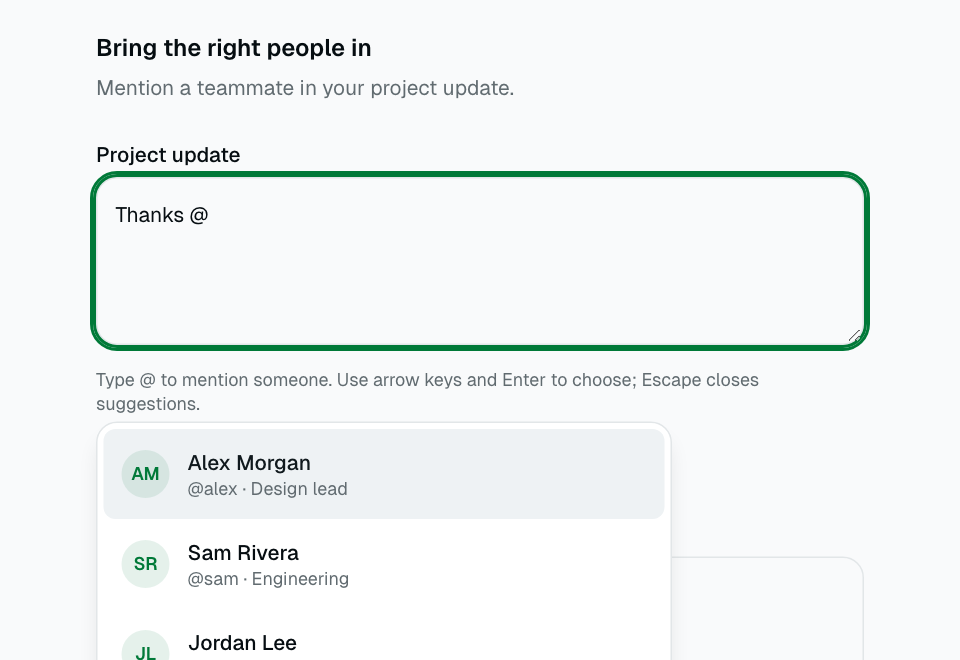
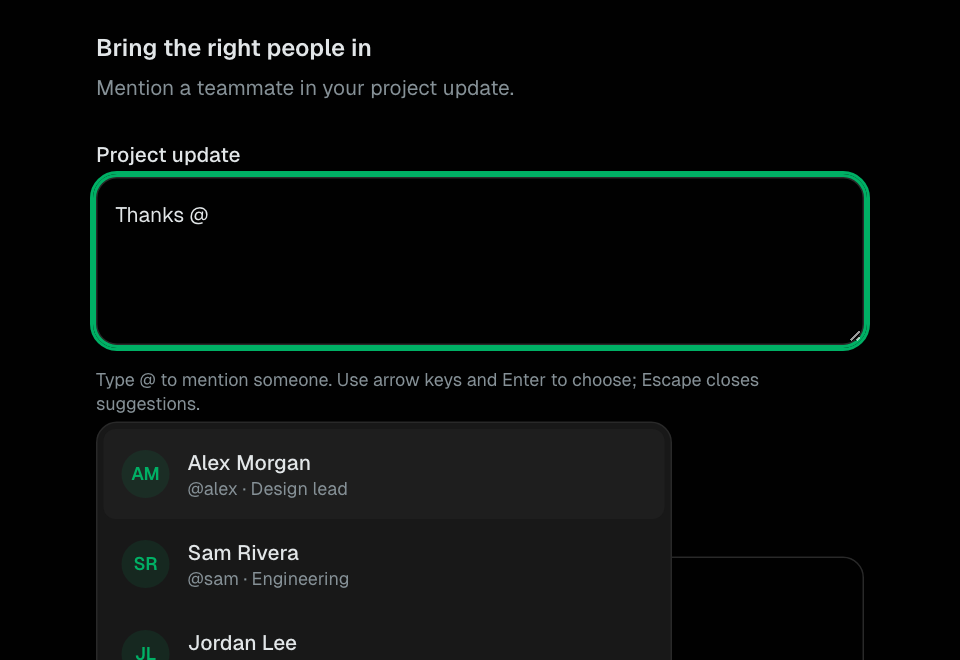
Mentions
Controlled multiline text with local @mention suggestions and keyboard selection.
Form
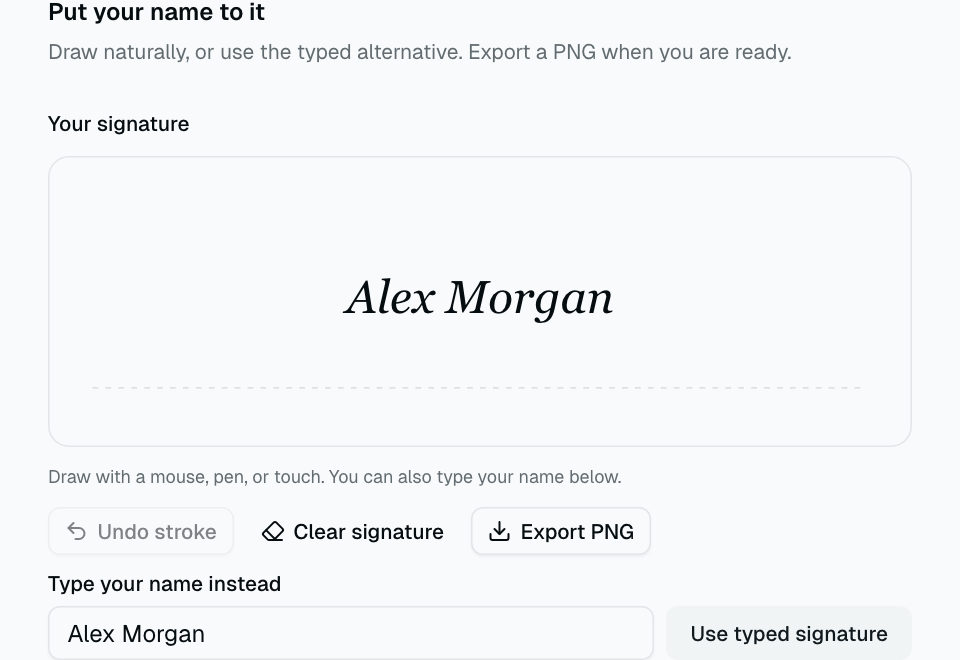
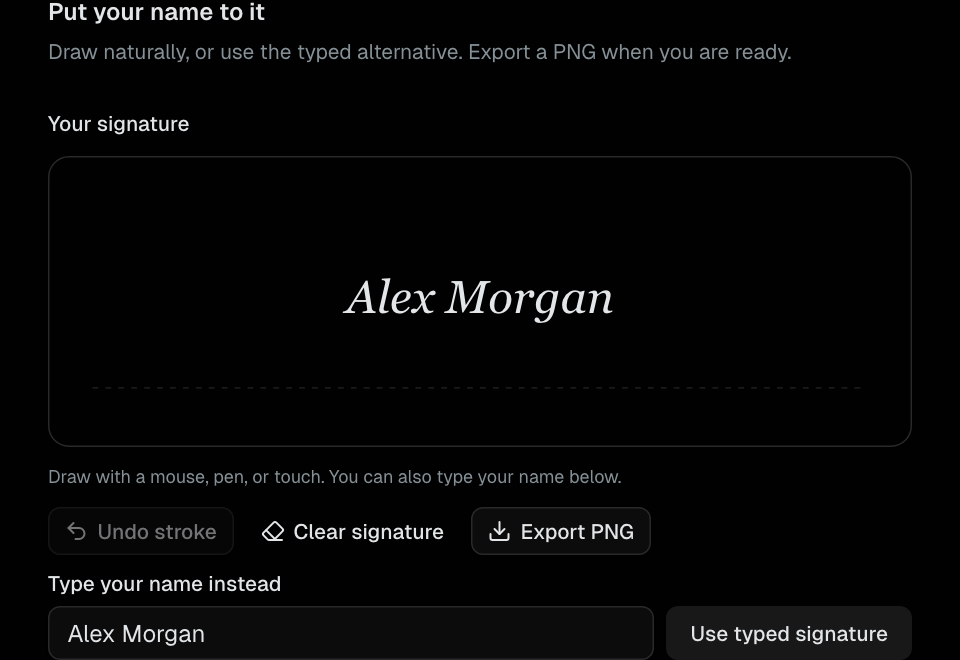
SignaturePad
Responsive pointer signature capture with typed alternative, undo, clear, and PNG export.
Form
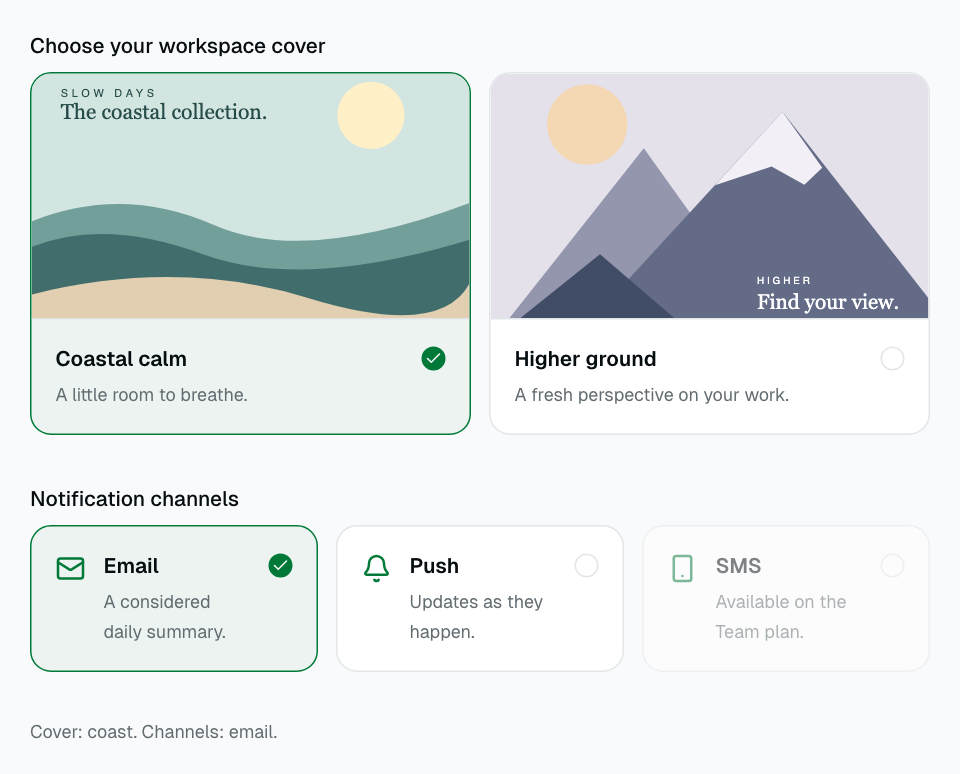
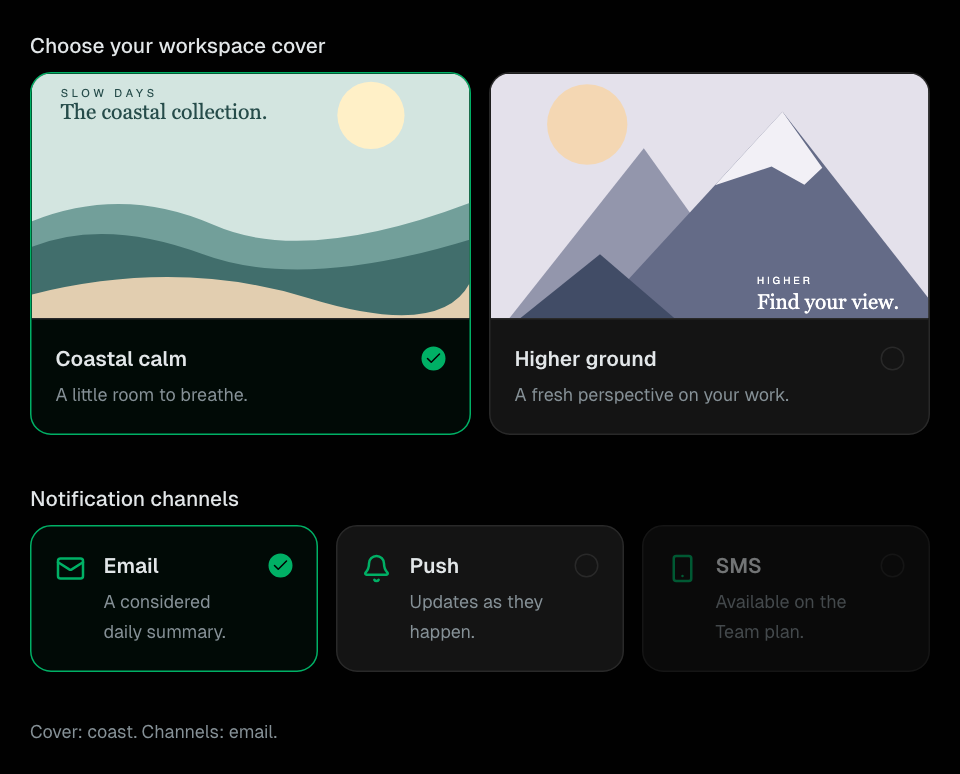
ChoiceCardGroup
Image and icon choices using native single- or multiple-selection form controls.
Form
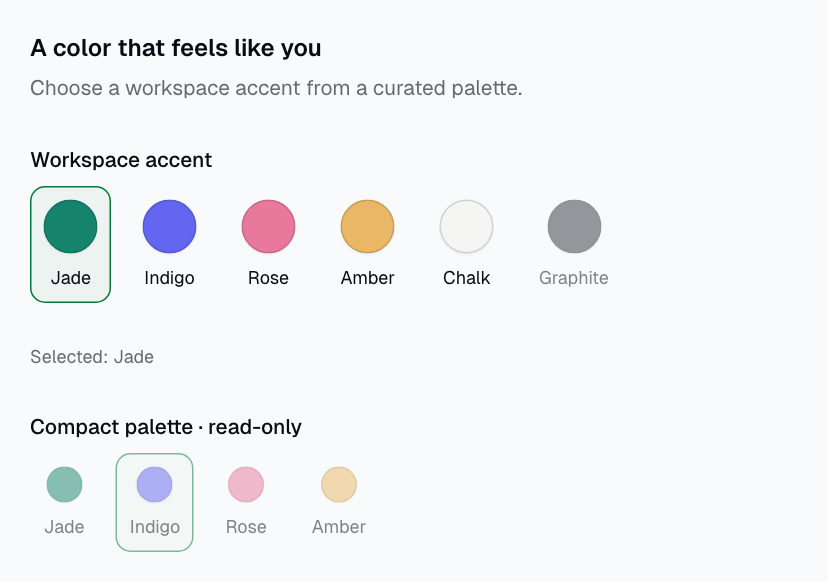
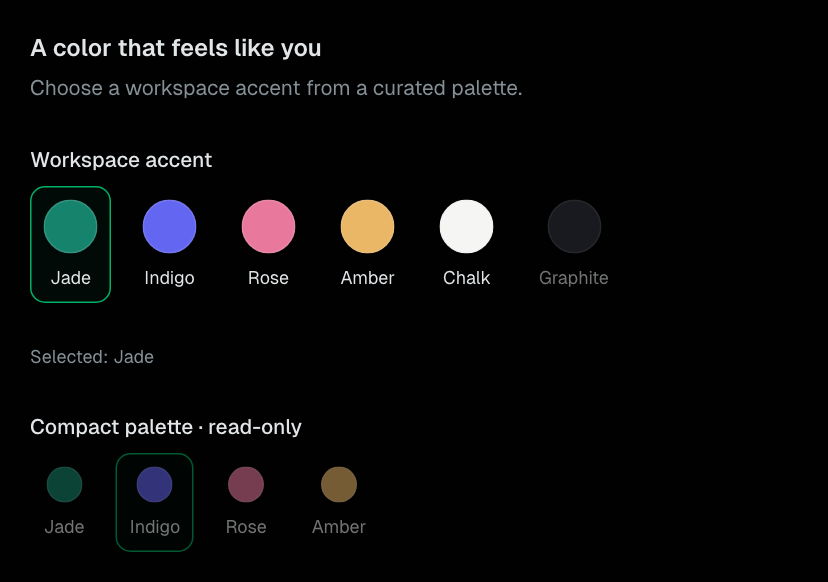
ColorSwatchGroup
A named palette of color choices with native radio semantics.
Form
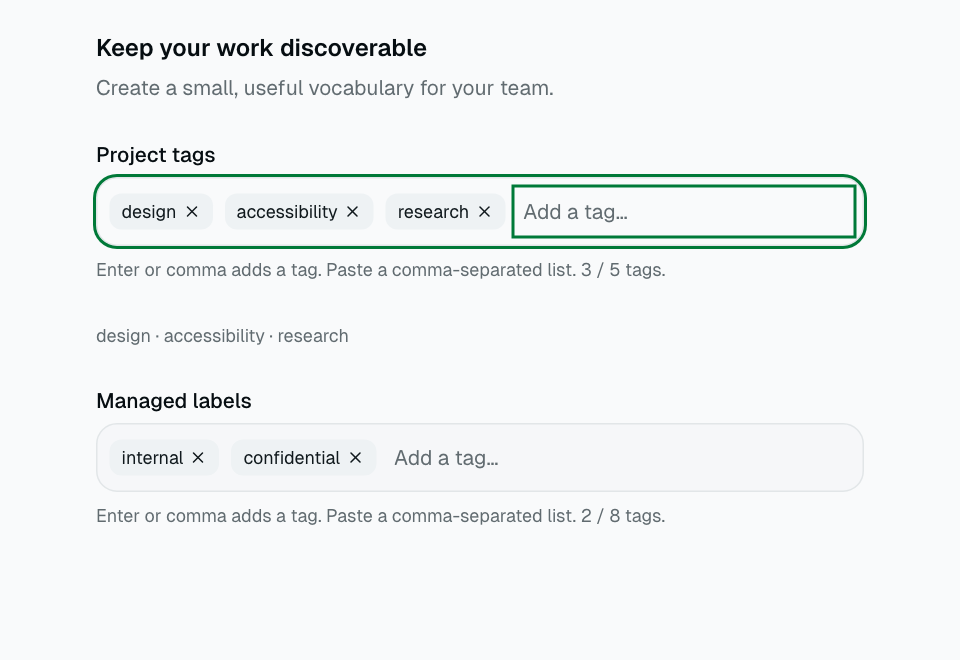
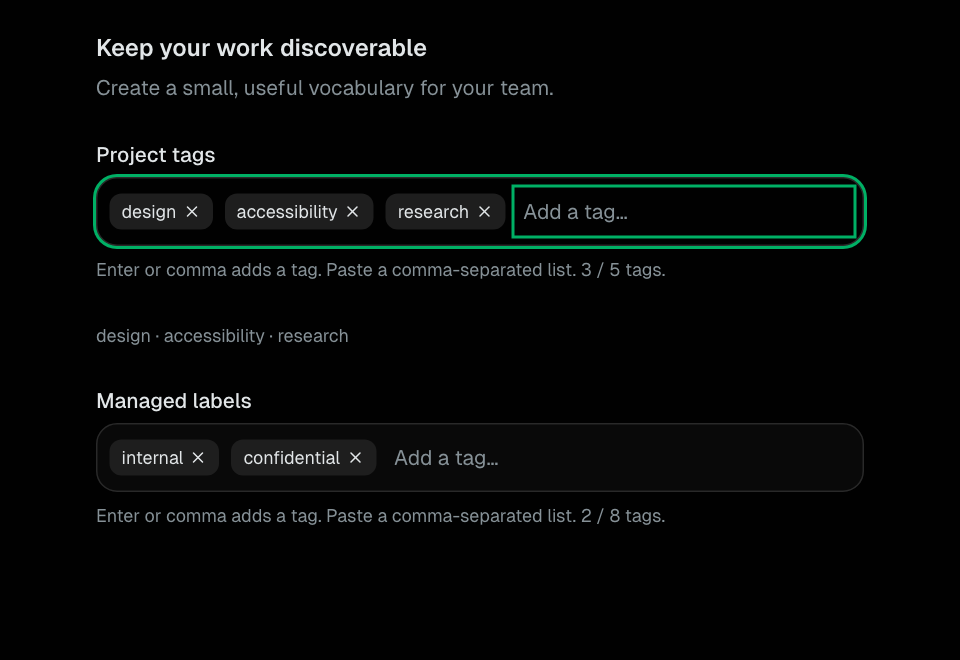
TagInput
Free-form tag creation with case-insensitive deduplication, paste, and explicit limits.
Form
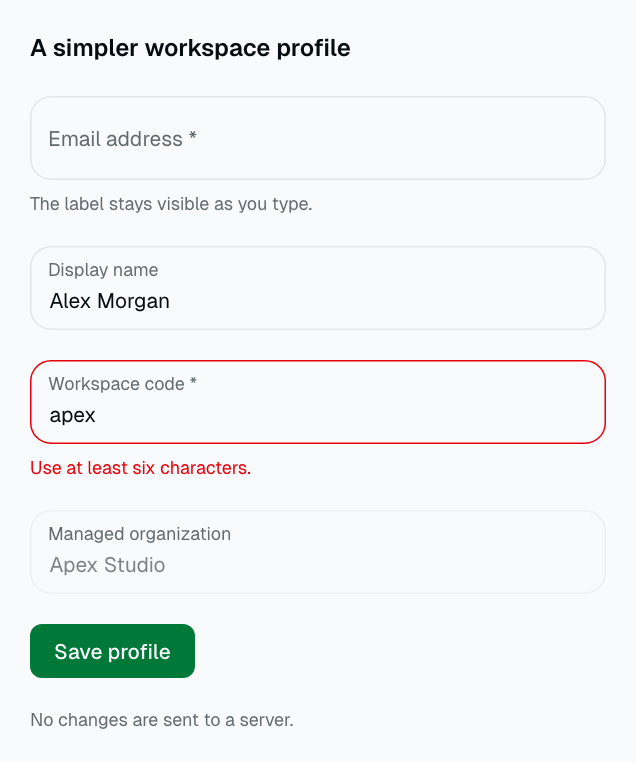
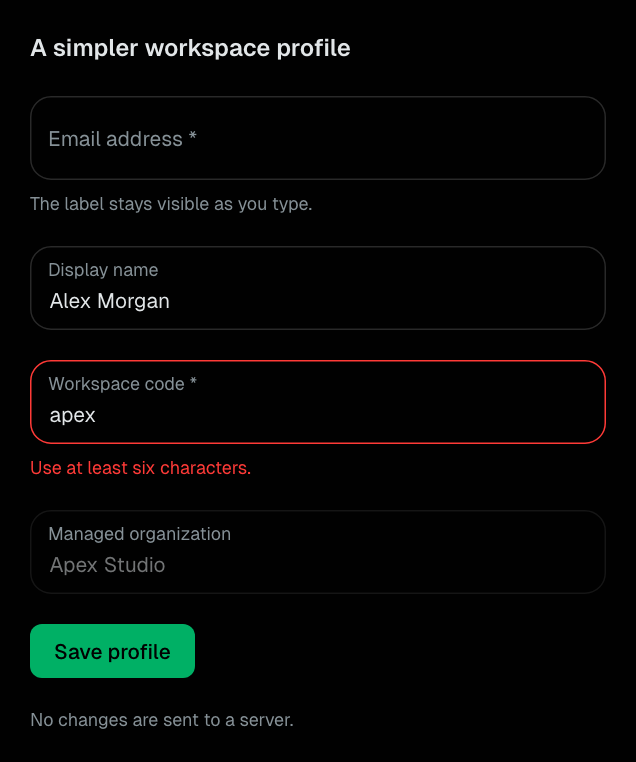
FloatingInput
A persistent floating label for text-like native inputs with linked guidance.
Form
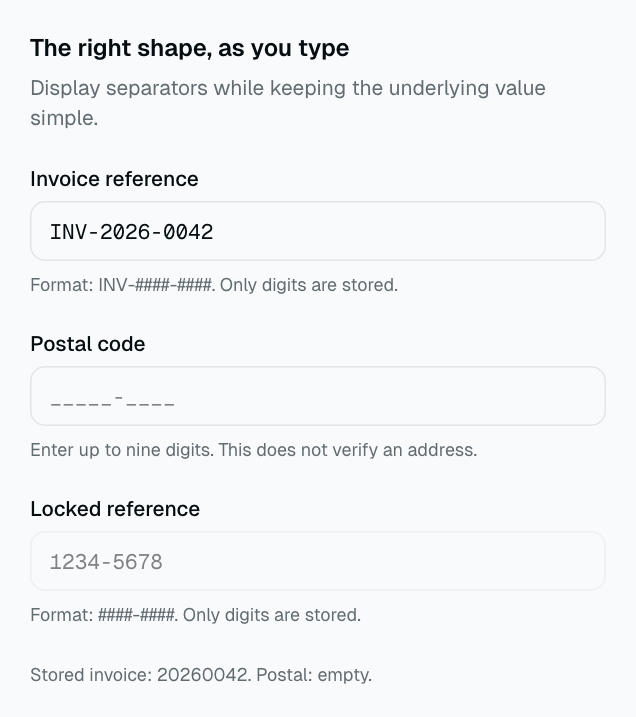
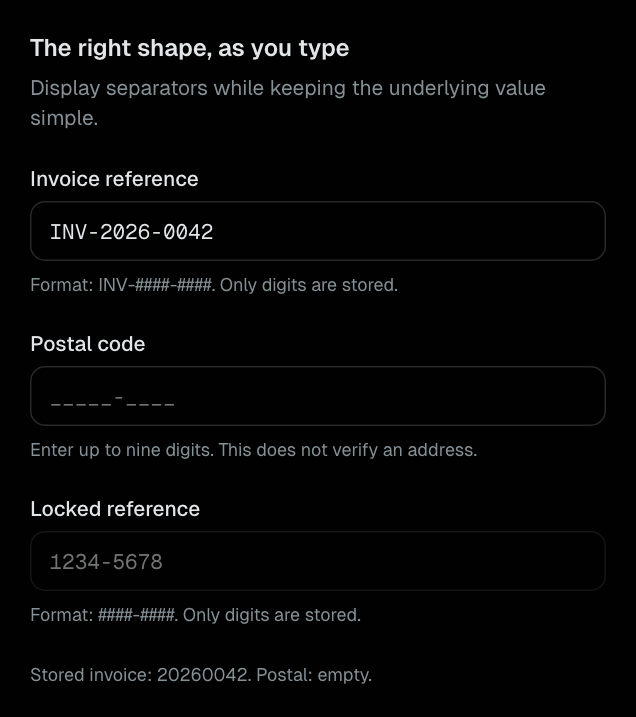
MaskedInput
Digit-only formatted entry with raw values and caret-aware separator editing.
Form
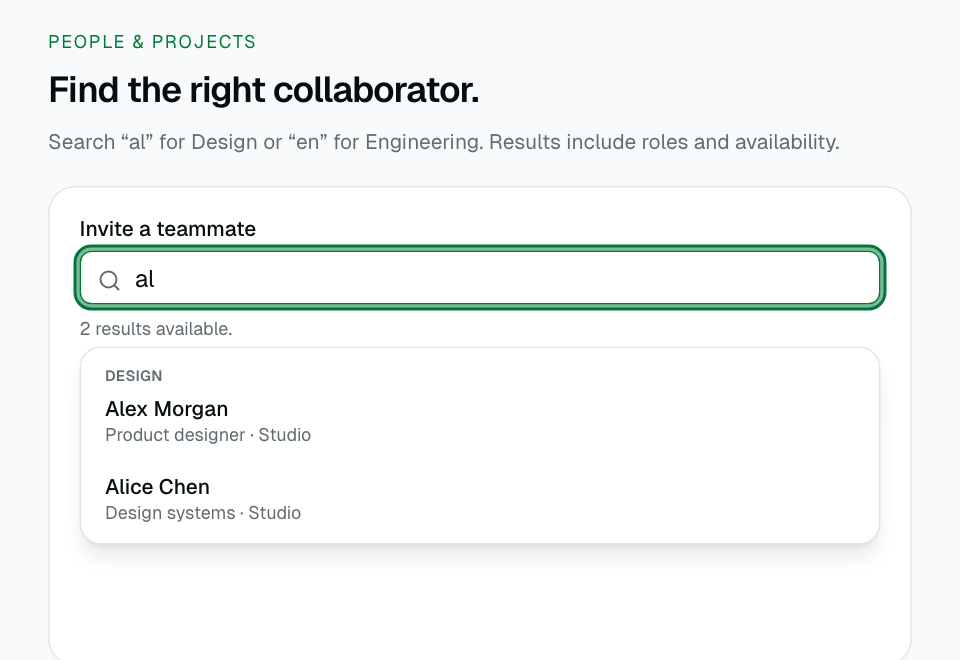
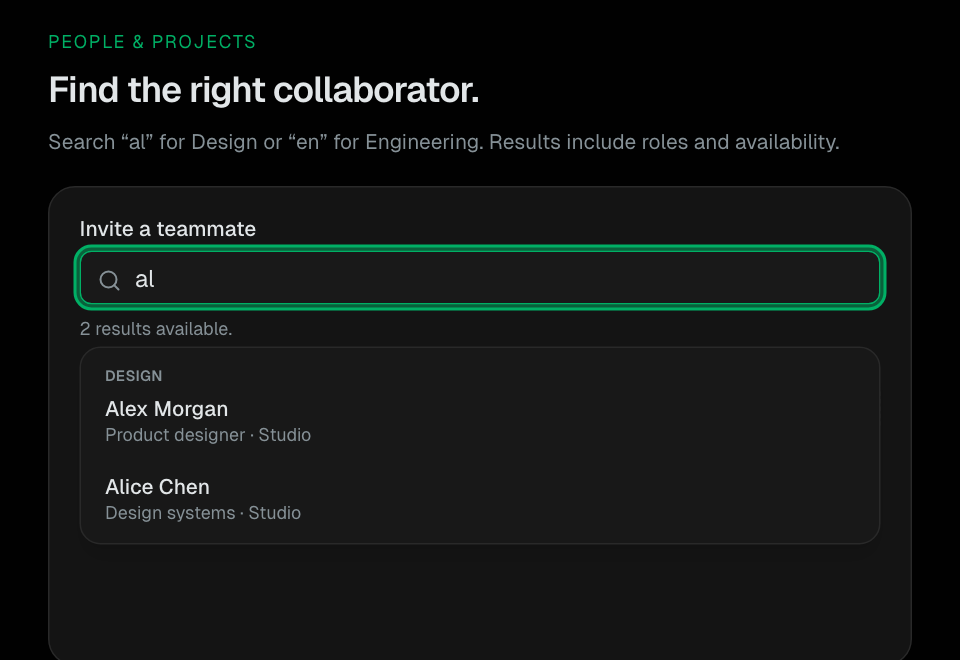
AsyncAutocomplete
Remote-style search with cancellation, grouped results, and clear loading, empty, and error states.
Form
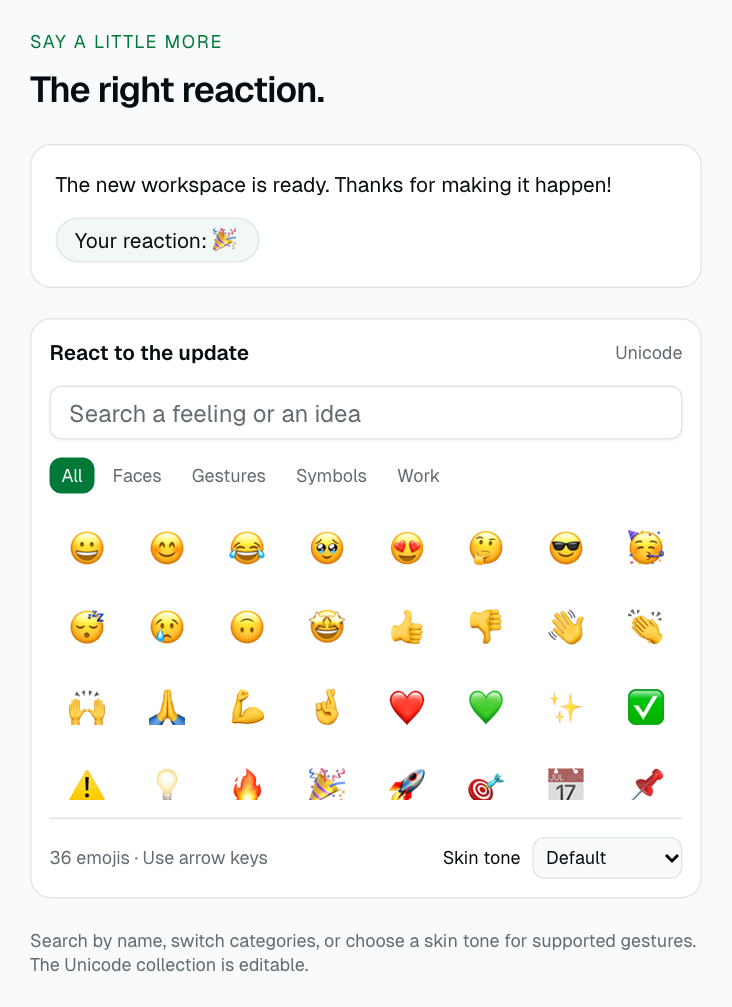
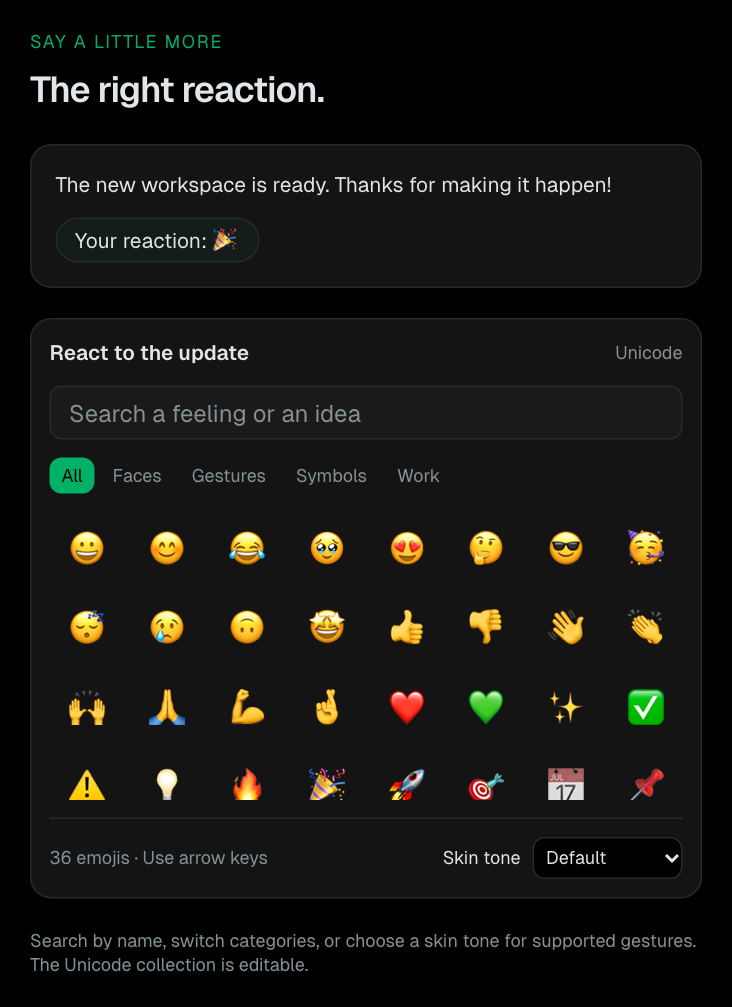
EmojiPicker
Searchable Unicode reactions with categories, skin tones, and an optional popover trigger.
Form
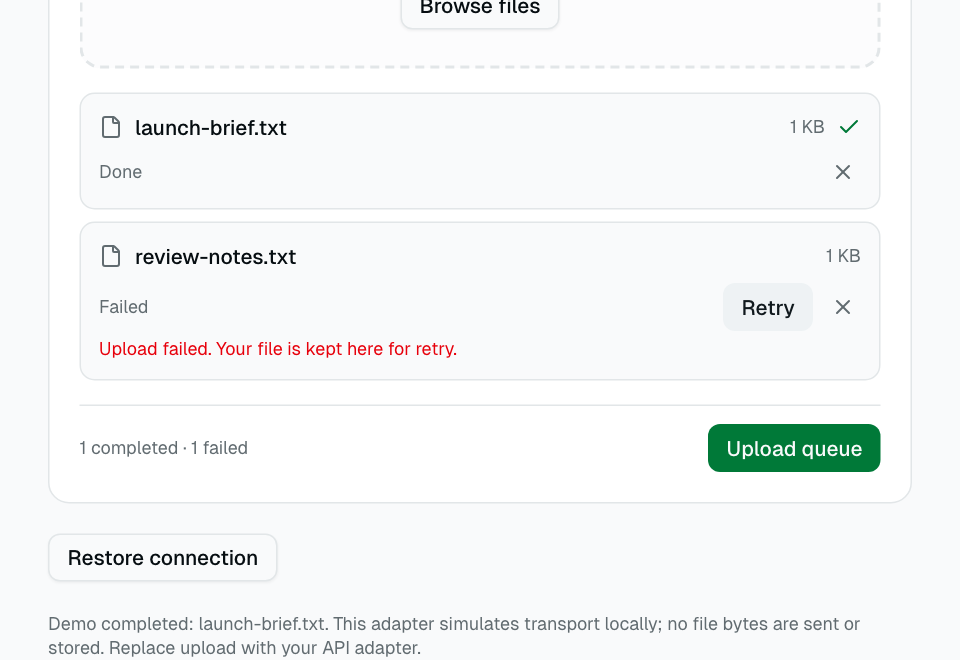
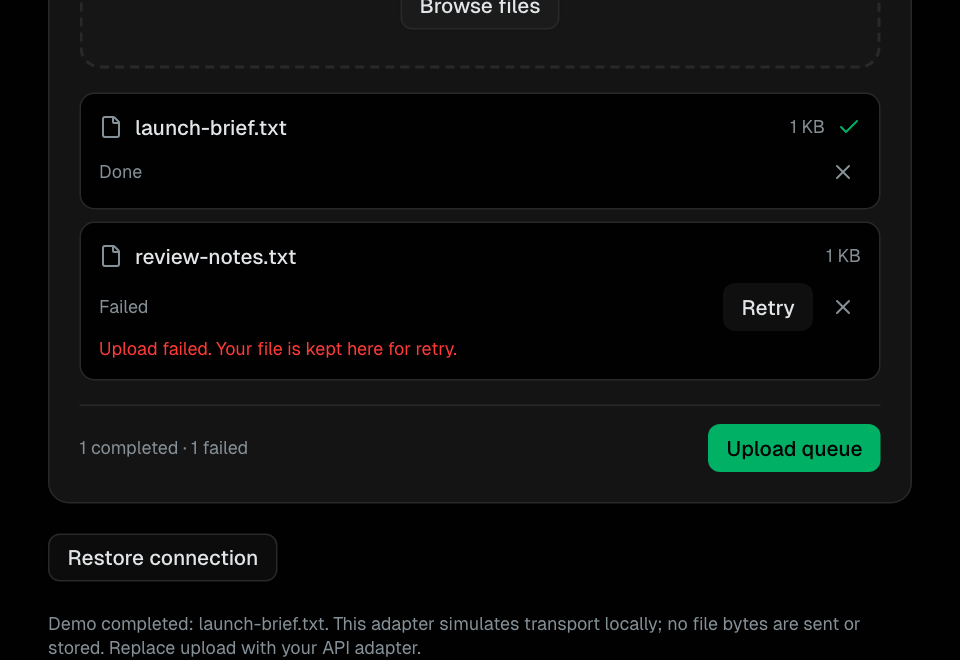
UploadQueue
Actual file selection with validation, progress, cancellation, retry, and an explicit upload adapter.
Form
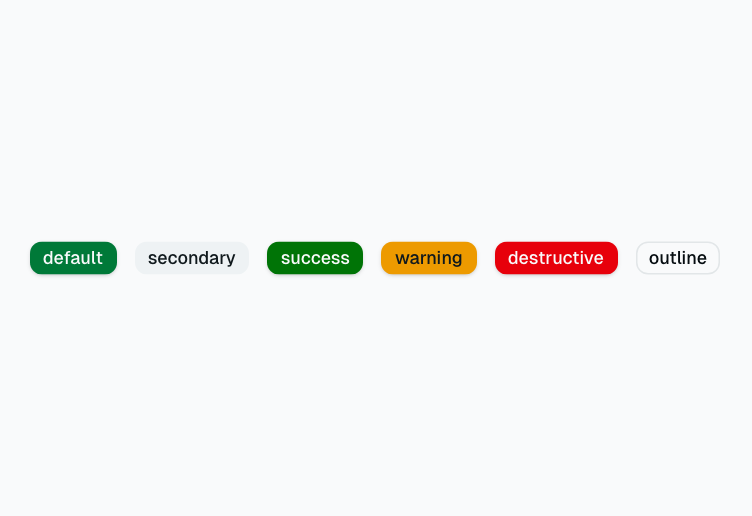
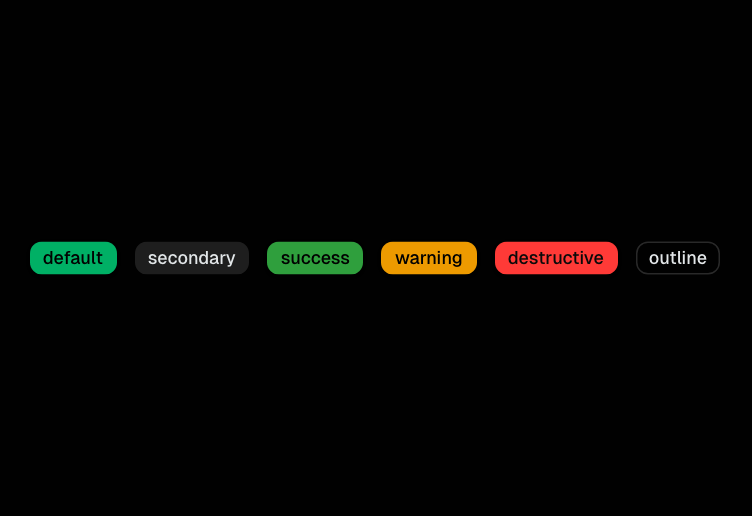
Badge
Small status label with color variants: default, secondary, destructive, success, warning, outline.
Data Display
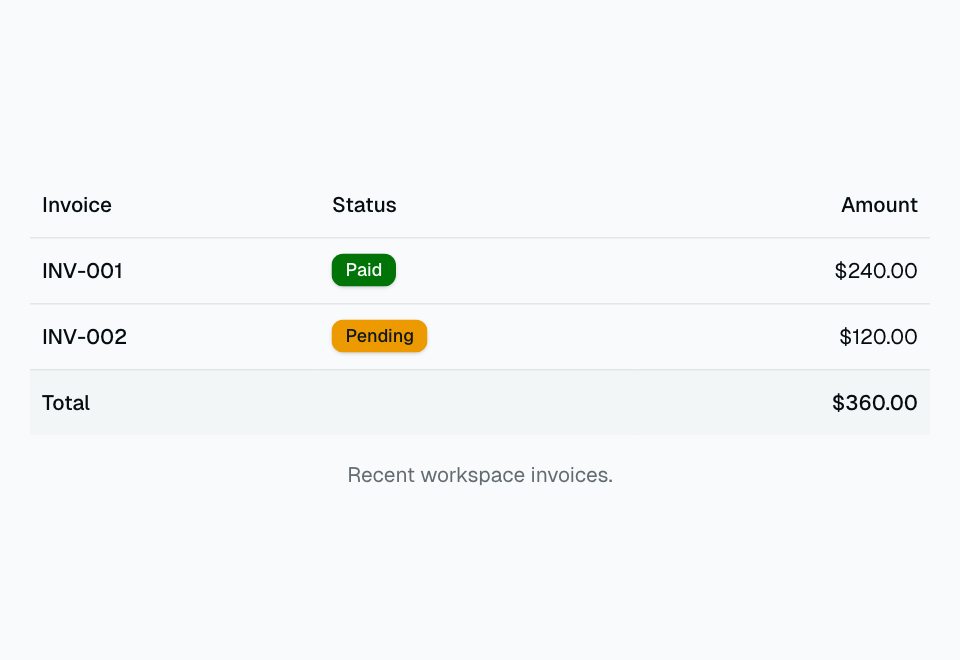
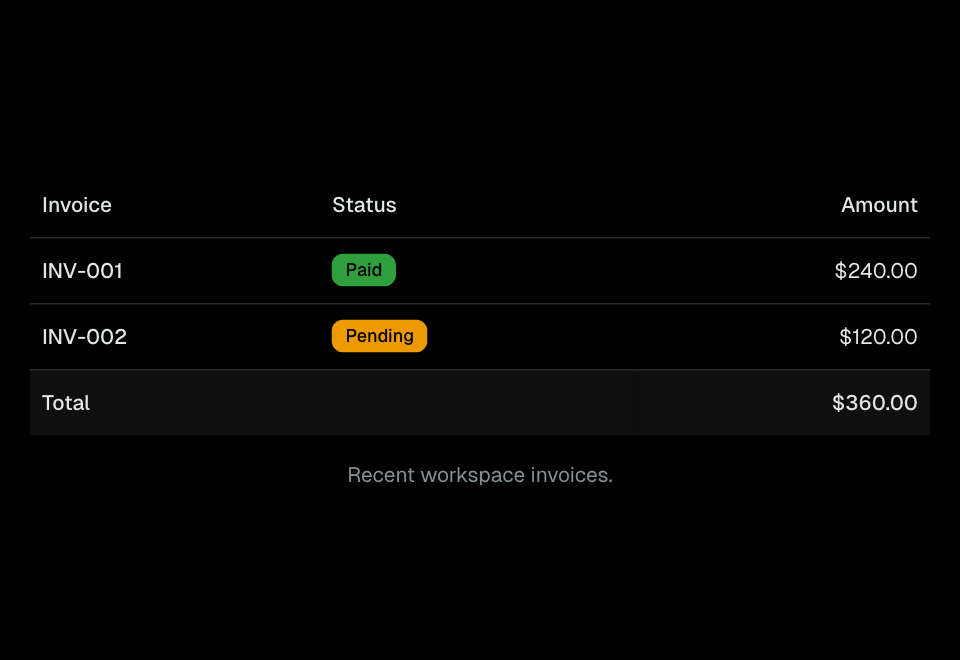
Table
HTML table primitives (Table, TableHeader, TableBody, TableRow, TableCell) with consistent styling.
Data Display
Avatar
User avatar with image and fallback initials support.
Data Display
Progress
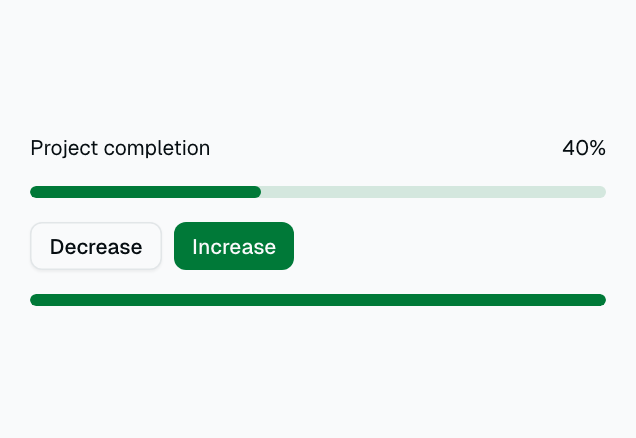
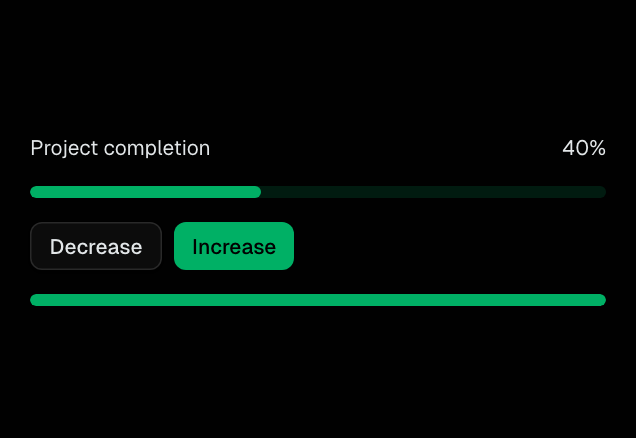
Horizontal progress bar with animated fill.
Data Display


Skeleton
Loading placeholder with pulse animation for content that is still loading.
Data Display
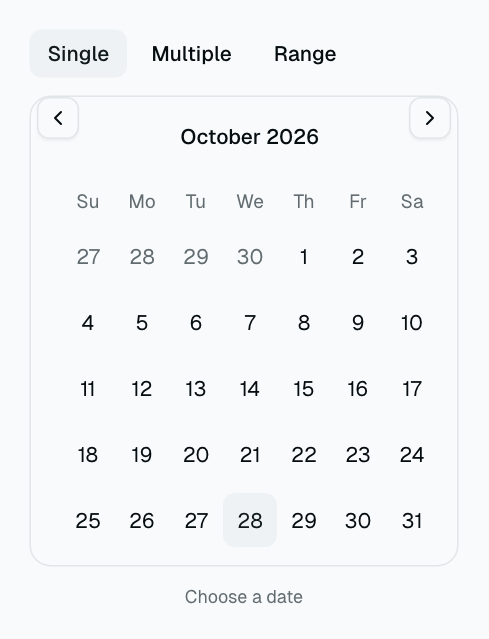
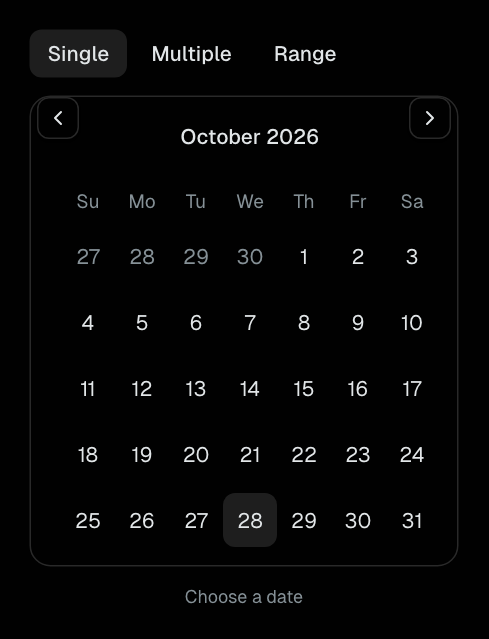
Calendar
Calendar for single, multiple, or range date selection.
Data Display
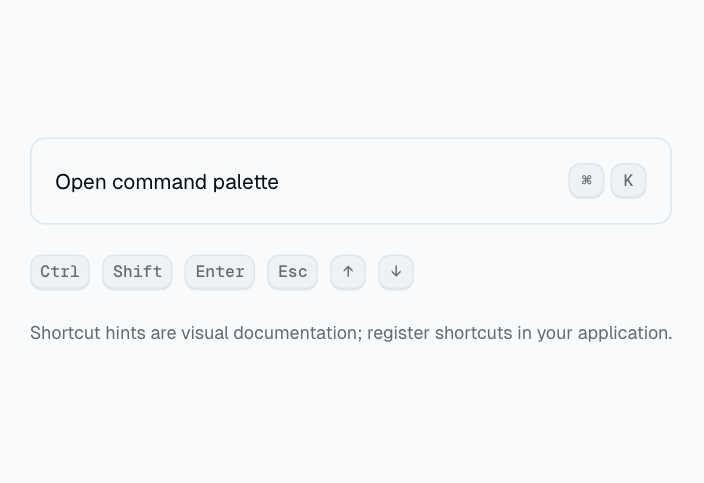
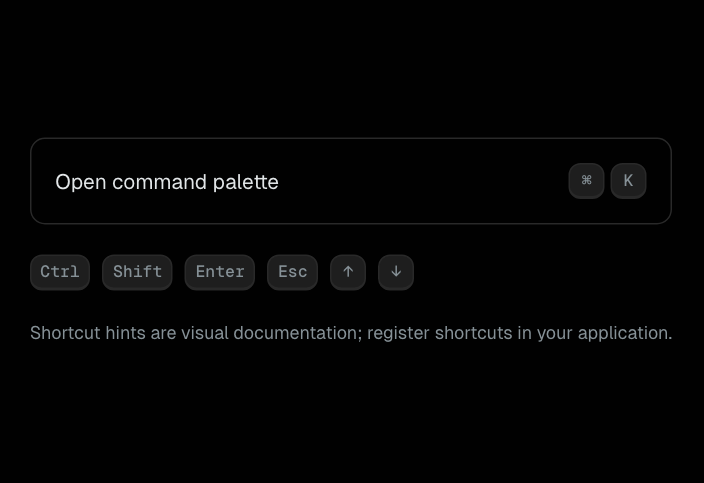
Kbd
Semantic keyboard-key hints for shortcuts and instructions.
Data Display
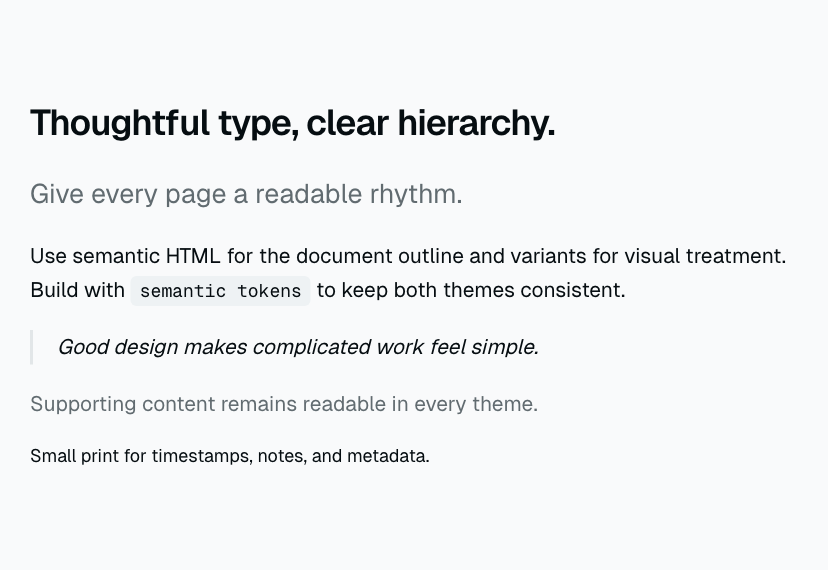
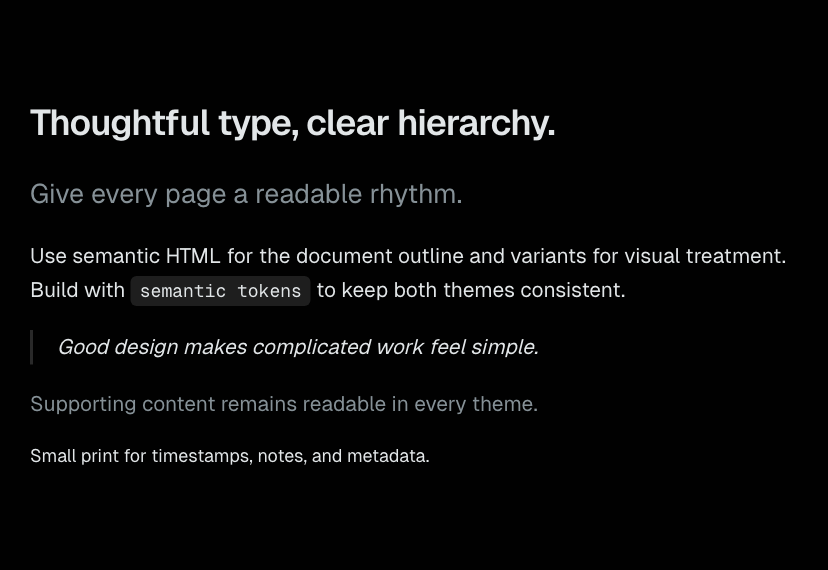
Typography
Semantic text elements with consistent visual roles.
Data Display
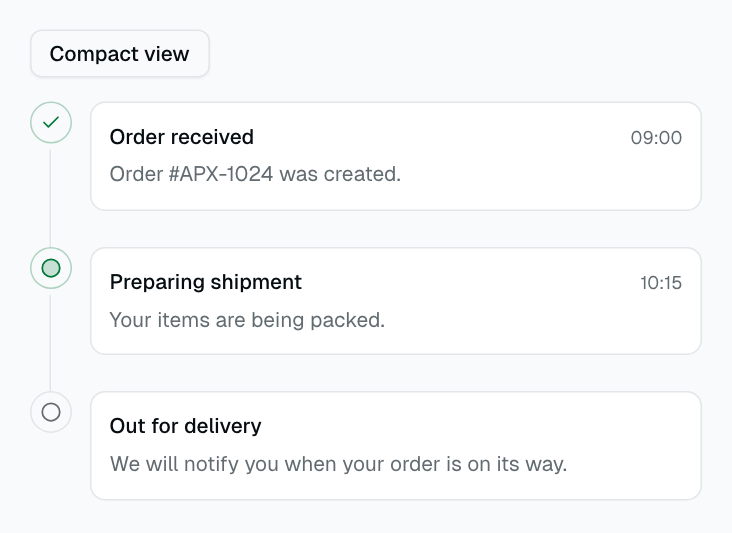
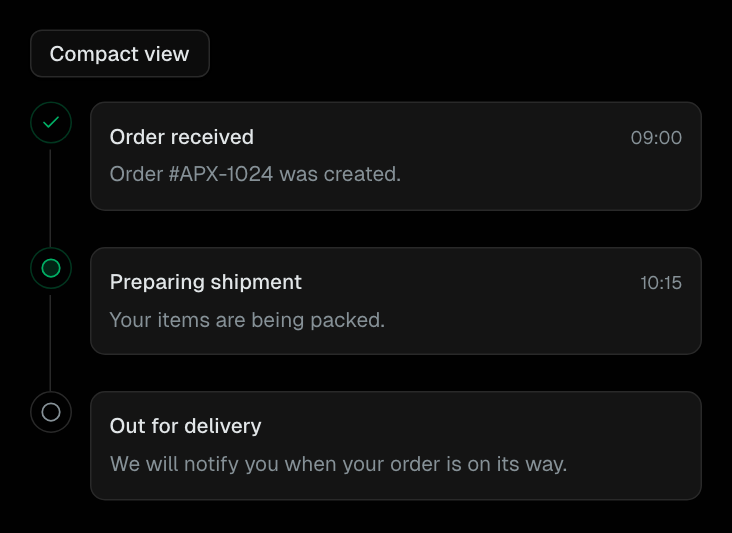
Timeline
Chronological events with status, timestamps, and compact/card layouts.
Data Display
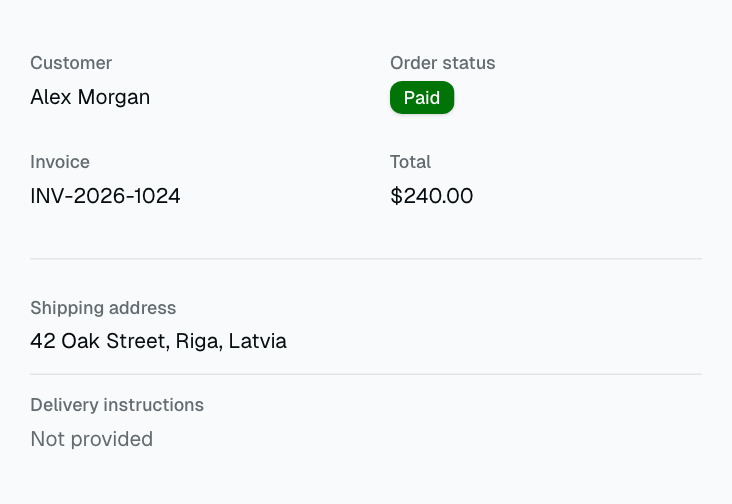
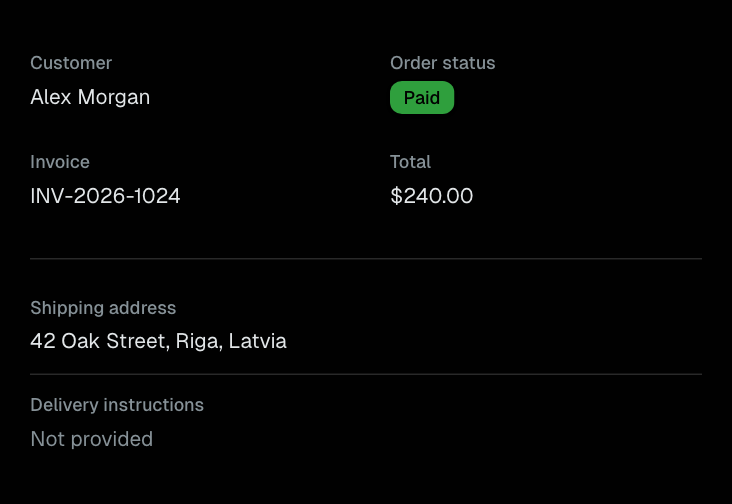
DescriptionList
Semantic term/value details in one or two responsive columns.
Data Display
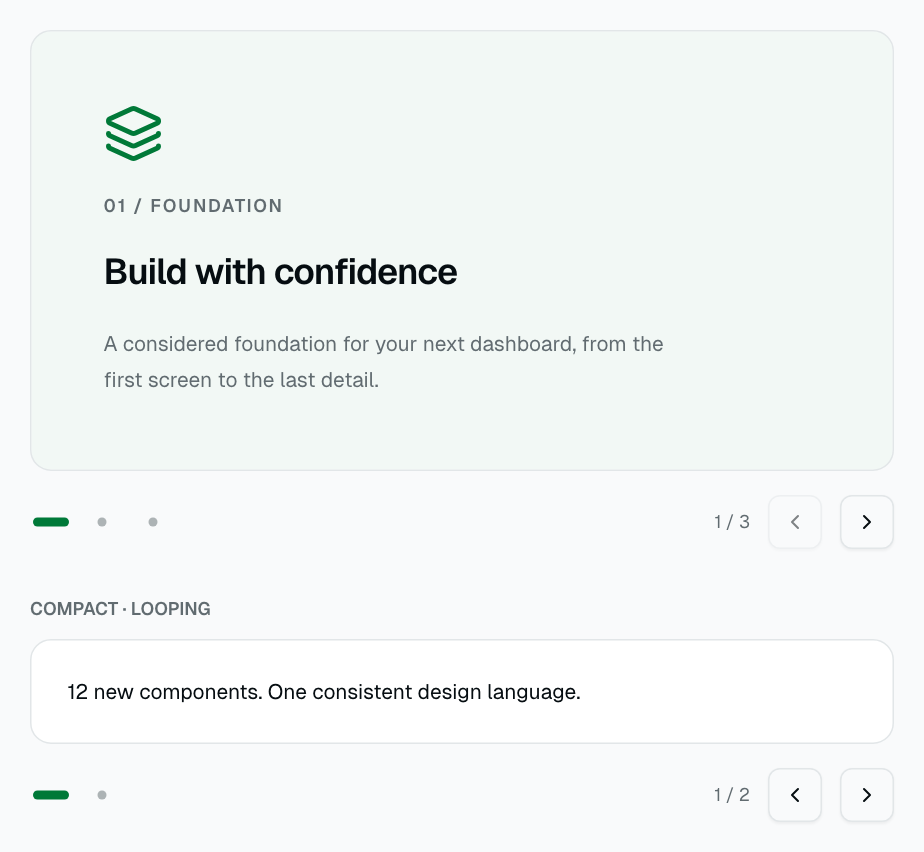

Carousel
Manually navigated slides with bounded or looping controls and RTL keyboard support.
Data Display
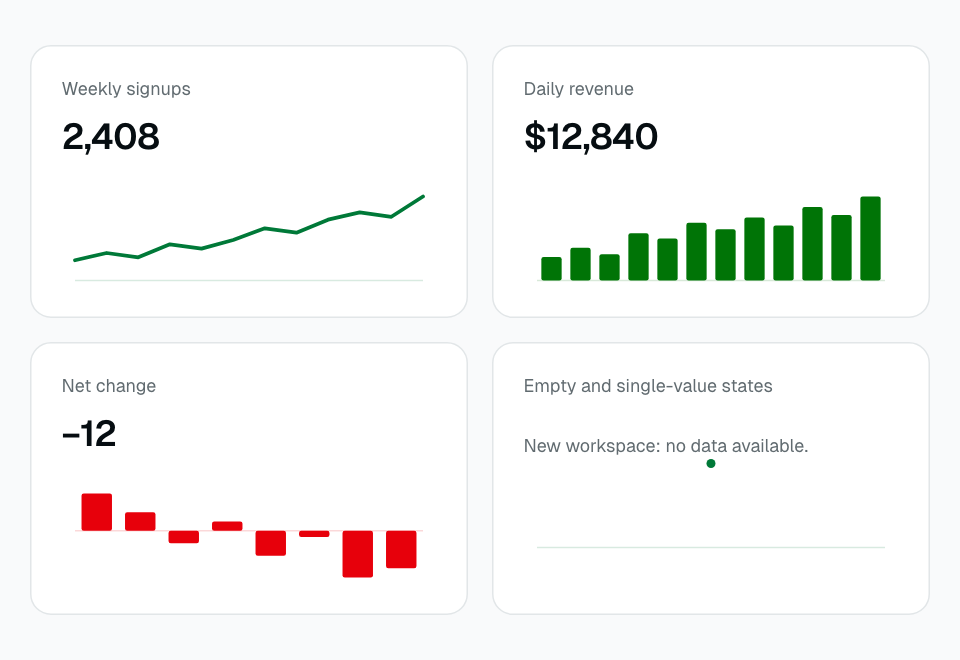
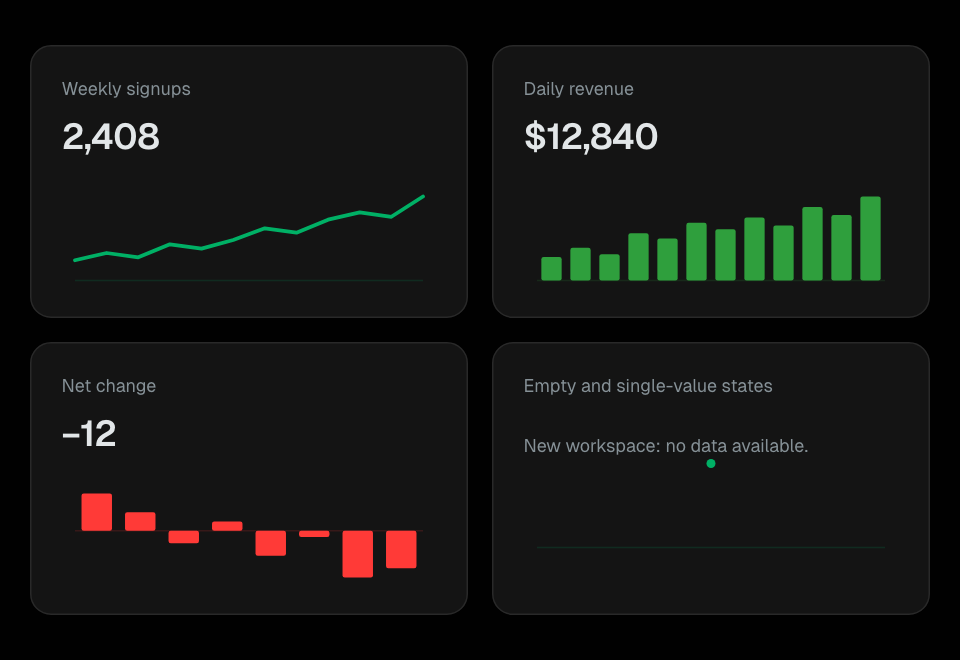
Sparkline
Dependency-free SVG line and bar summaries, including negative and constant data.
Data Display
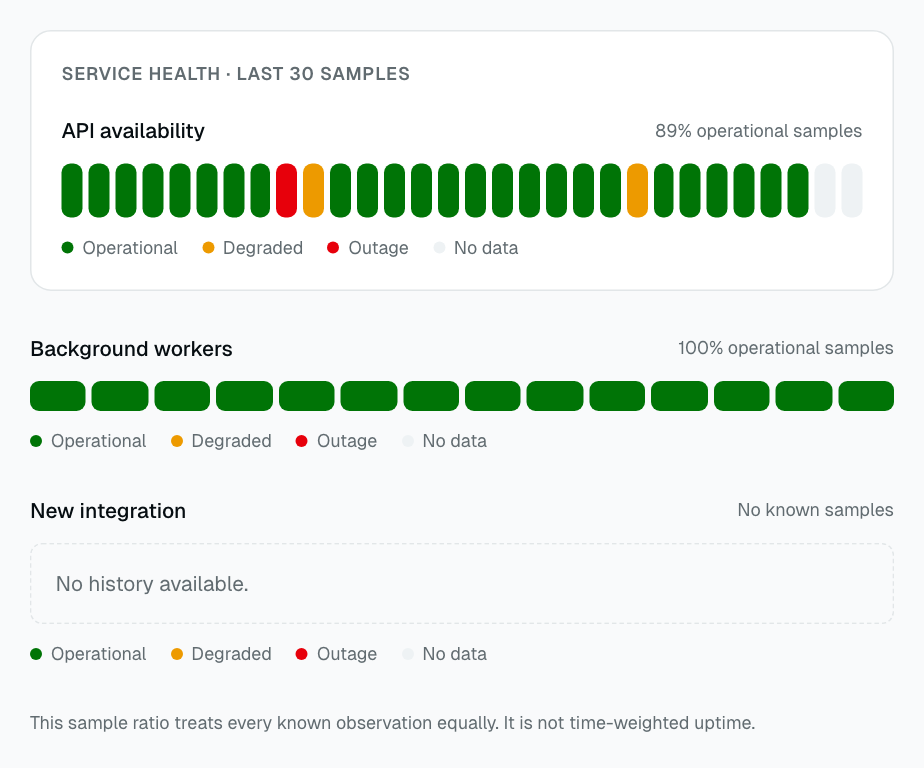
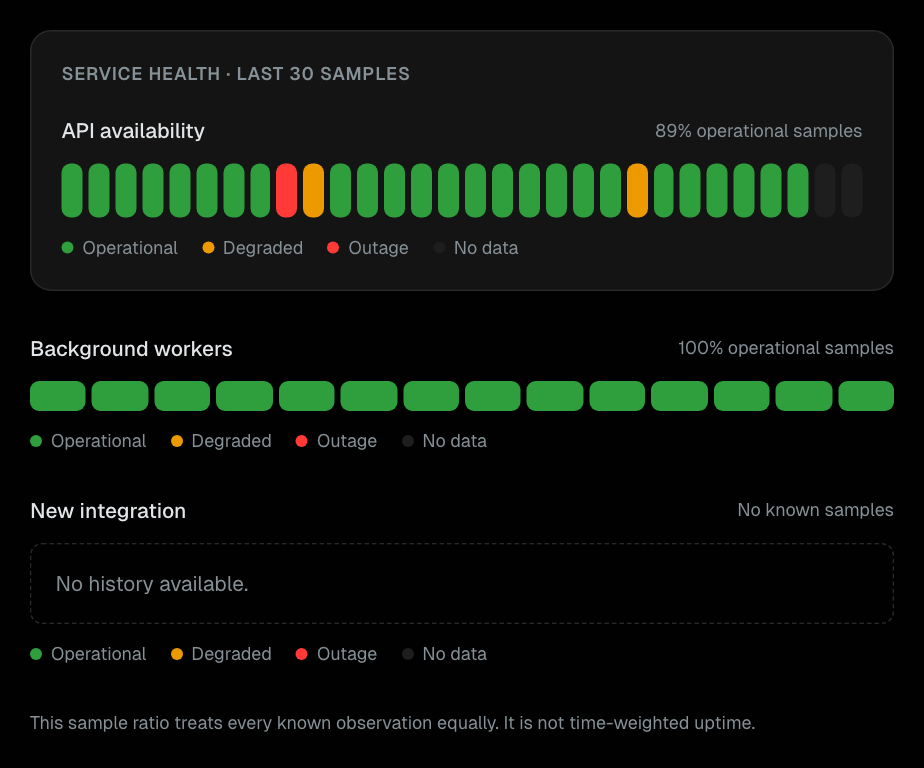
Tracking
Compact service history with labeled samples and a full text legend.
Data Display
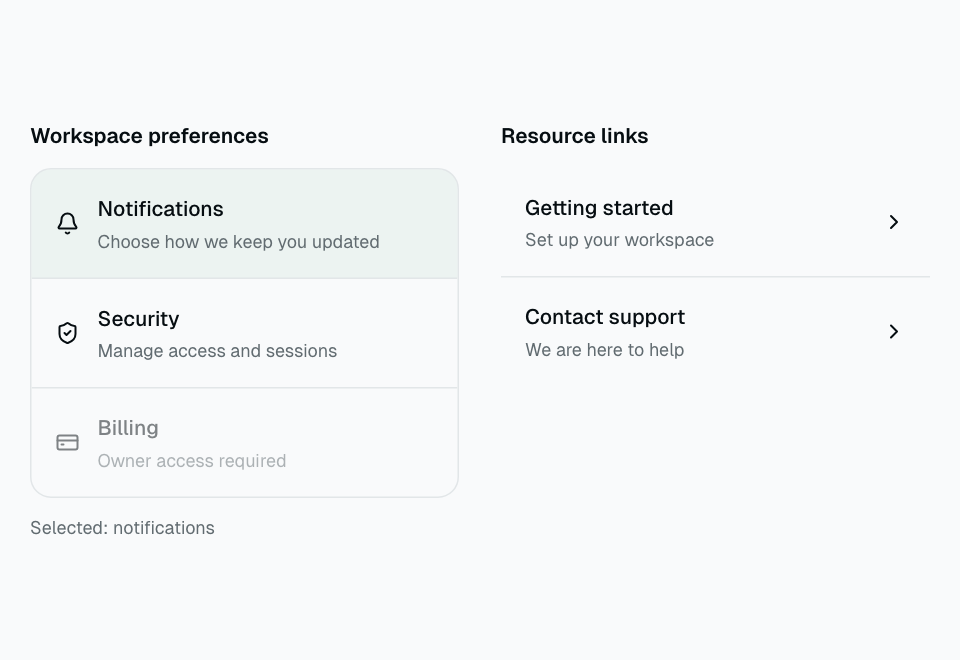
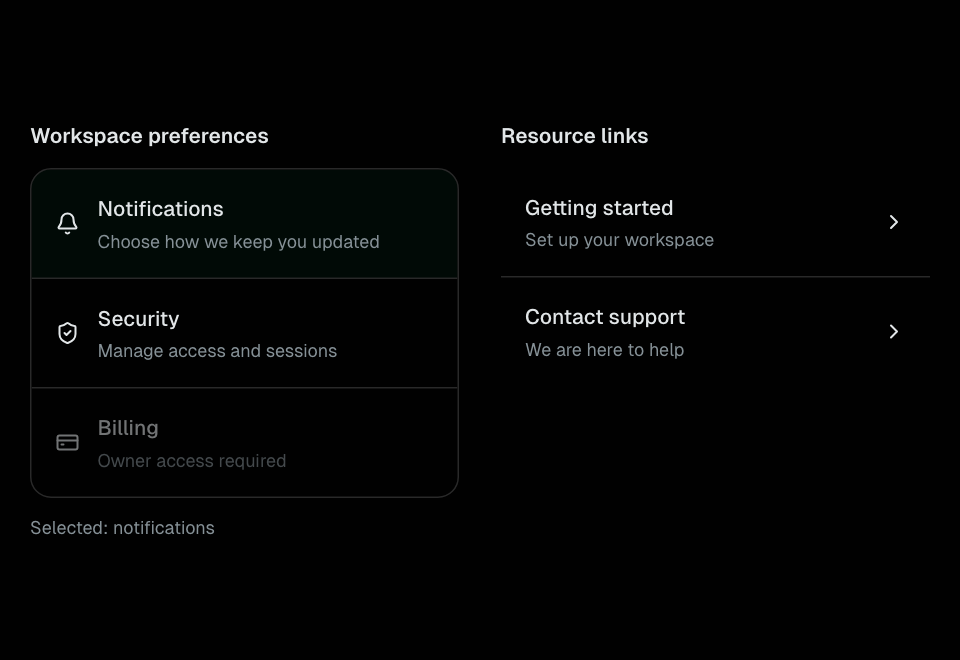
ListGroup
Semantic lists for resource links, single-choice actions, and static information.
Data Display
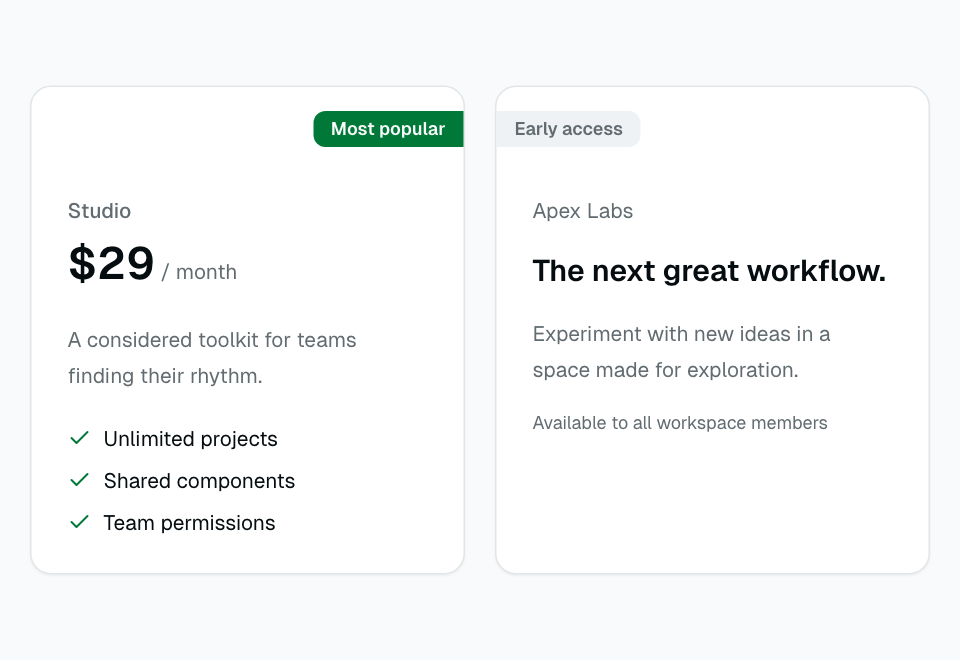
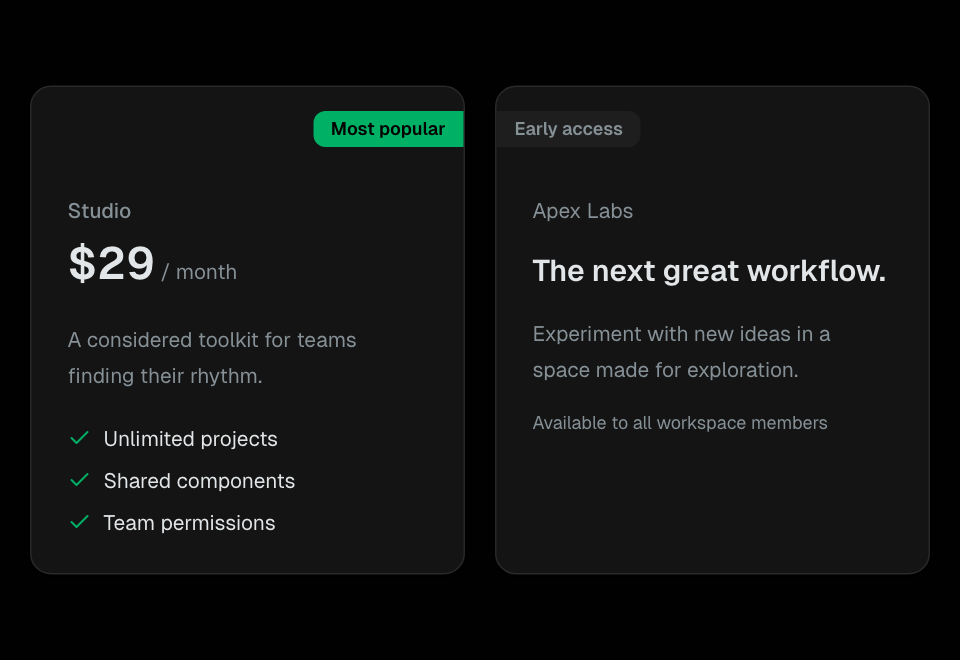
Ribbon
Logical-corner card labels for featured plans and early-access content.
Data Display
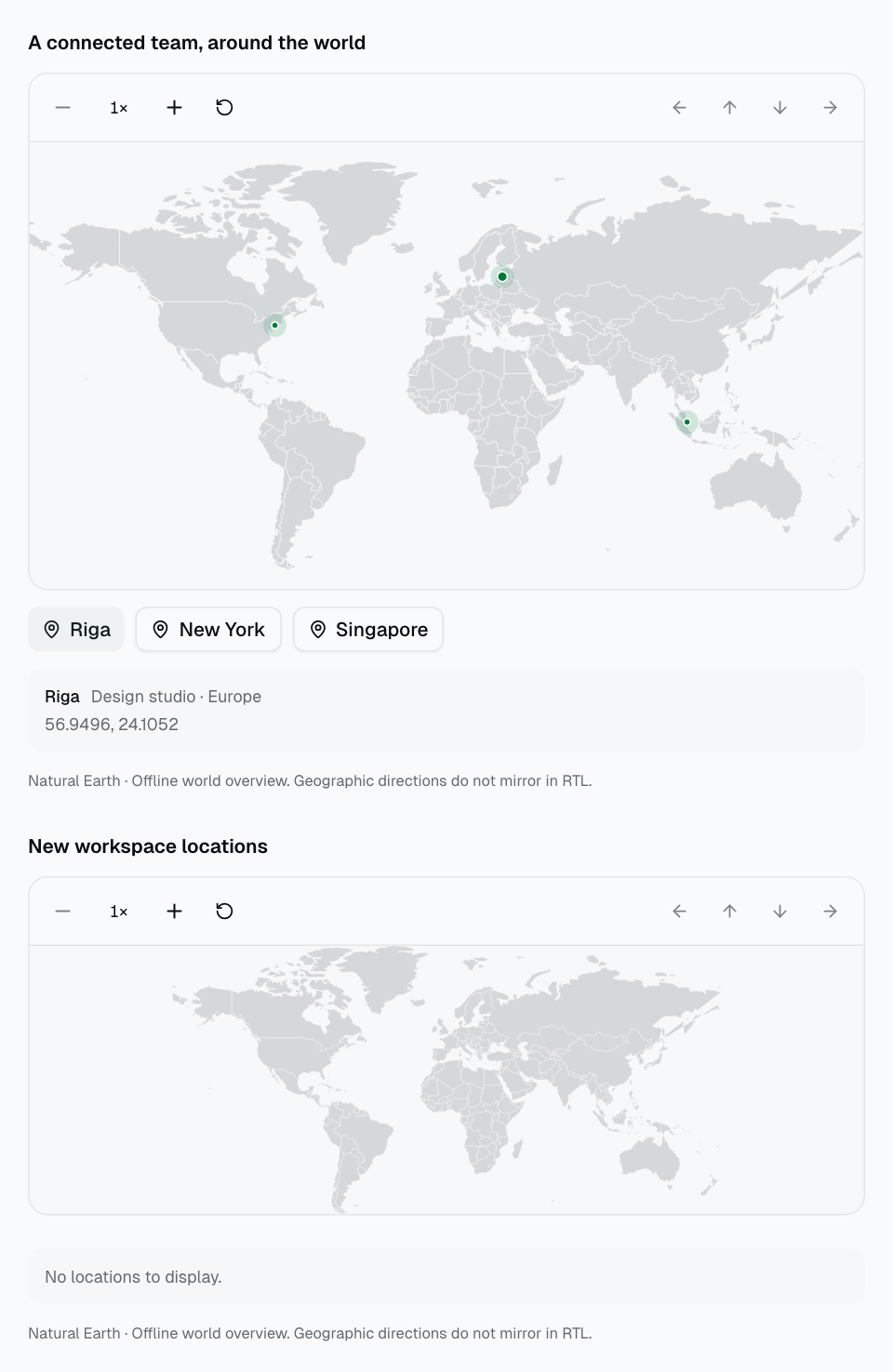
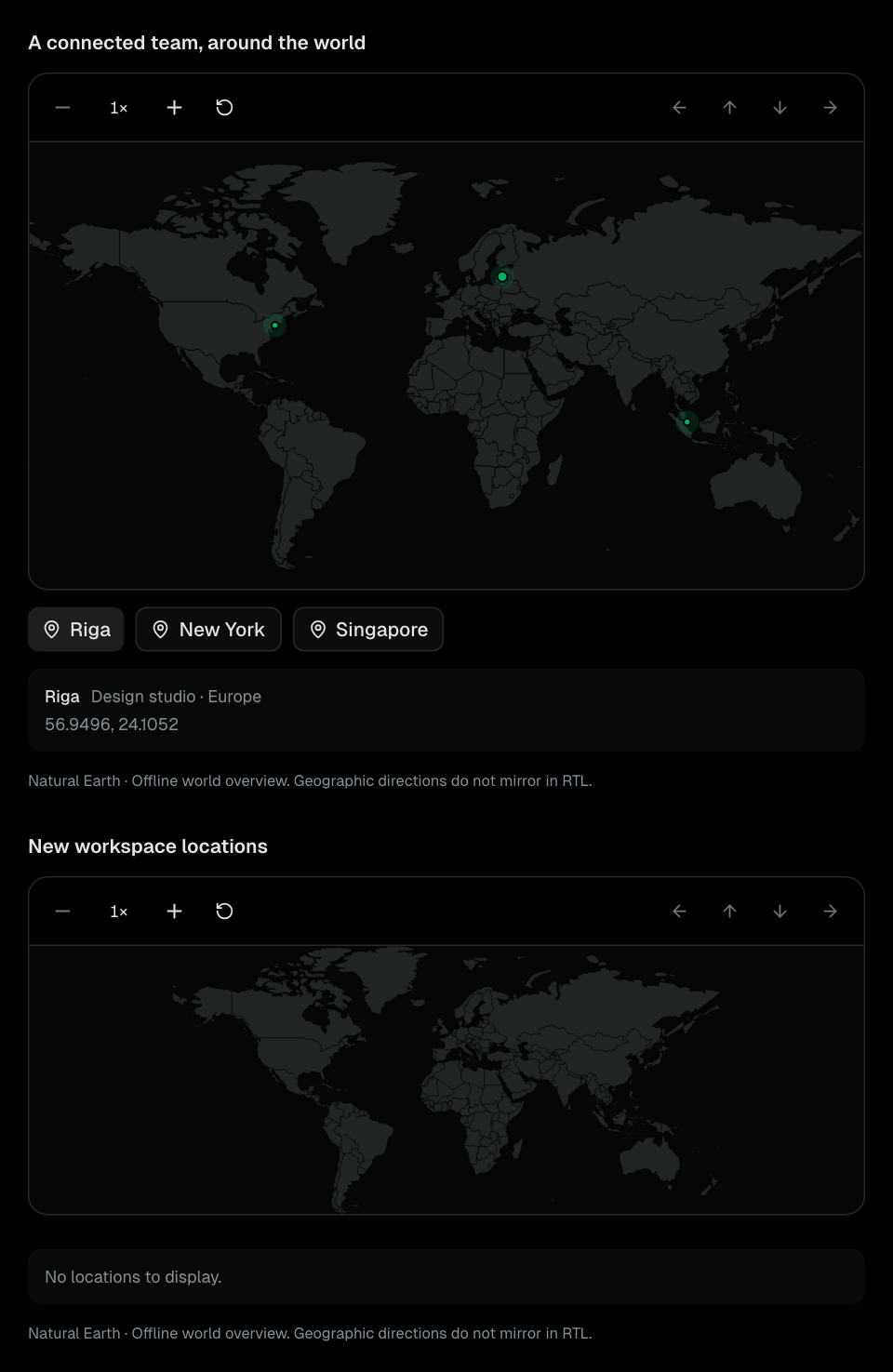
LocationMap
Offline world overview with geographic markers, selection, zoom, and pan.
Data Display
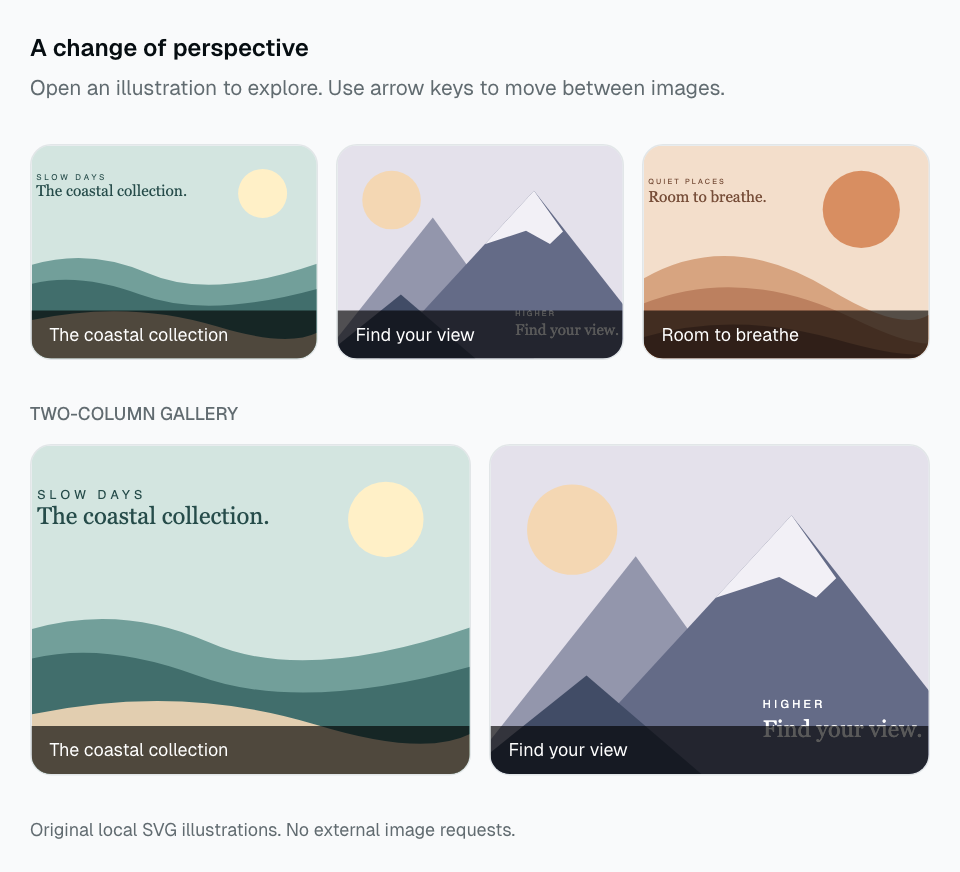
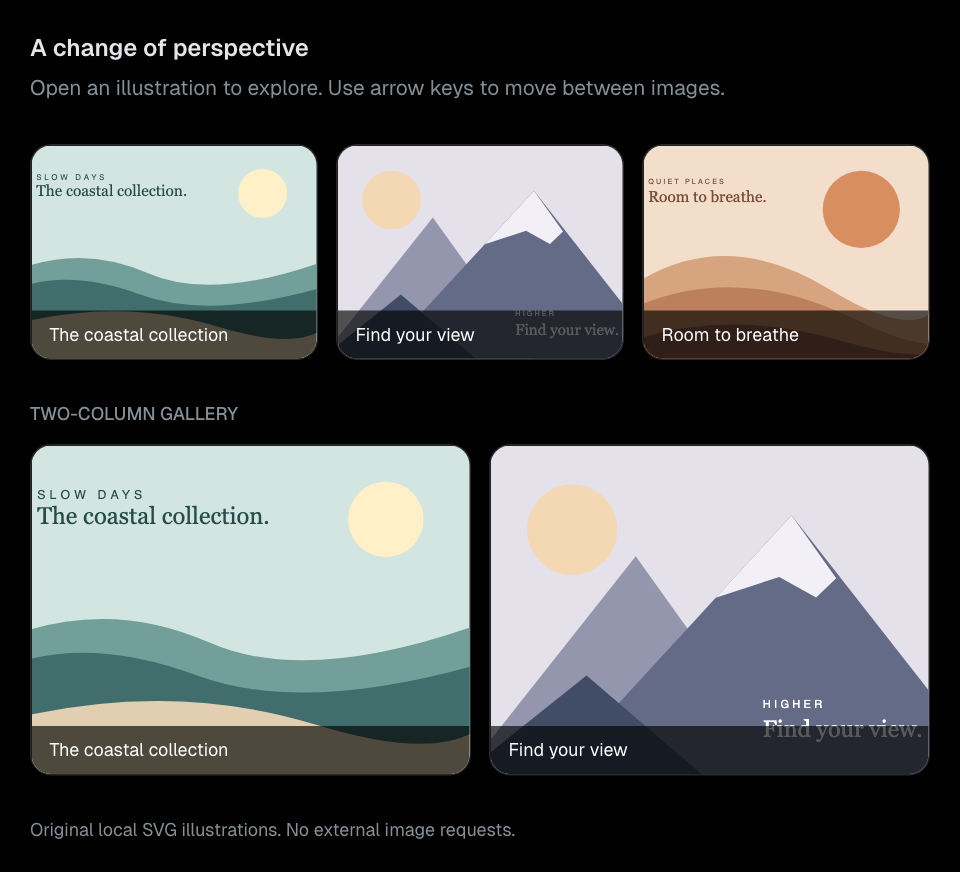
Lightbox
A responsive gallery with modal image navigation, zoom, captions, and focus return.
Data Display
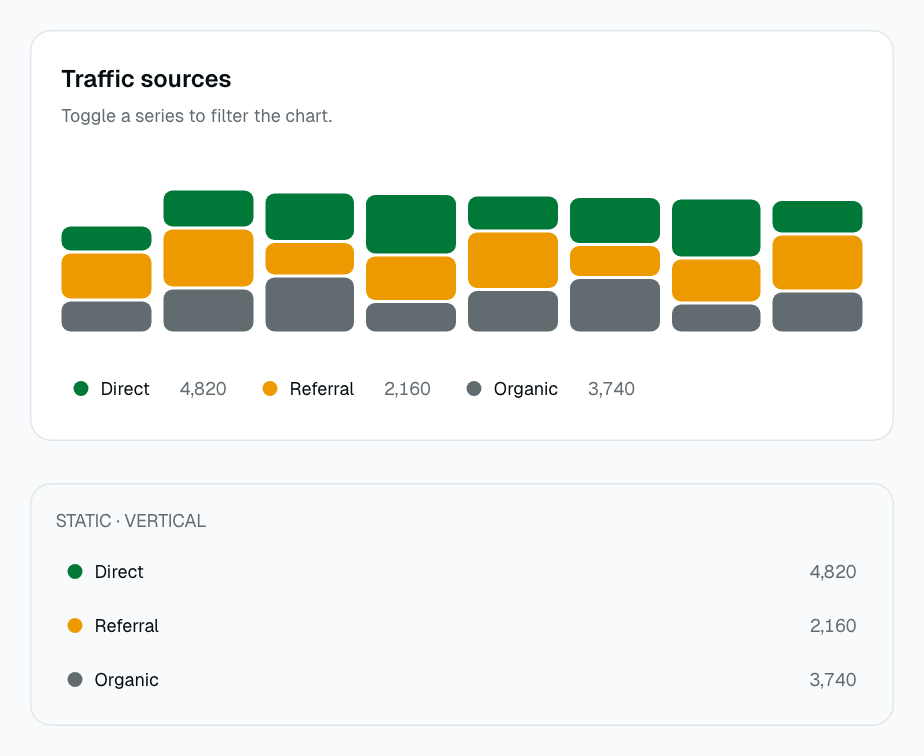
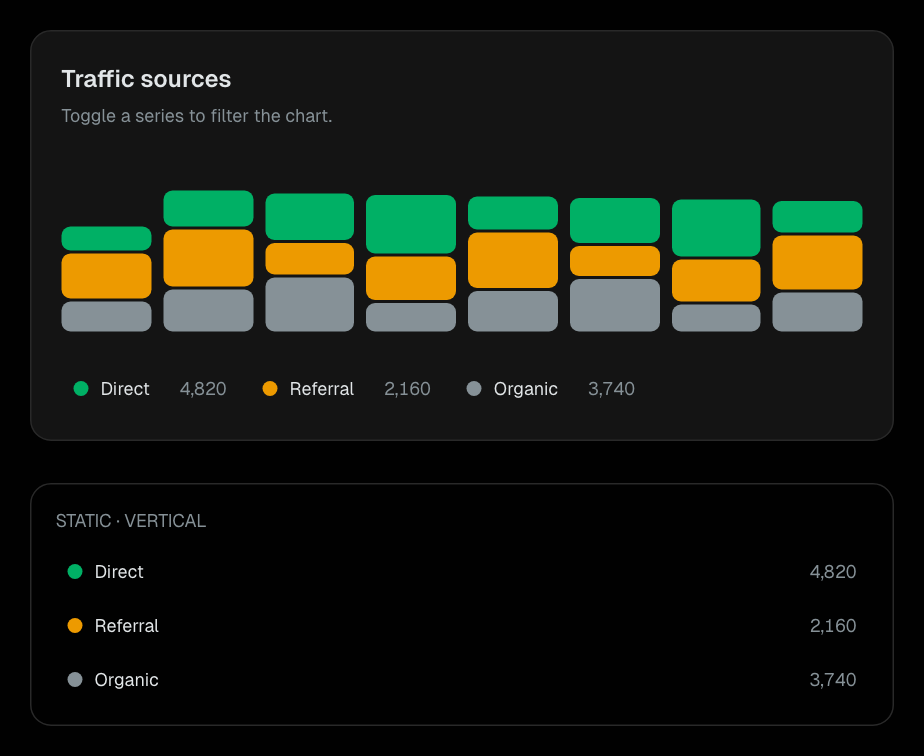
ChartLegend
Static or interactive series legends with values and caller-controlled filtering.
Data Display
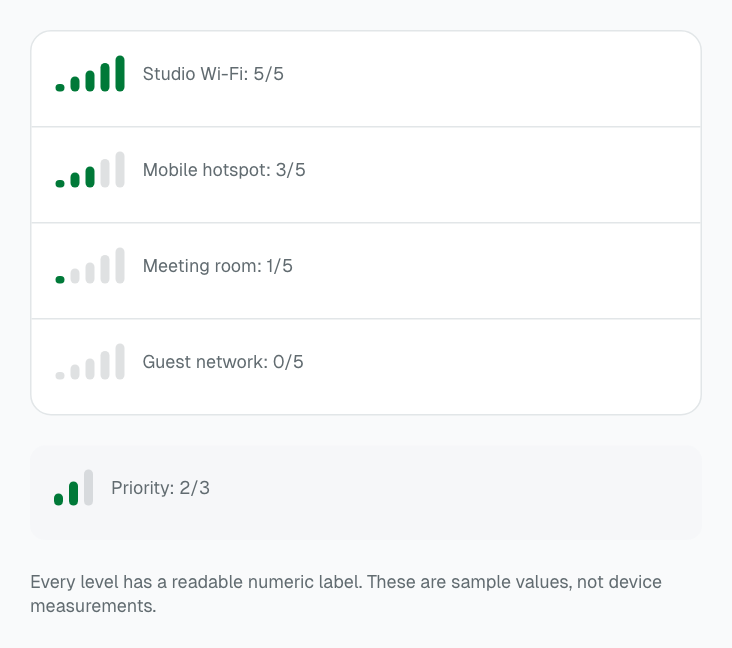
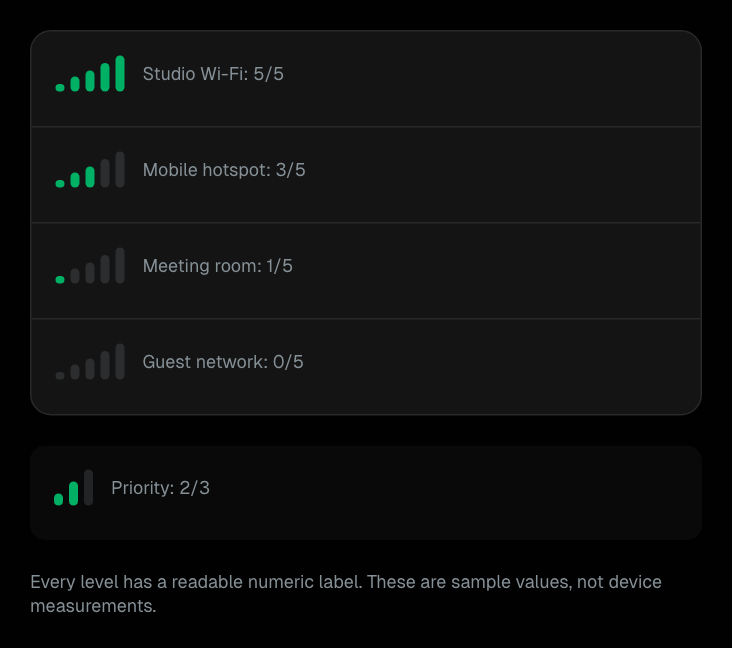
SignalStrength
Compact stepped levels with a readable value and accessible meter.
Data Display
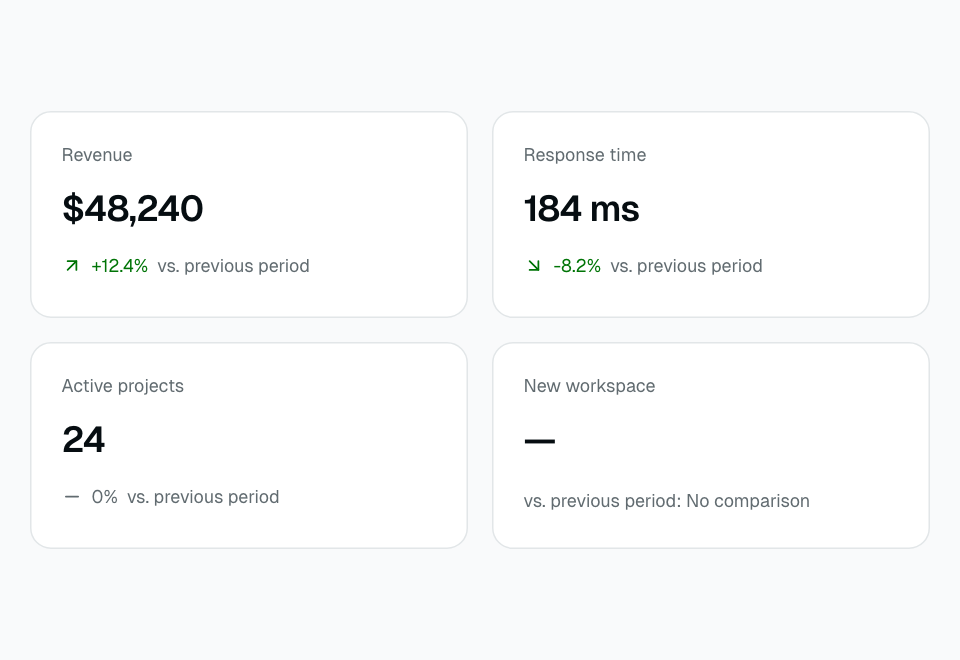
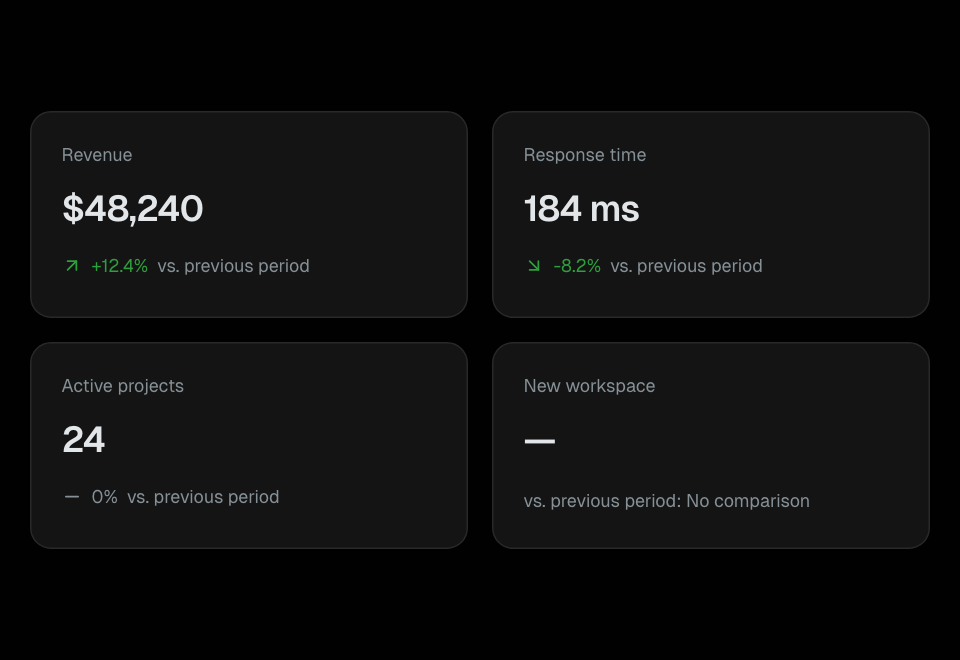
TrendIndicator
Signed comparisons with direction, configurable success meaning, and missing-data feedback.
Data Display
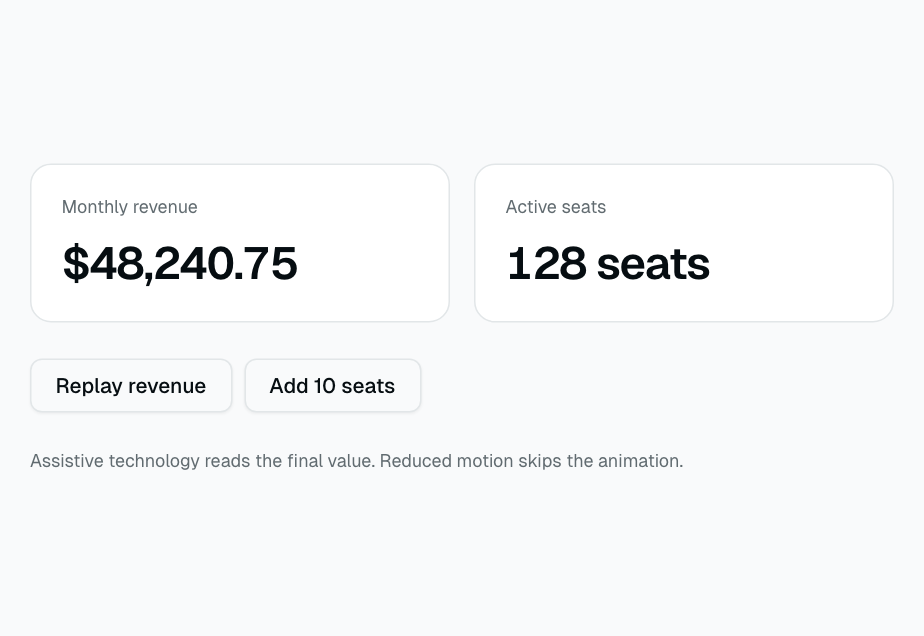
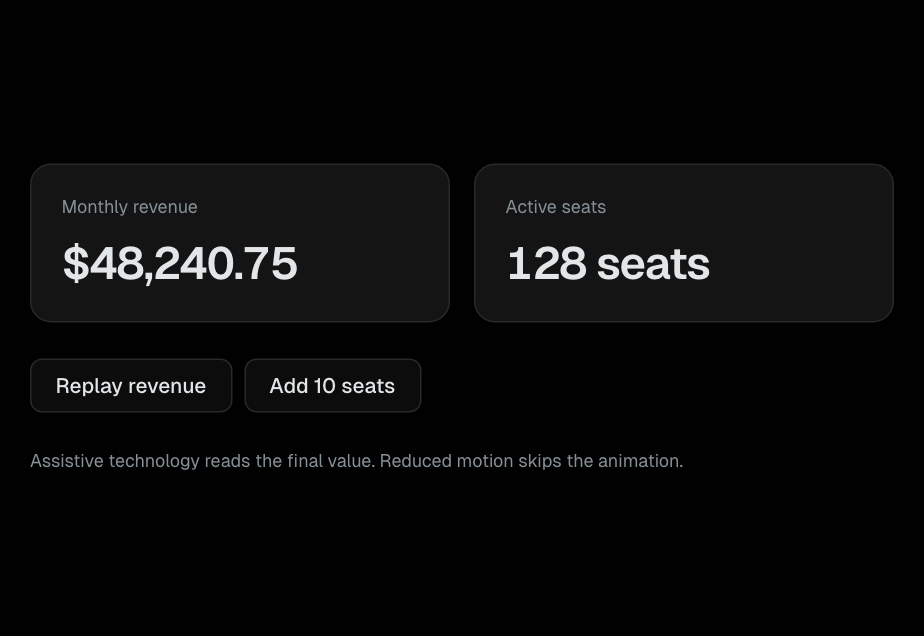
CountUp
Animated numeric transitions with an immediate accessible target value.
Data Display
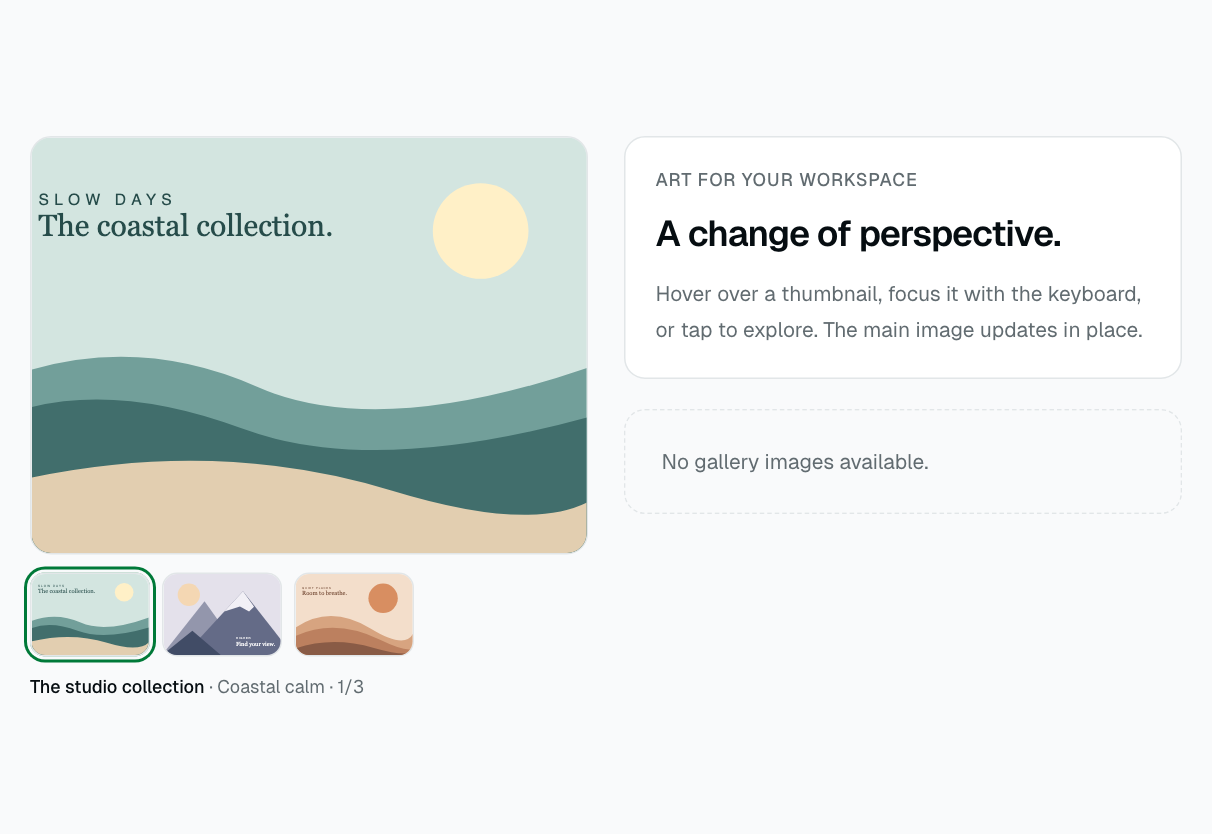
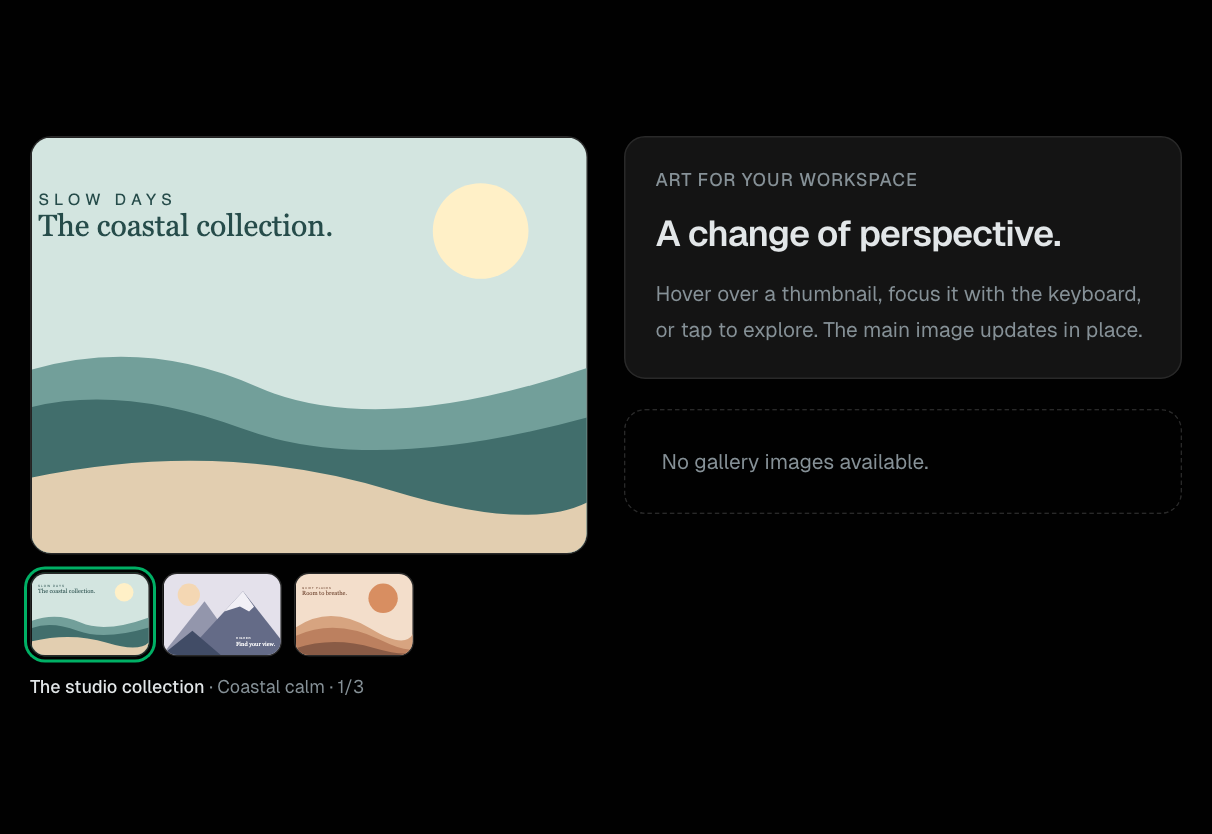
HoverGallery
Image switching on hover, focus, or tap with accessible thumbnail controls.
Data Display
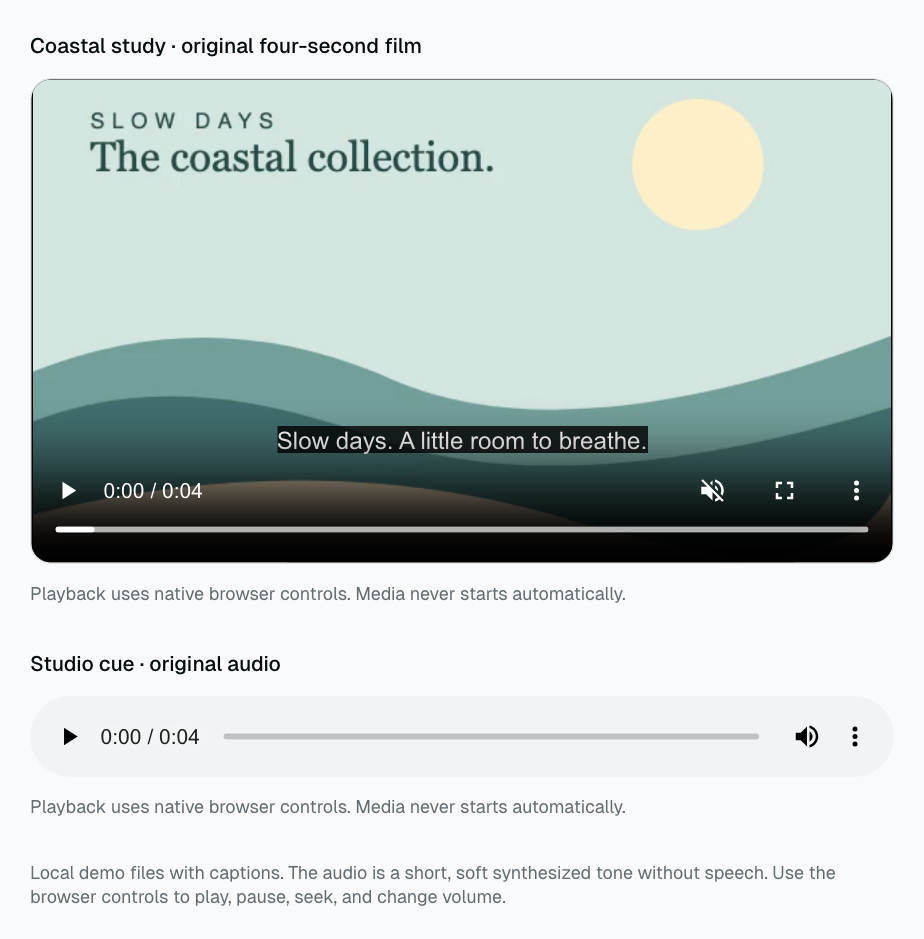
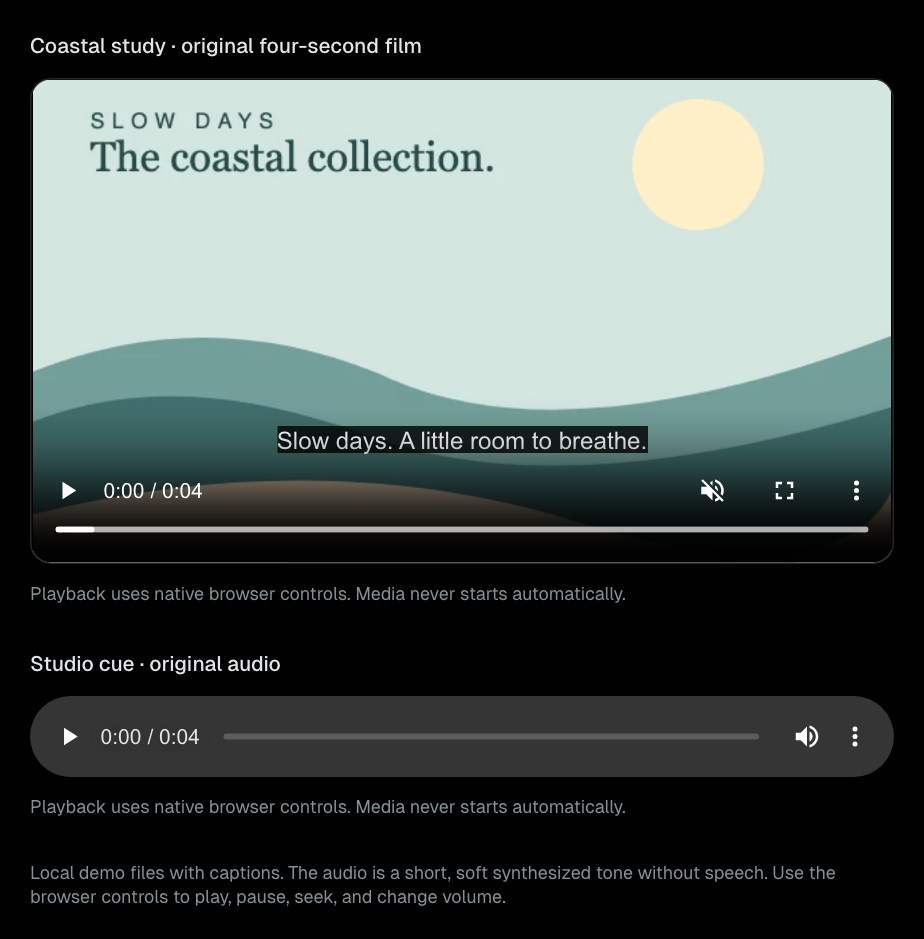
MediaPlayer
Native video/audio playback with captions, posters, and source-error feedback.
Data Display
LiveRegion
Accessible status announcements with a hook for repeated messages.
Feedback
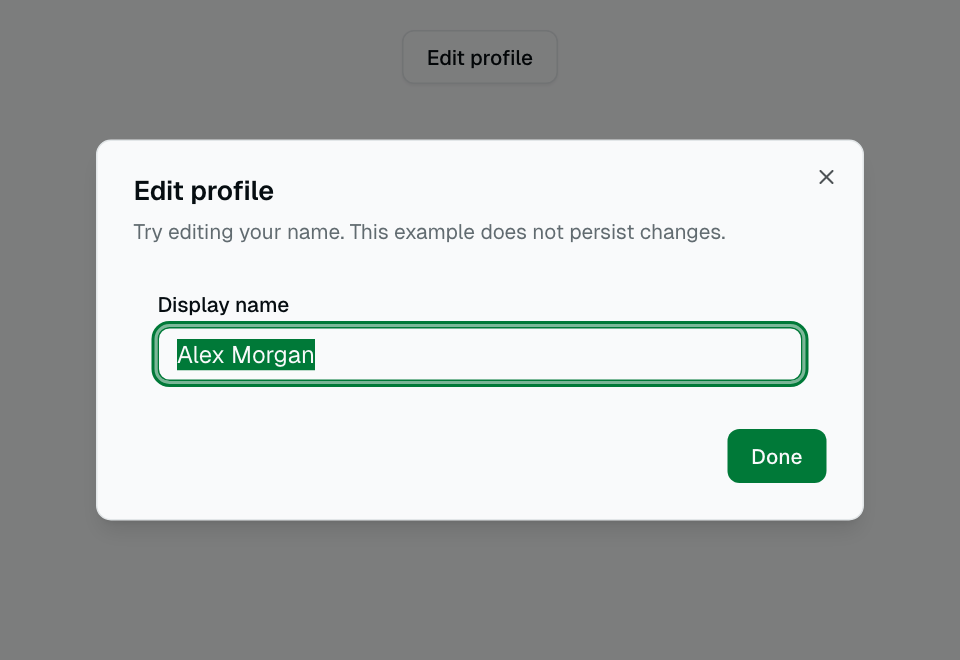
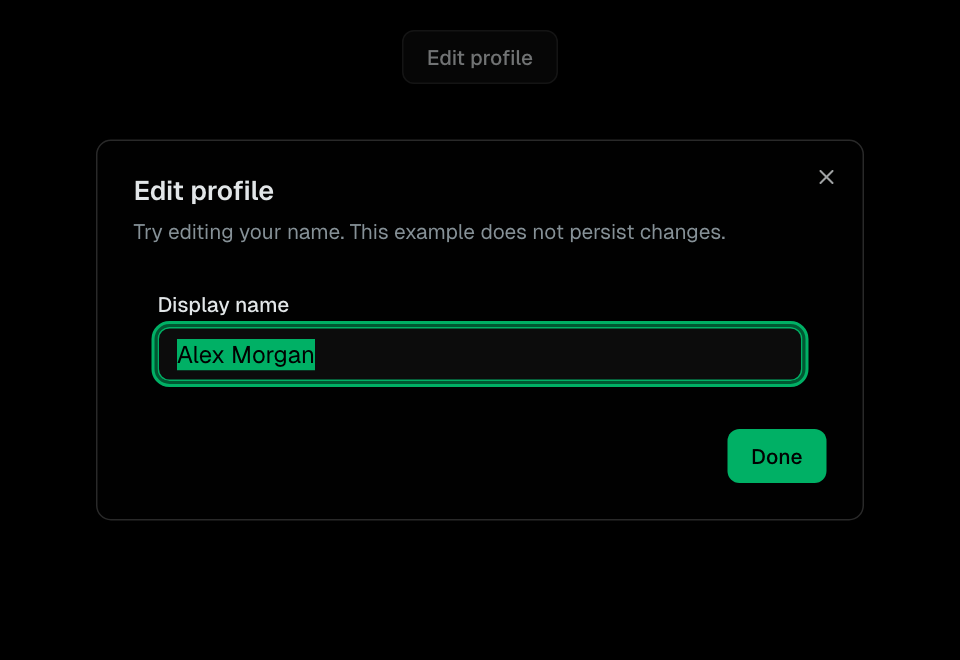
Dialog
Modal dialog with overlay, title, description, and action buttons.
Feedback
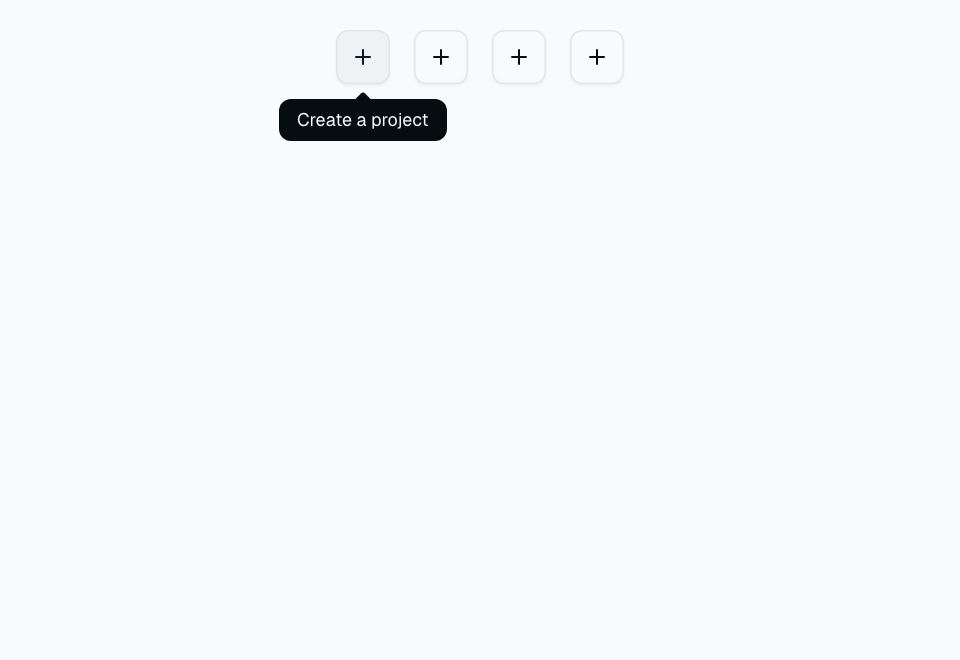
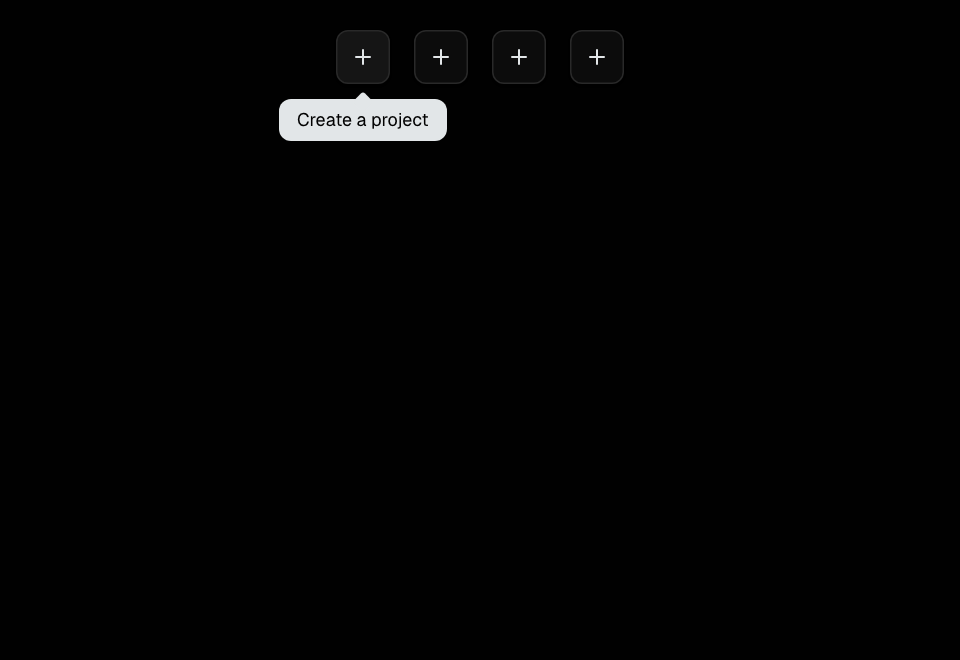
Tooltip
Popup hint that appears on hover or focus. Positioned automatically.
Feedback
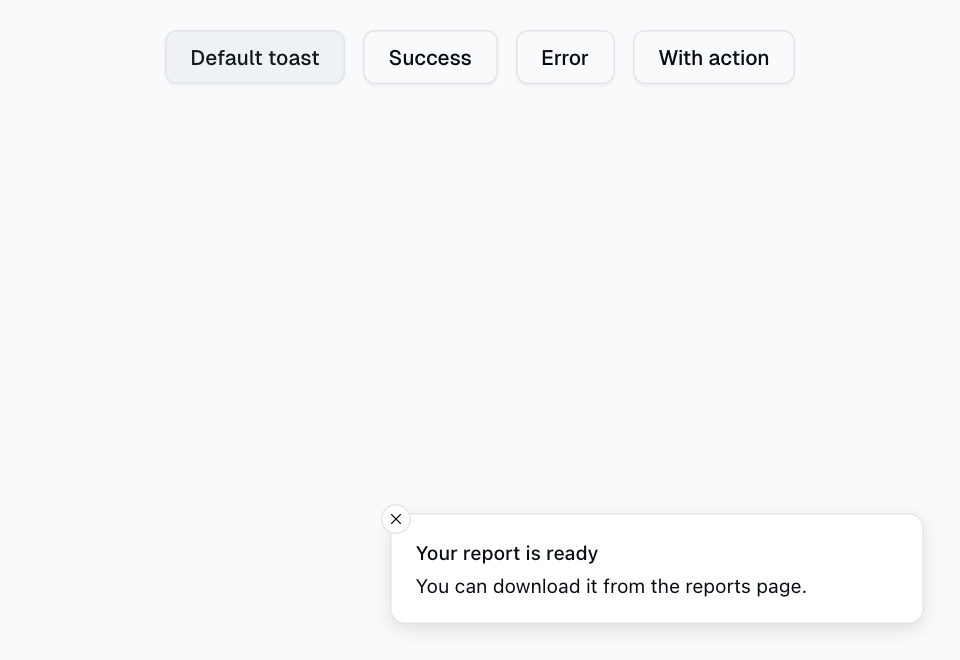
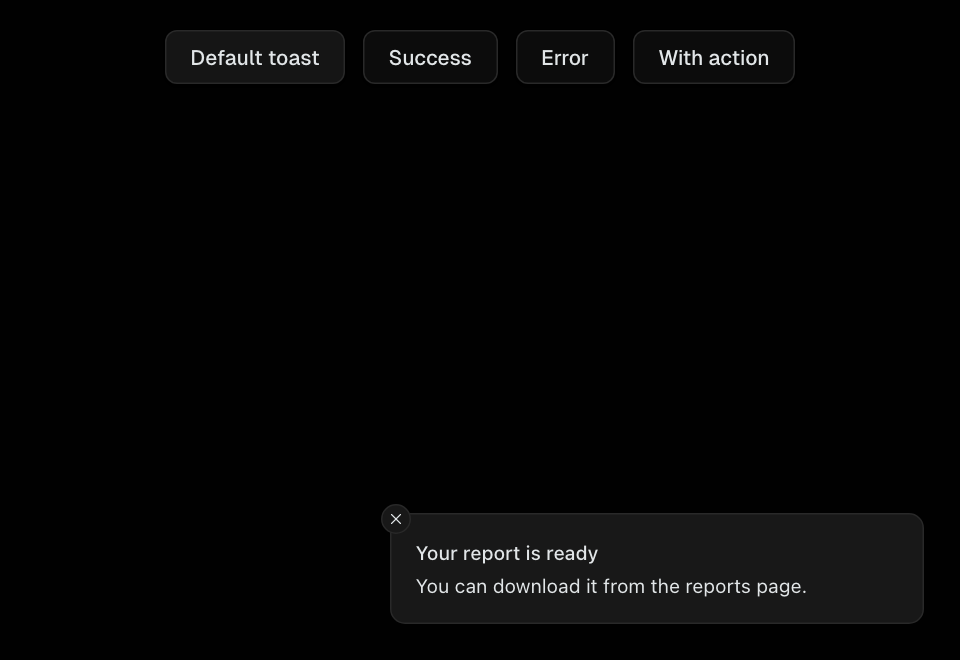
Sonner (Toast)
Toast notification system. Trigger with toast() from the sonner package.
Feedback
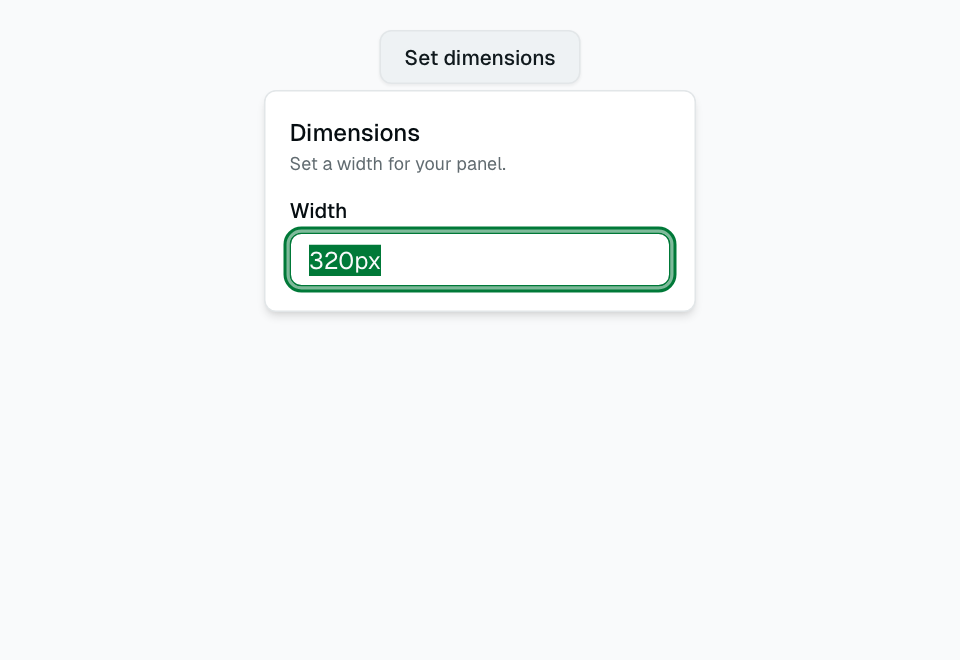
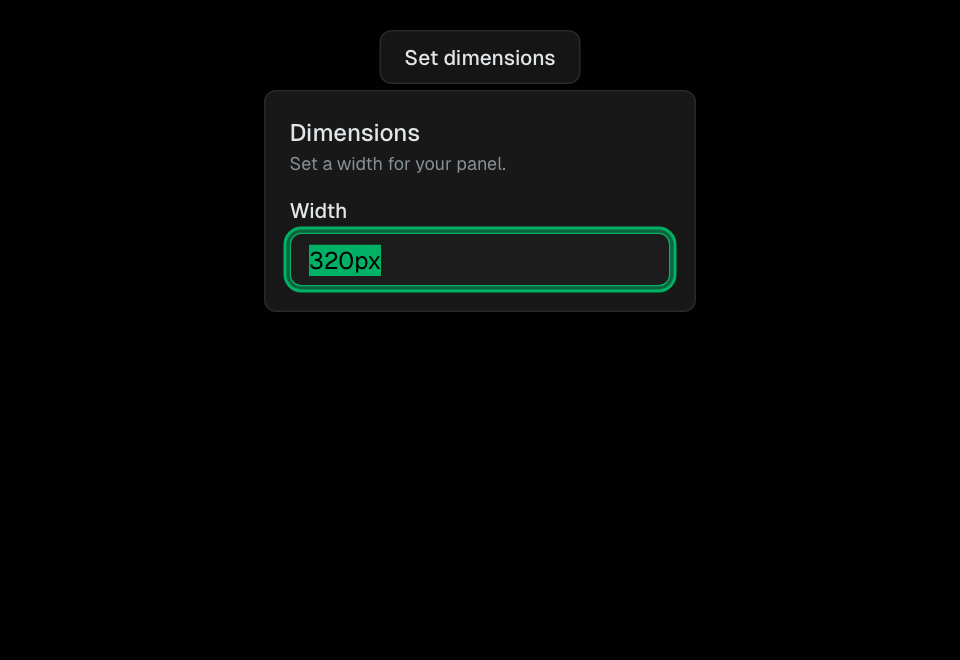
Popover
Floating content panel triggered by a button click. Used for filters and mini-forms.
Feedback
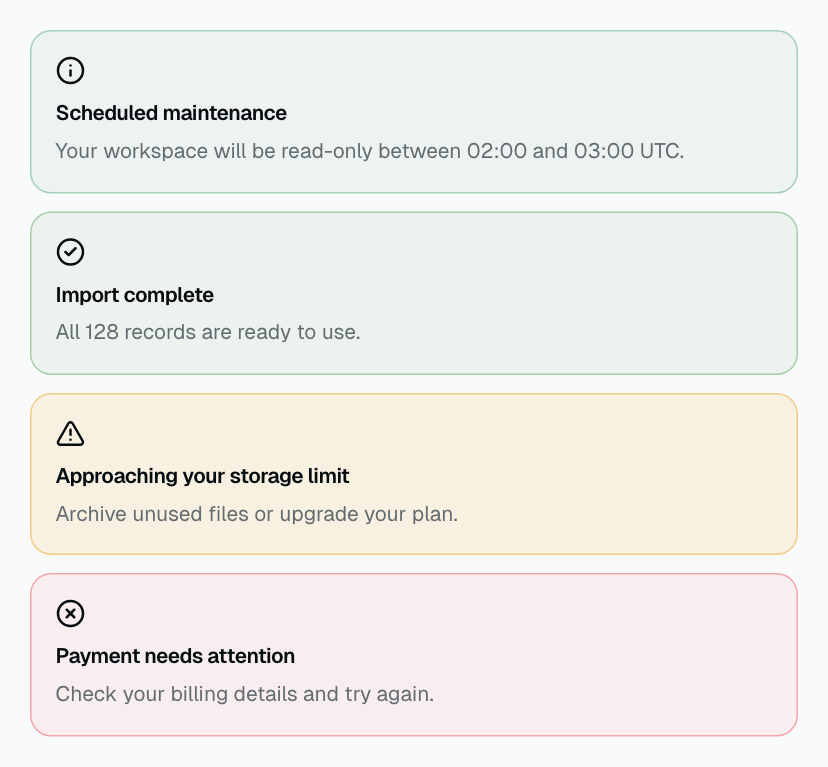
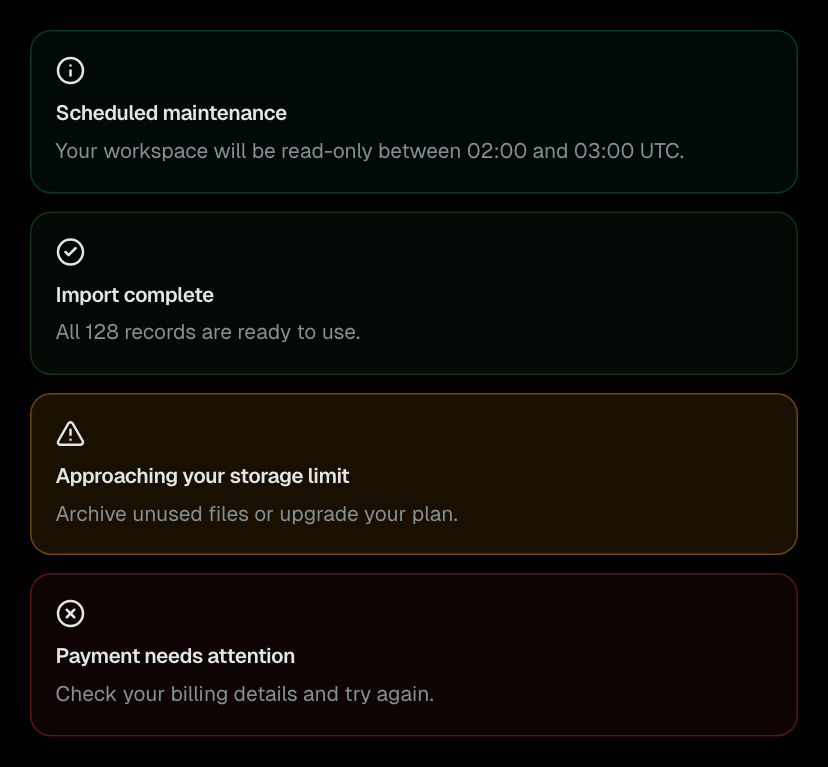
Alert
Persistent contextual feedback with five semantic appearances.
Feedback
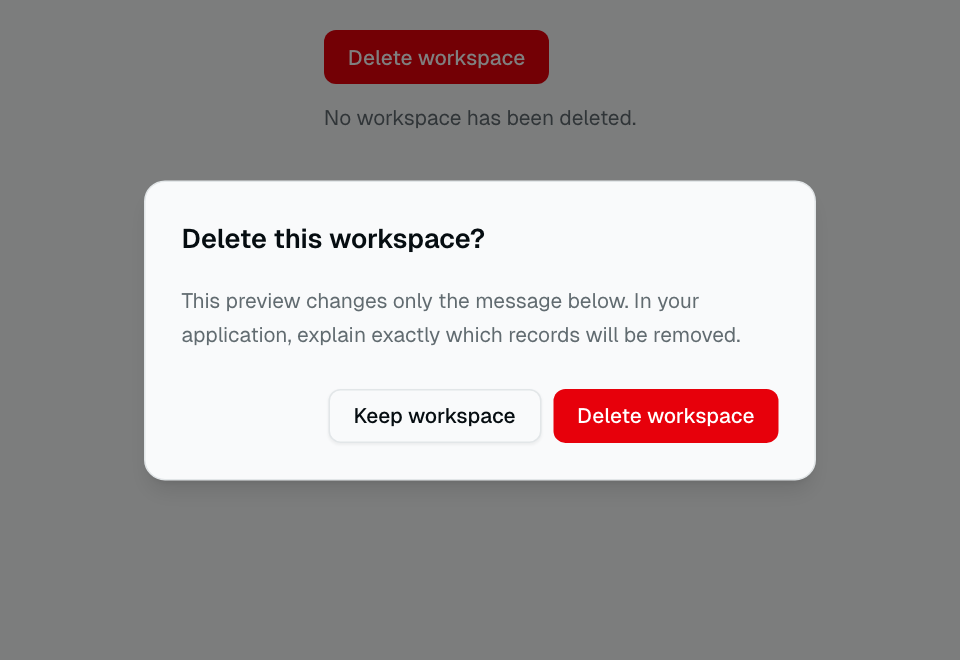
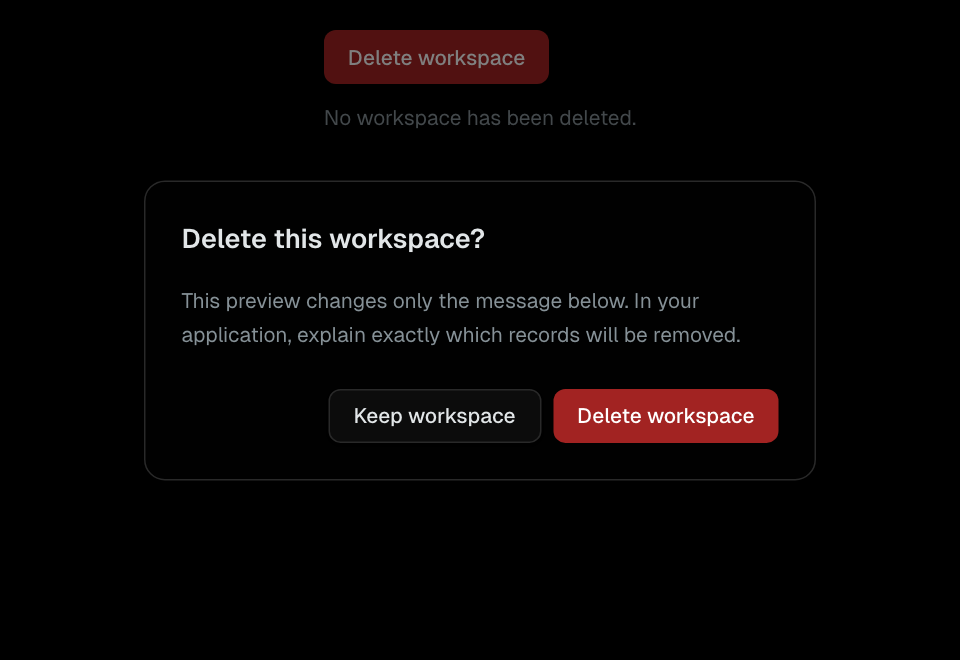
AlertDialog
An interrupting confirmation with safe focus and explicit actions.
Feedback
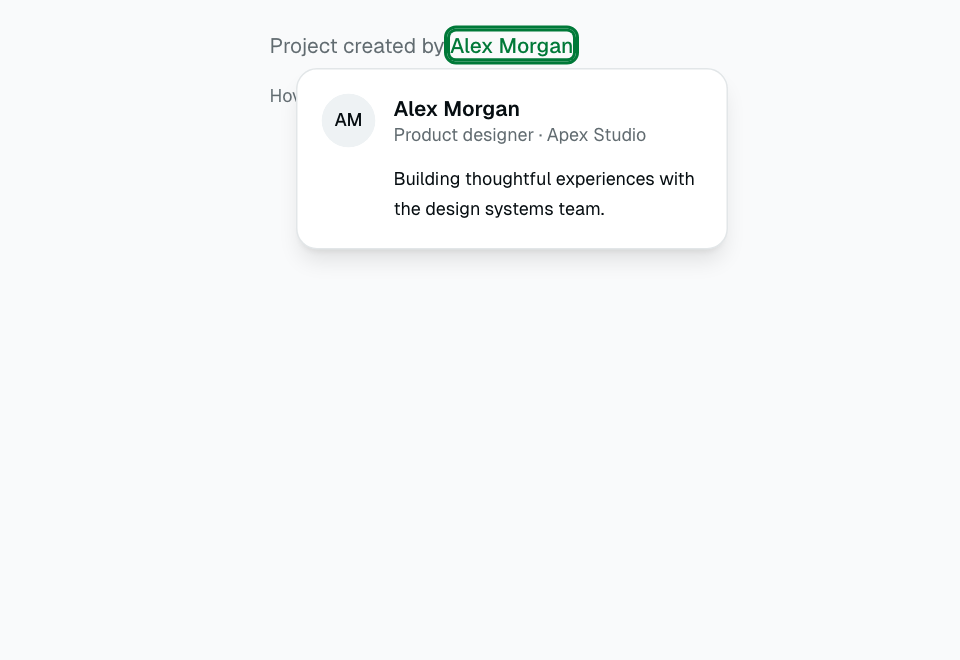
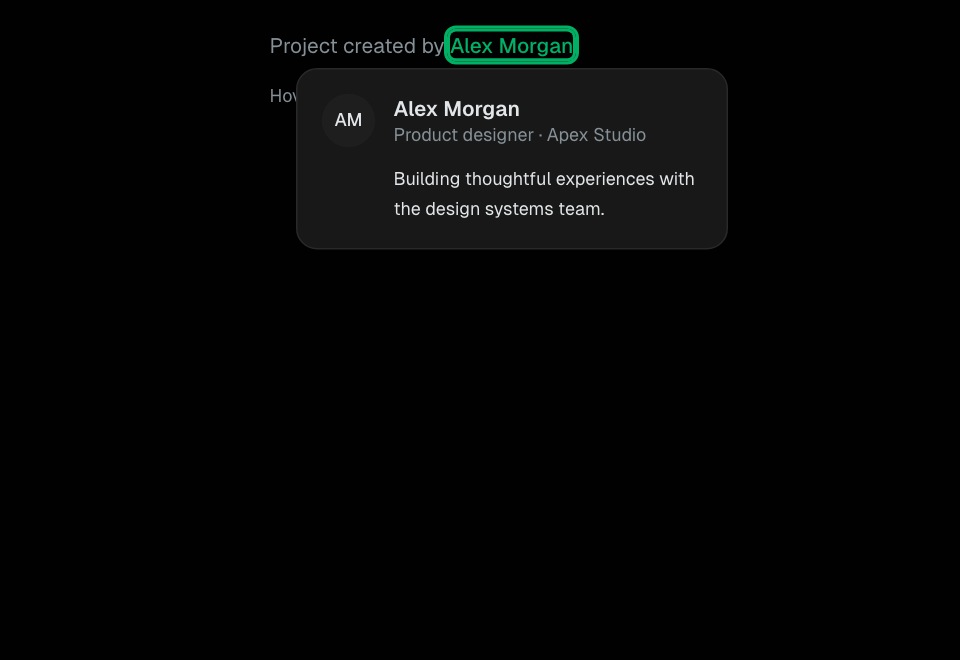
HoverCard
Supplementary entity details displayed on hover or focus.
Feedback
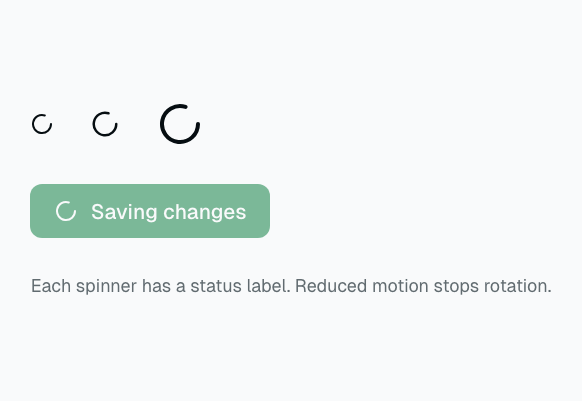
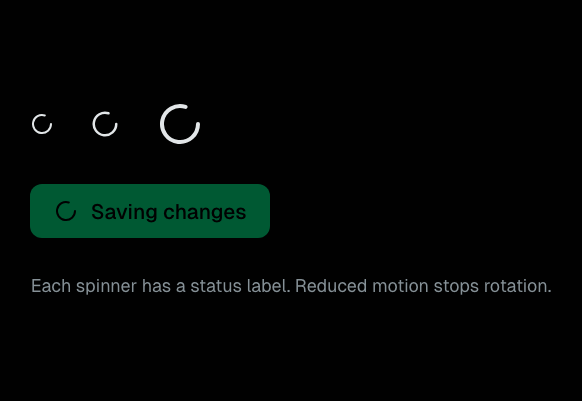
Spinner
An accessible loading indicator with reduced-motion support.
Feedback
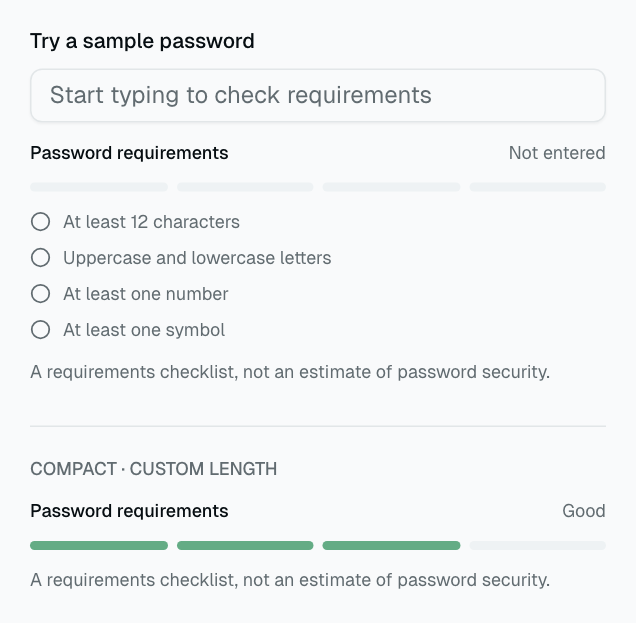
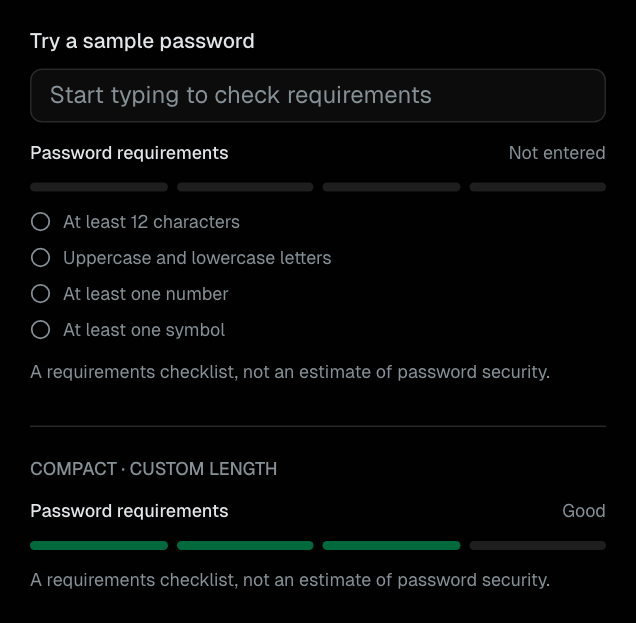
PasswordStrength
A transparent password requirements checklist and compact completion meter.
Feedback
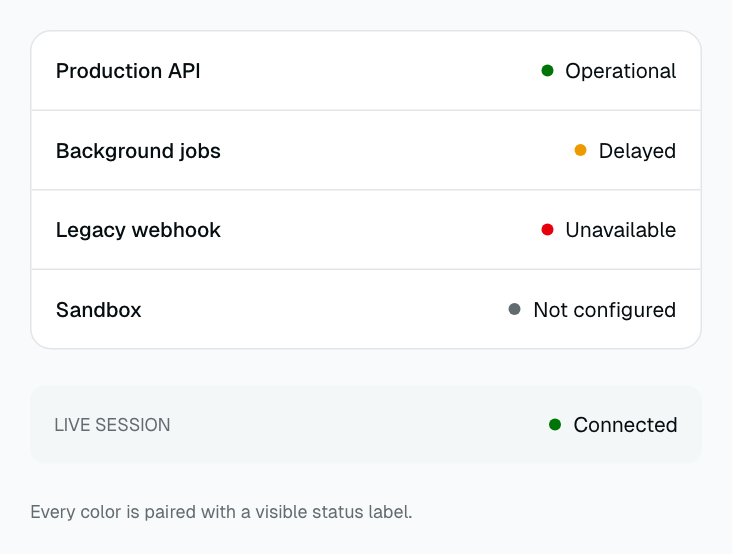
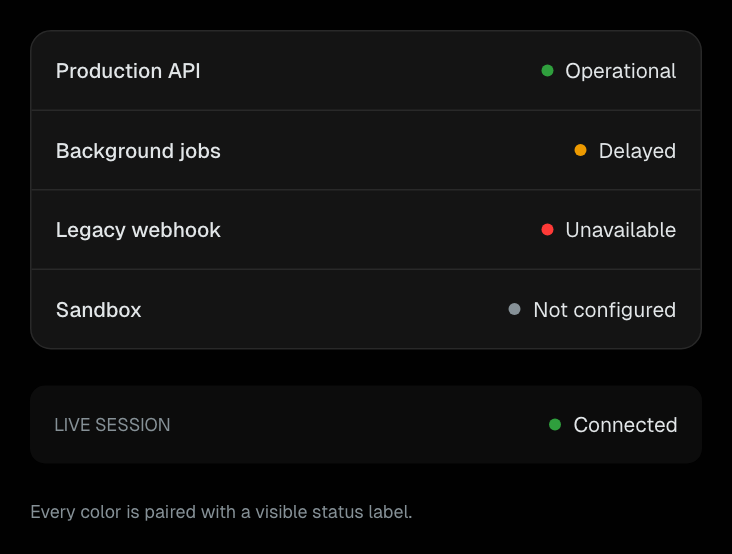
StatusIndicator
A compact status dot paired with a visible text label.
Feedback
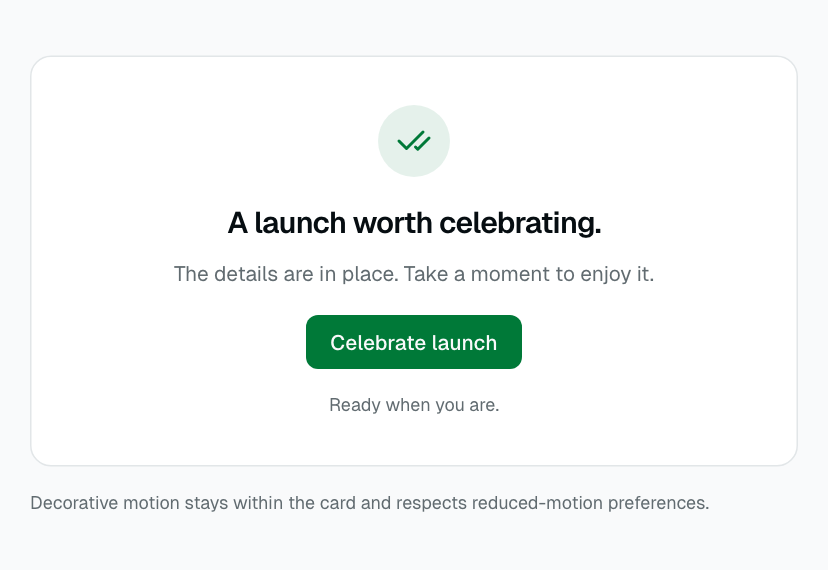
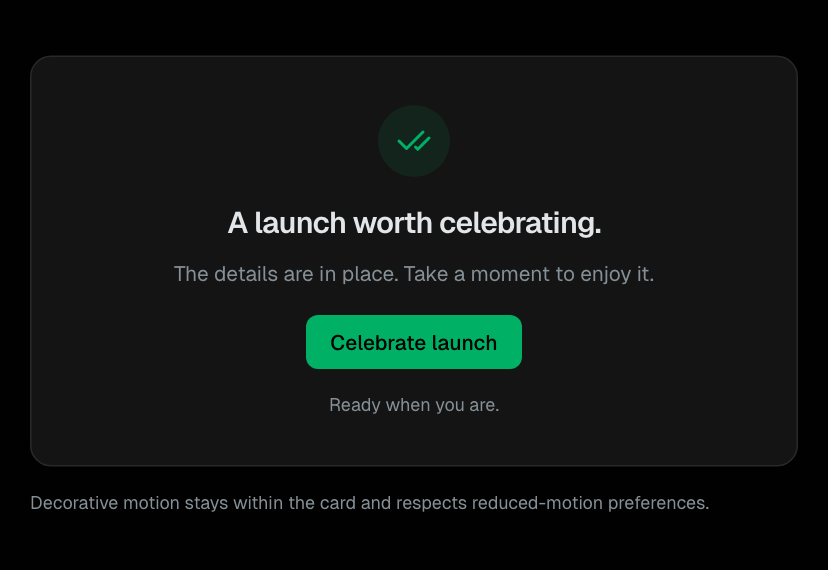
Confetti
A bounded decorative celebration using the native Web Animations API.
Feedback
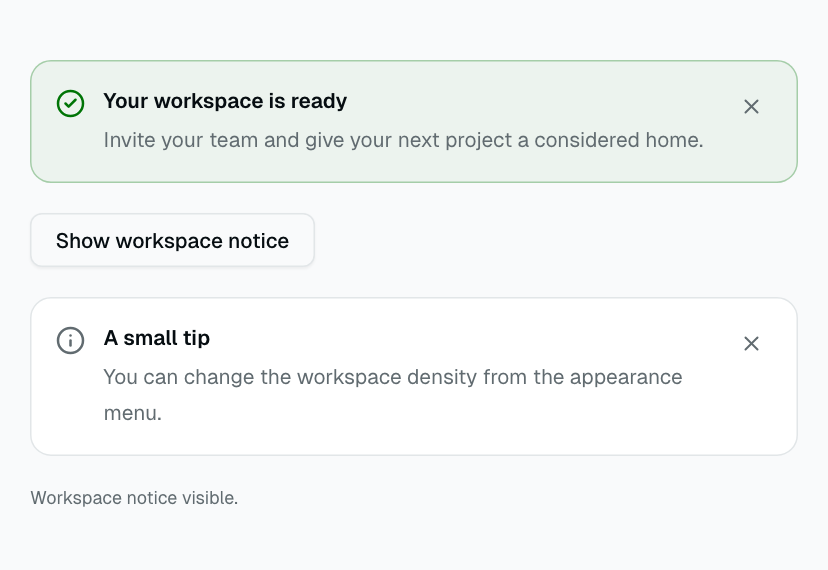
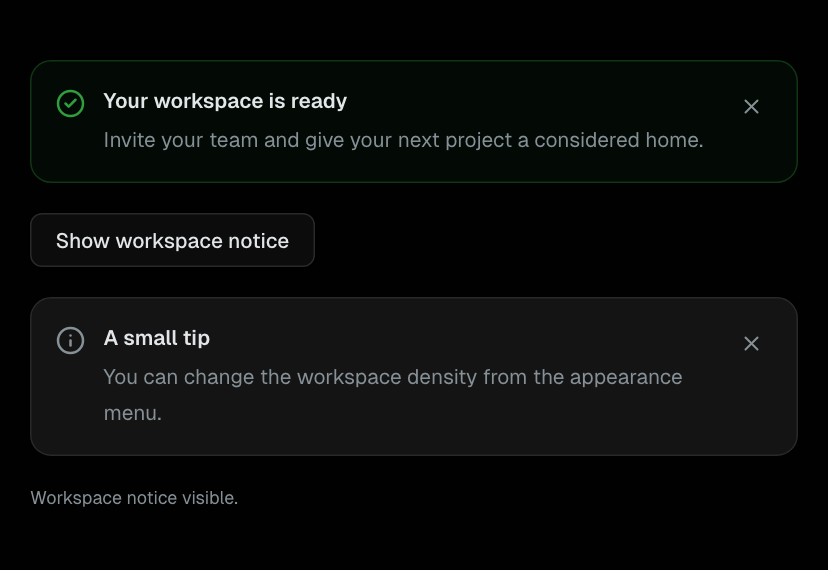
Dismissible
Manual contextual notice dismissal with controlled state and optional focus return.
Feedback
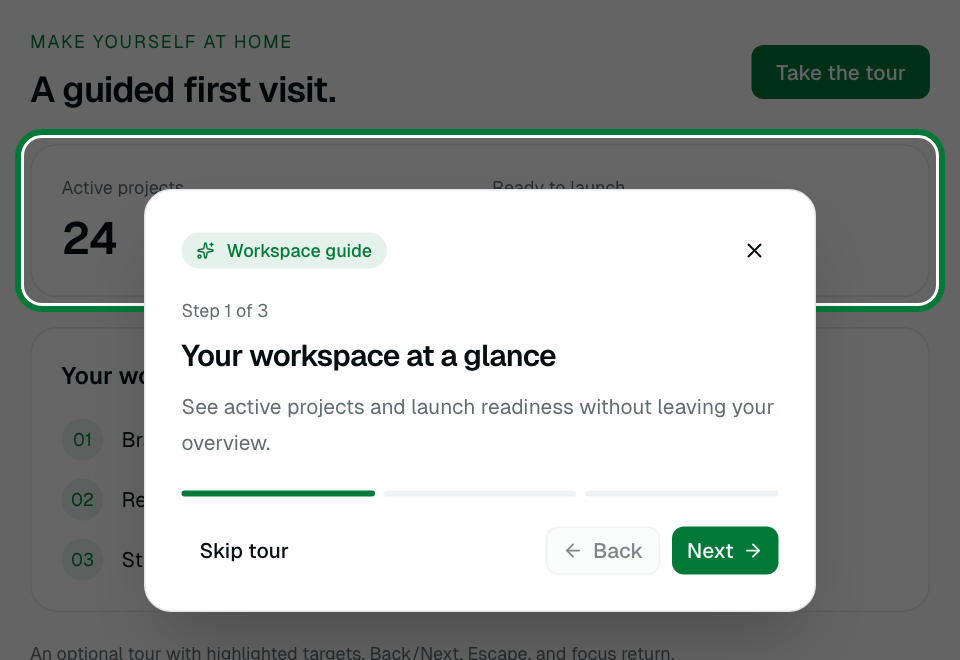
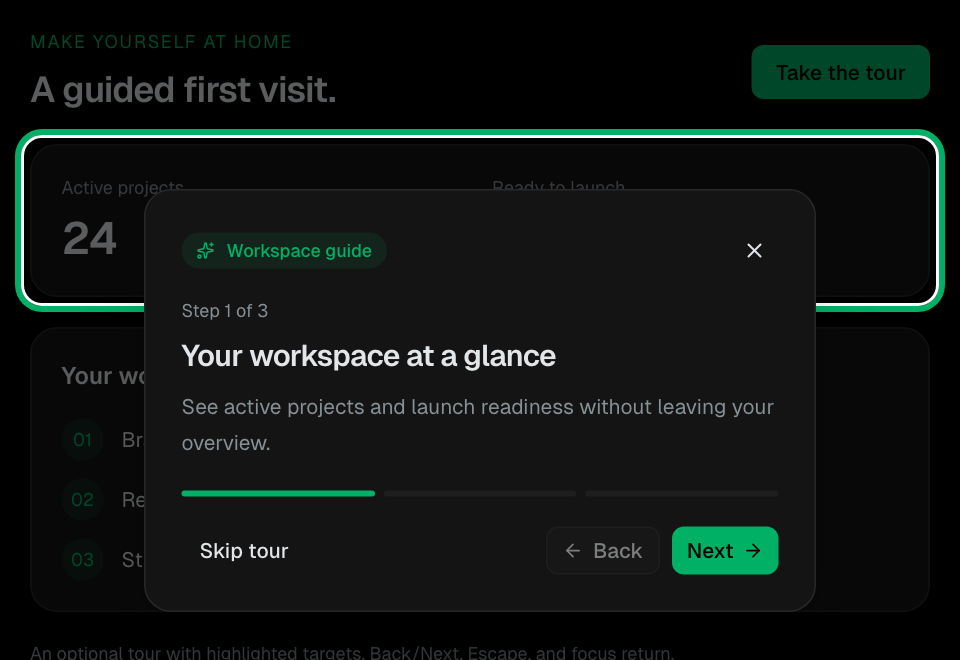
ProductTour
An optional modal workspace guide with highlighted targets, step controls, and explicit focus return.
Feedback
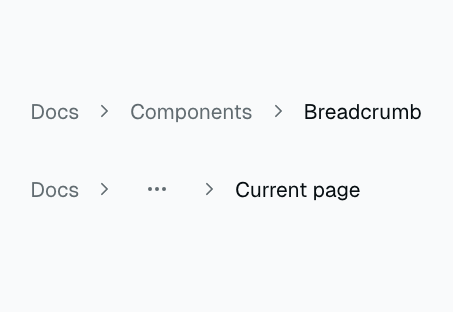
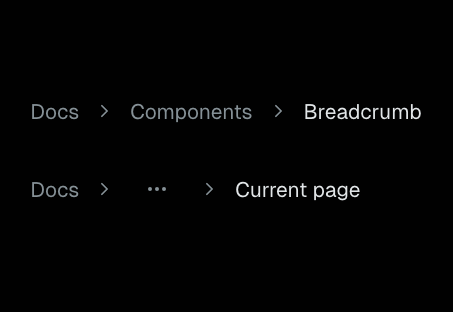
Breadcrumb
Trail of links showing the current page hierarchy.
Navigation
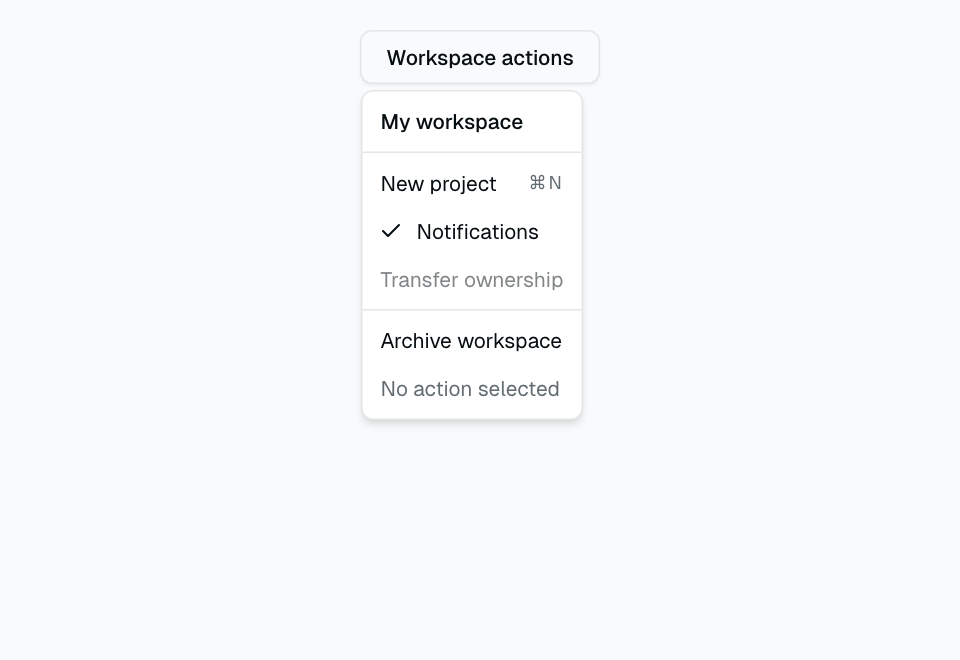
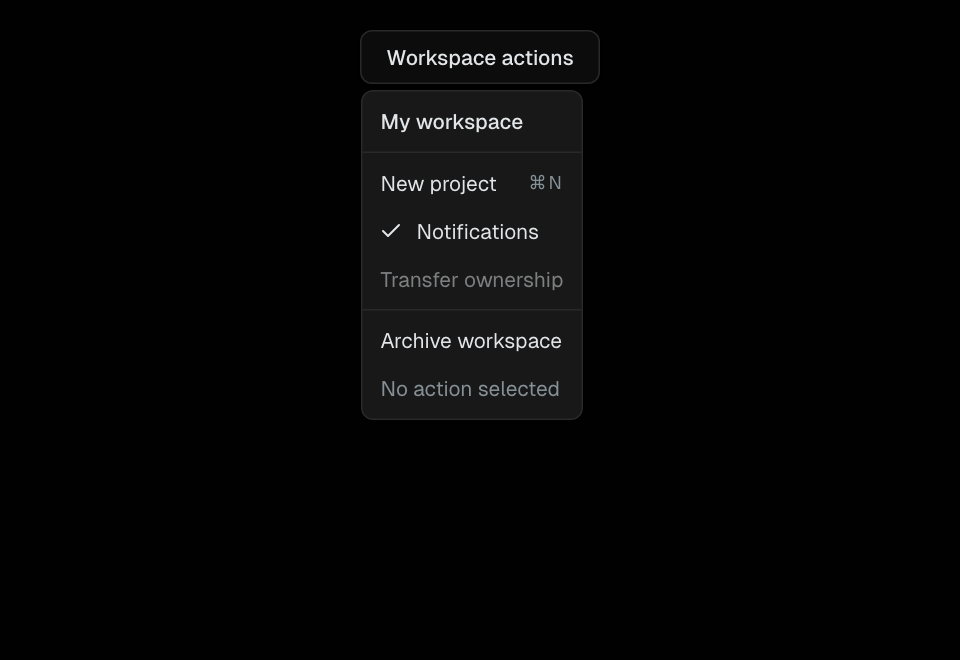
Dropdown Menu
Context menu with items, separators, and keyboard navigation.
Navigation
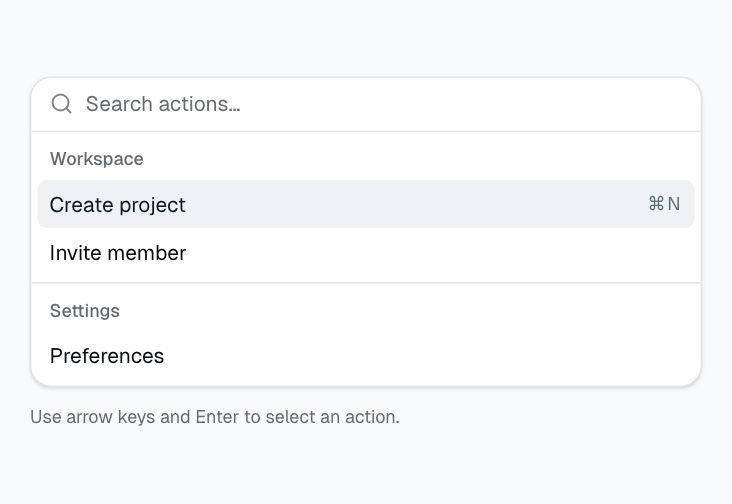
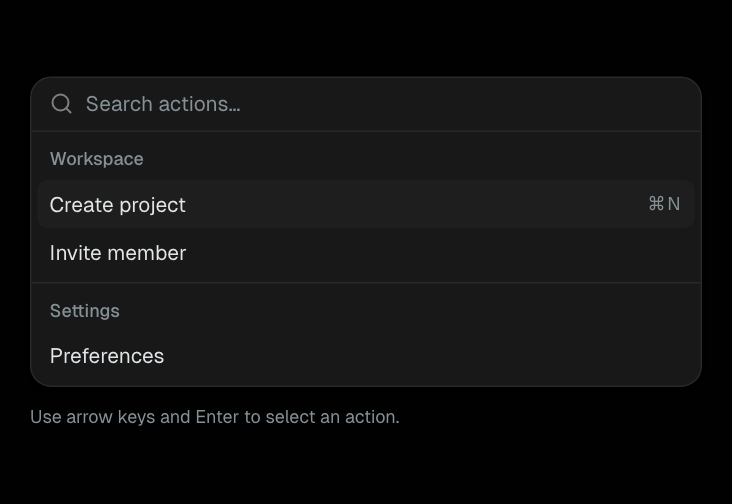
Command
Command palette (Cmd+K) with searchable list of actions and pages.
Navigation
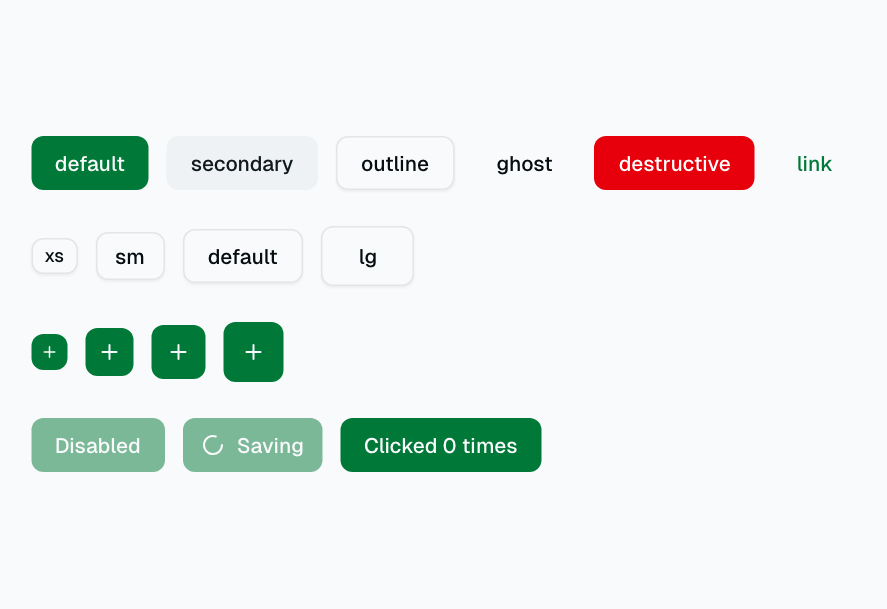
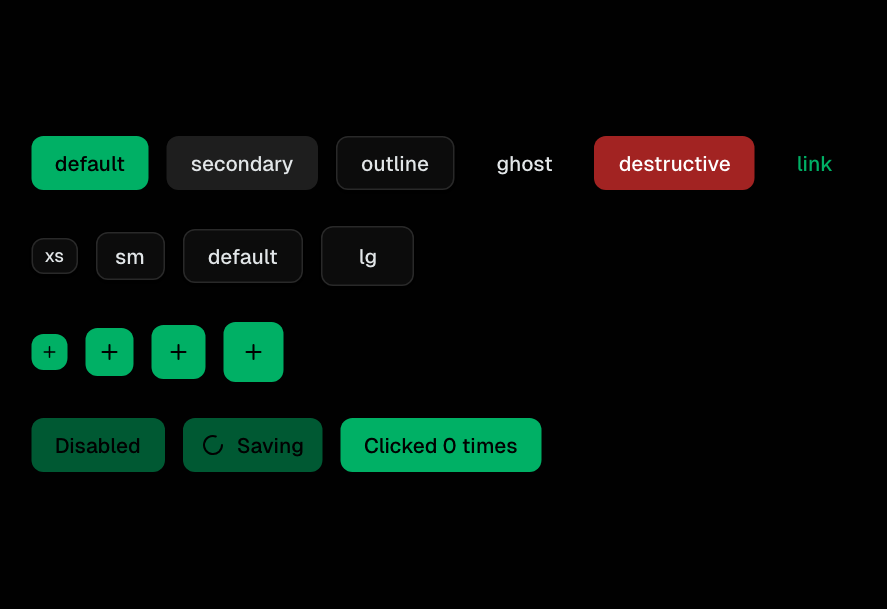
Button
Primary action trigger with variants: default, destructive, outline, secondary, ghost, link. Multiple sizes available.
Navigation
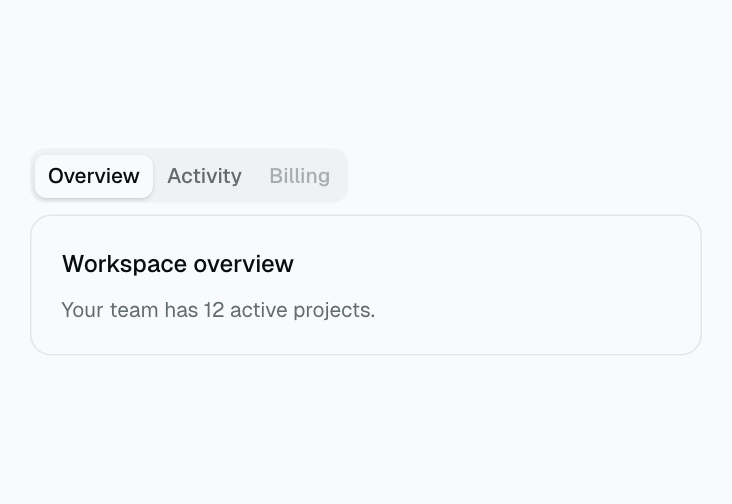
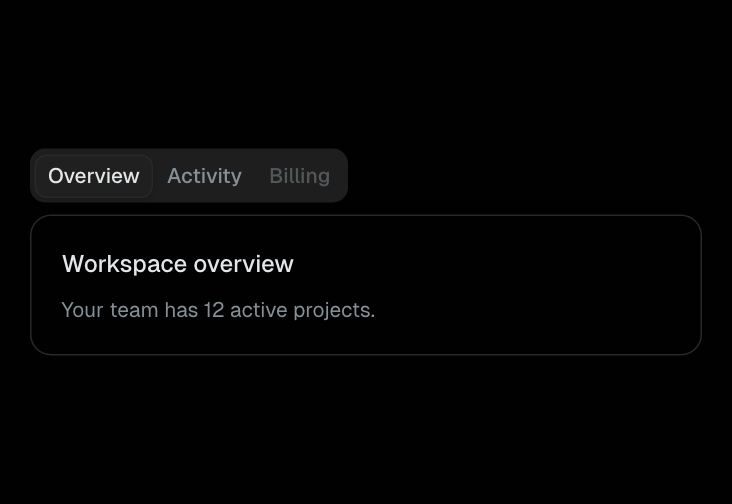
Tabs
Tabbed interface for switching between content panels. Supports controlled and uncontrolled modes.
Navigation
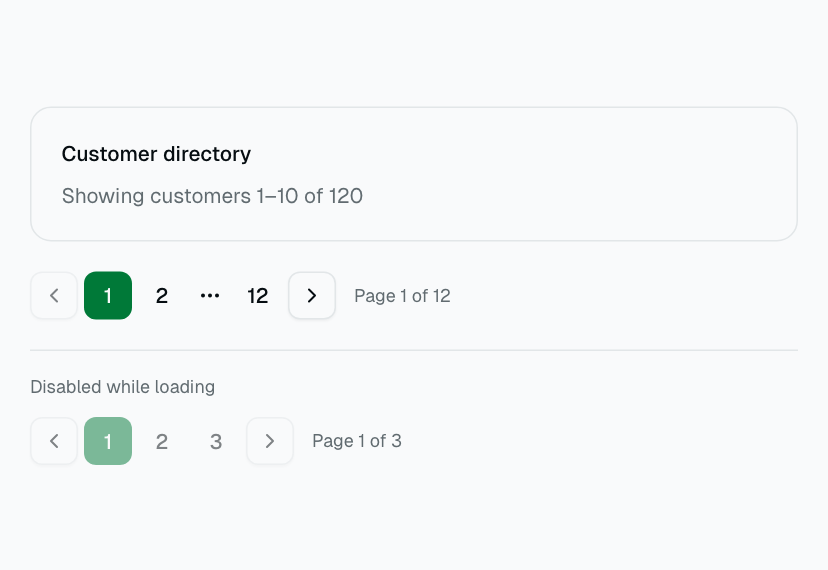
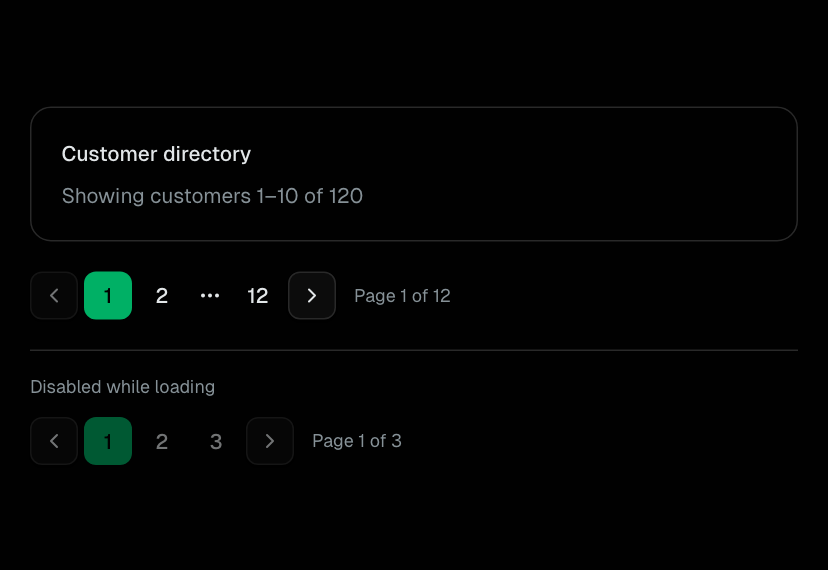
Pagination
Bounded pagination with compact page windows and result announcements.
Navigation
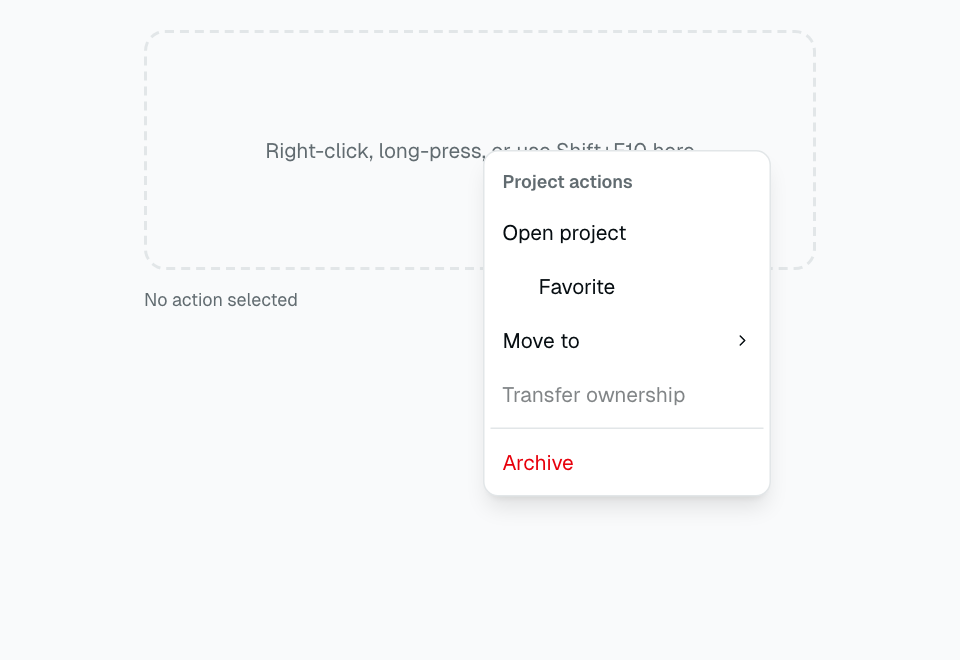
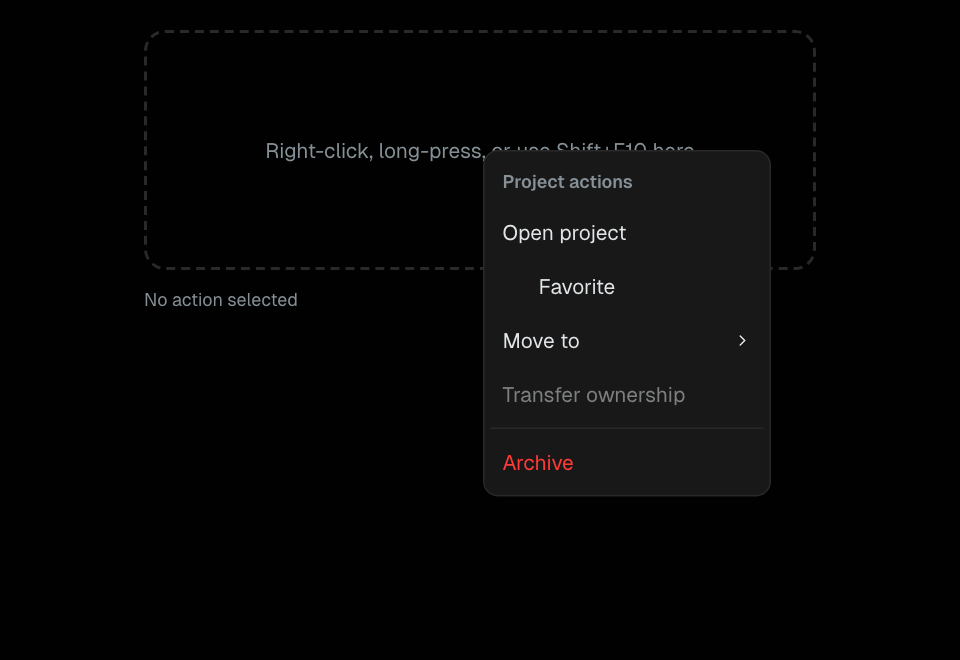
ContextMenu
Contextual actions with checkable items and nested menus.
Navigation
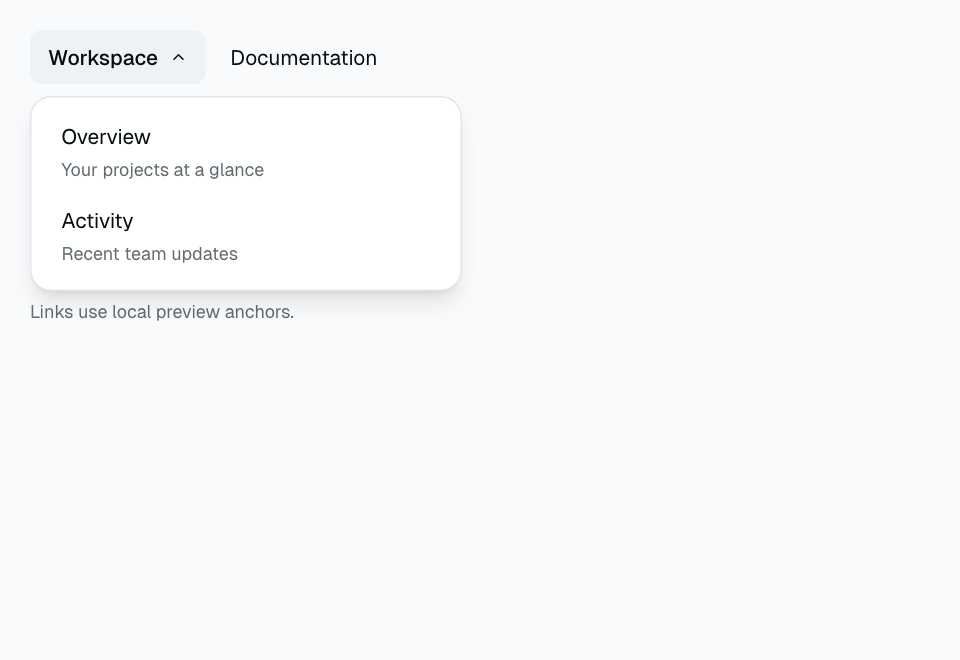
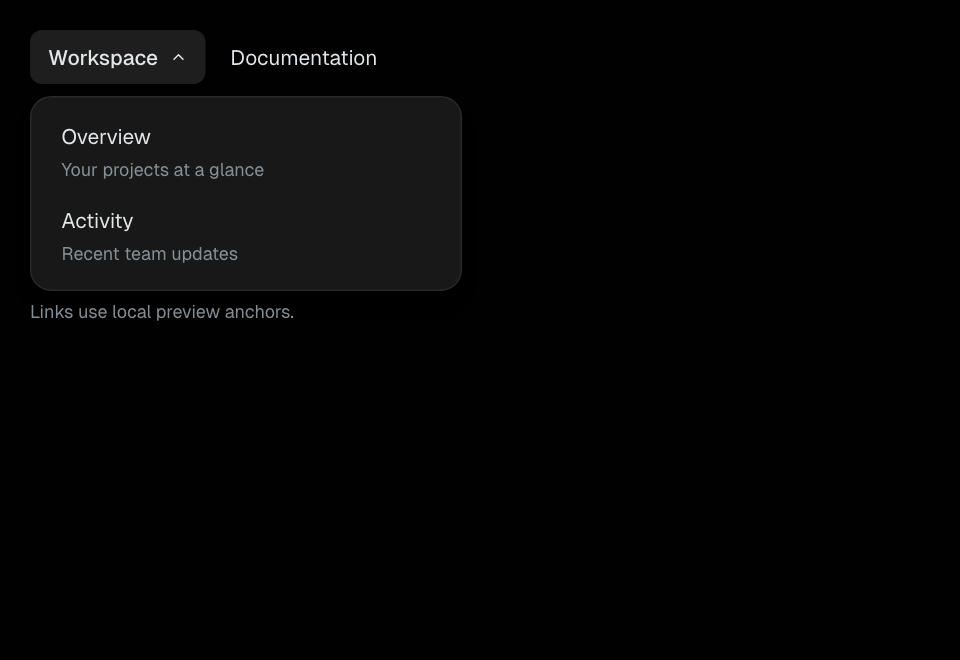
NavigationMenu
Link navigation with keyboard-accessible disclosure panels.
Navigation
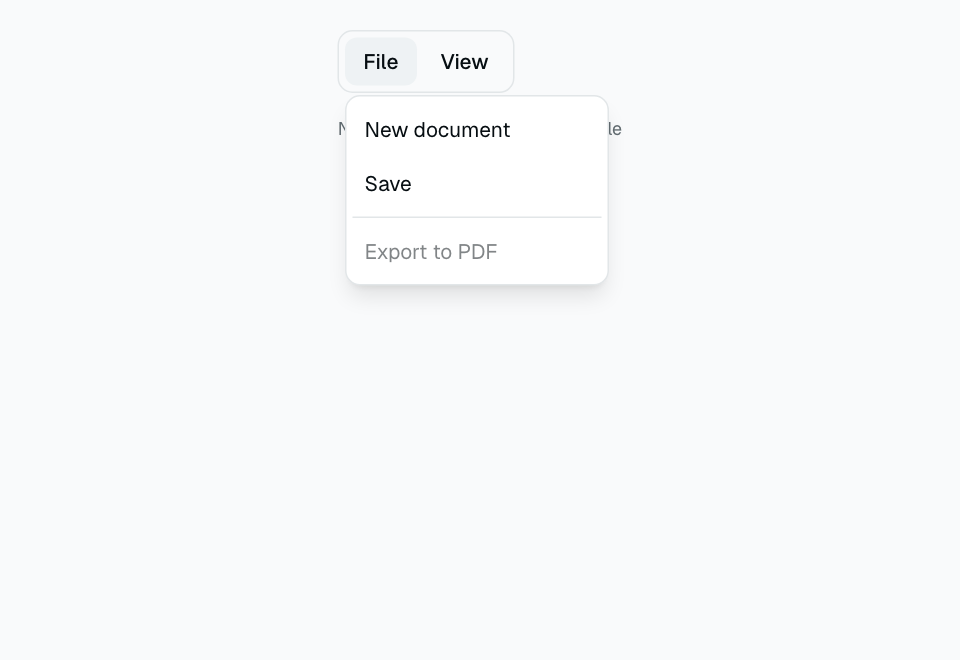
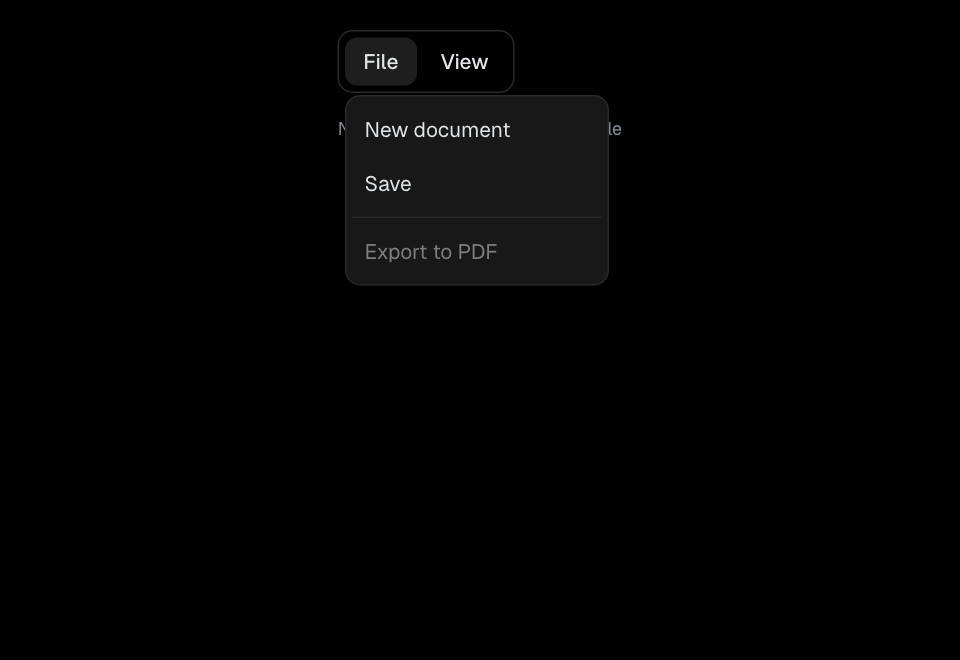
Menubar
An application command bar with menus and checkable settings.
Navigation
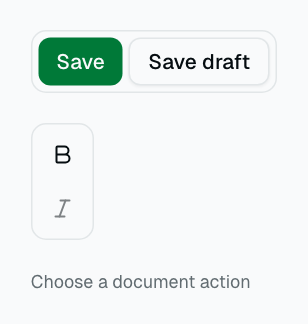
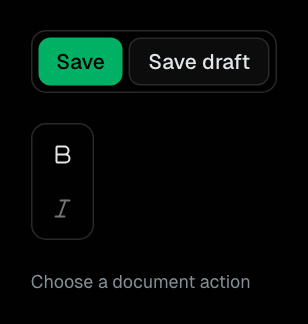
ButtonGroup
A labeled cluster of related actions in either orientation.
Navigation
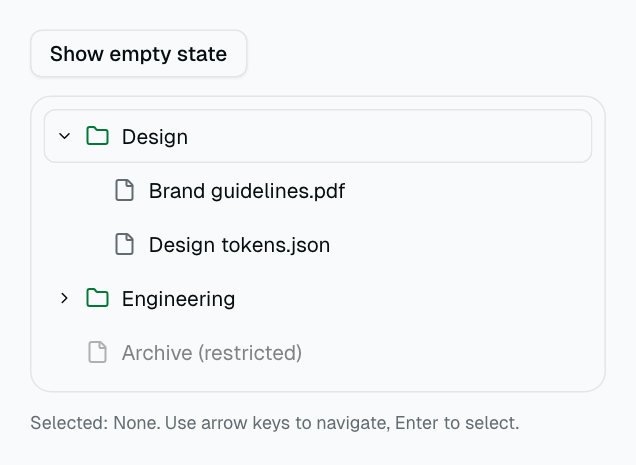
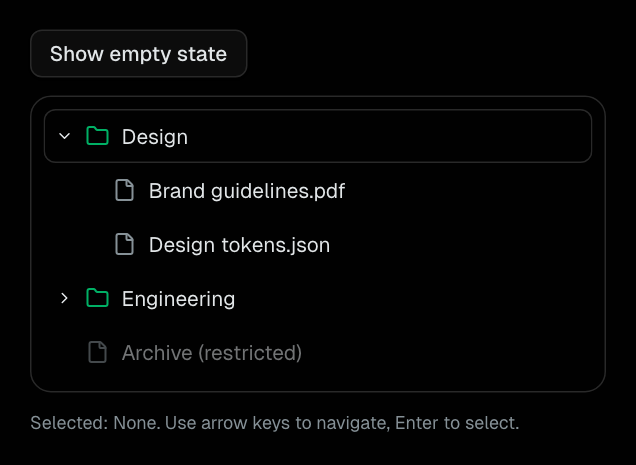
Tree
Hierarchical selection with expansion, disabled nodes, and keyboard navigation.
Navigation
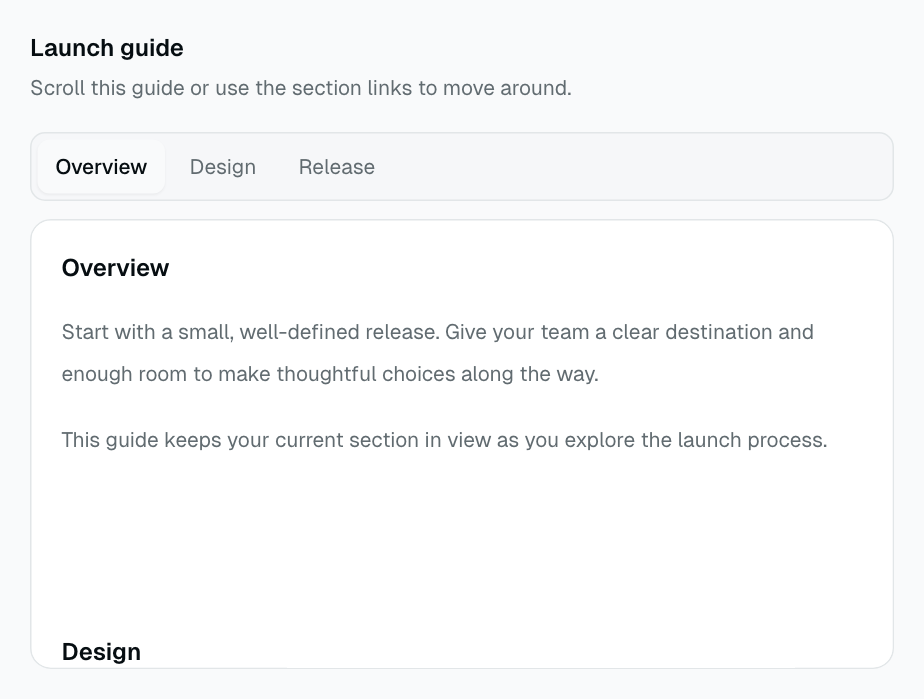
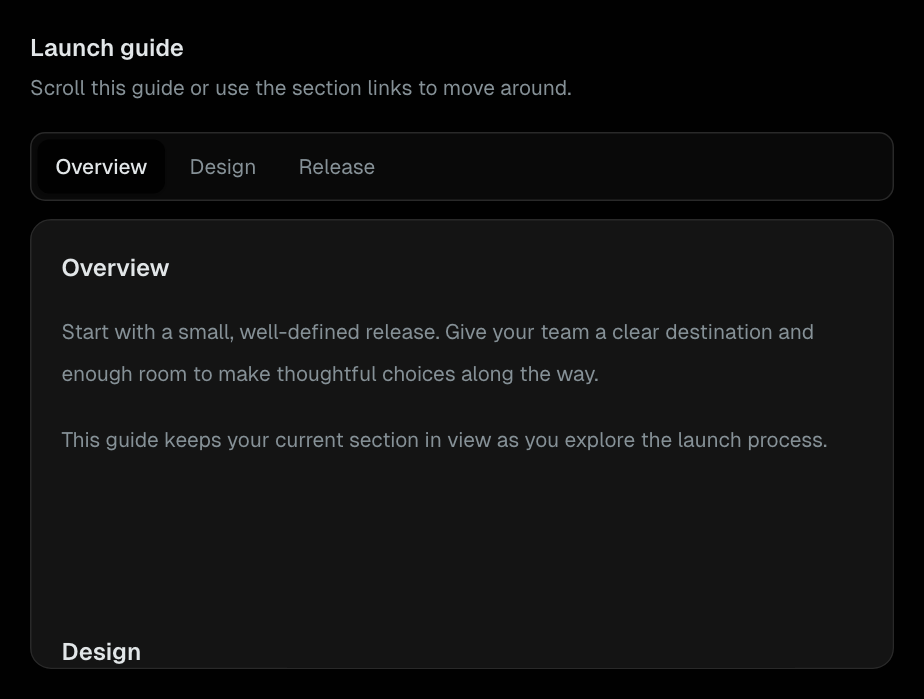
ScrollSpy
Section navigation that follows a bounded, independently scrollable guide.
Navigation
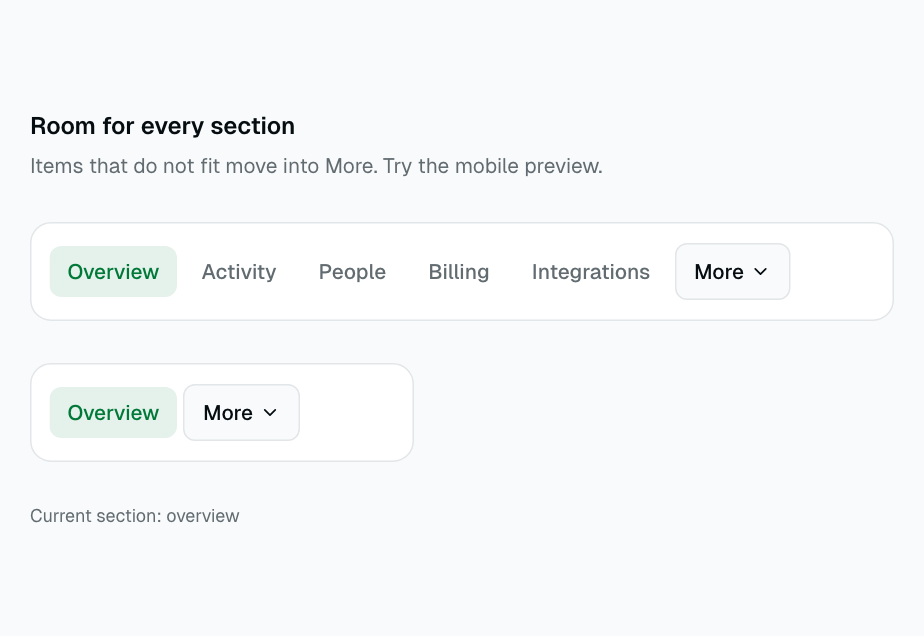
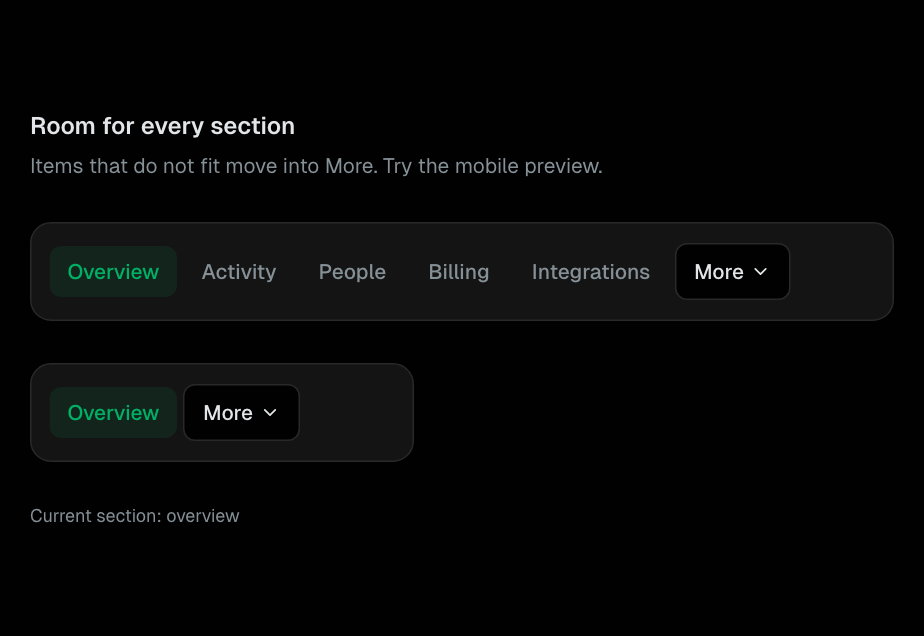
NavOverflow
A single-line navigation that moves items which do not fit into More.
Navigation
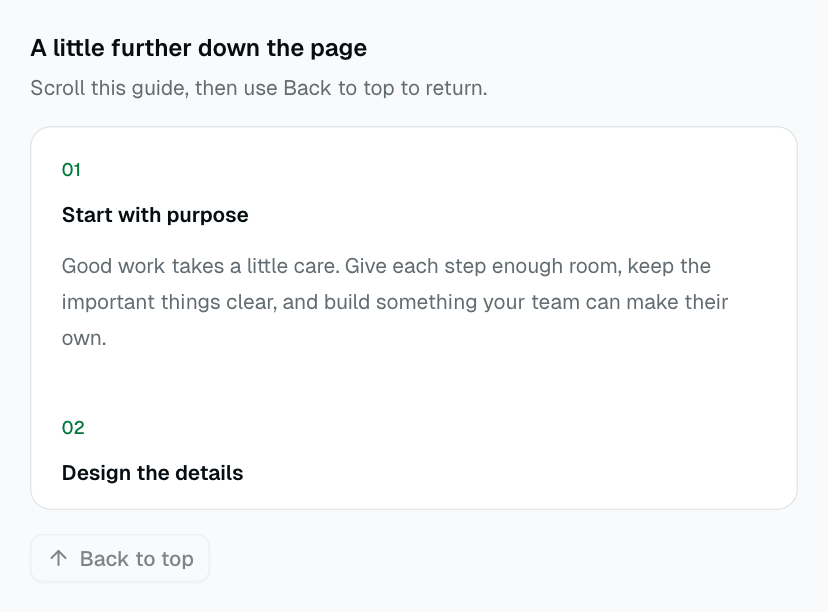
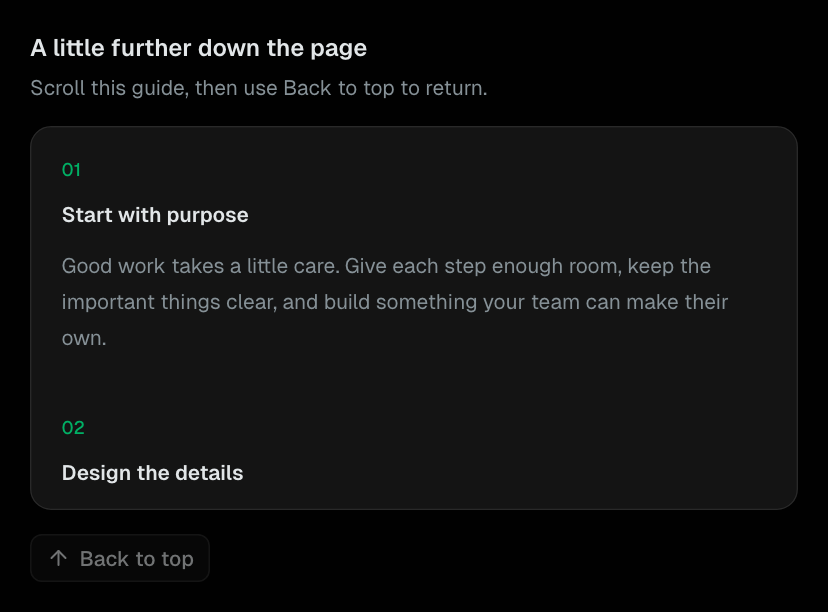
ScrollToTop
A threshold-aware return control for the document or a bounded scroll region.
Navigation
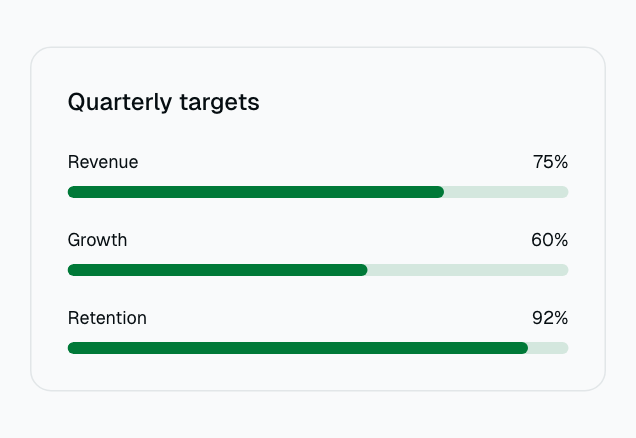
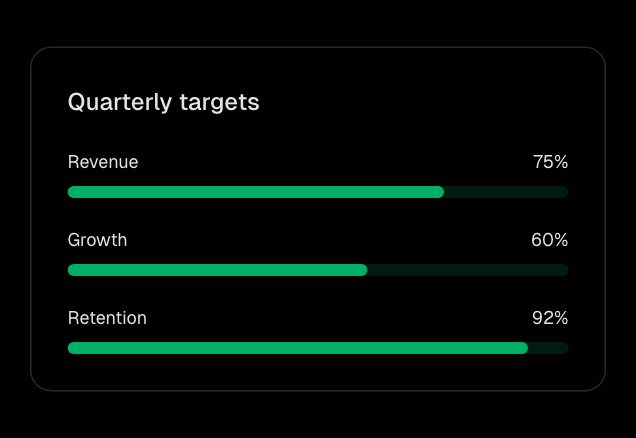
LazyChart
Defer mounting chart content until it approaches the viewport.
Shared Components
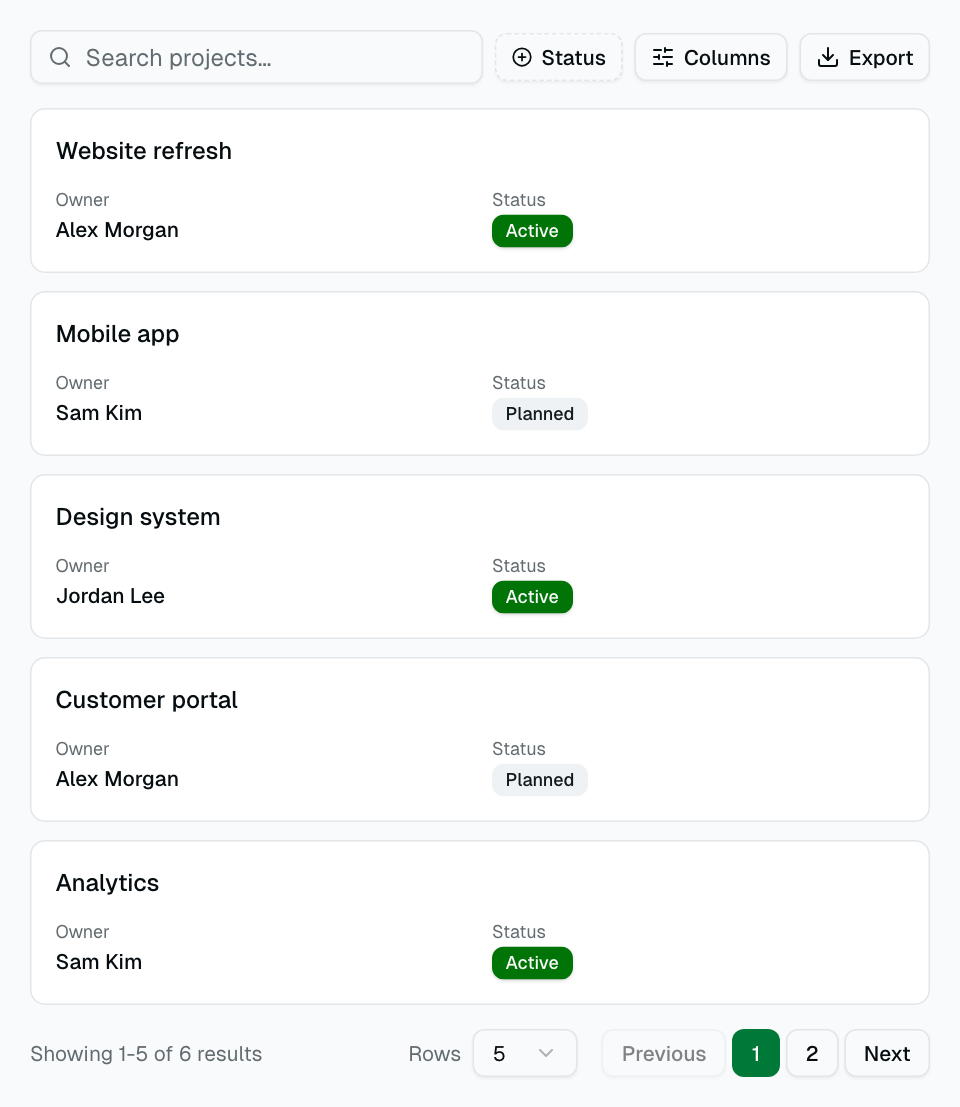
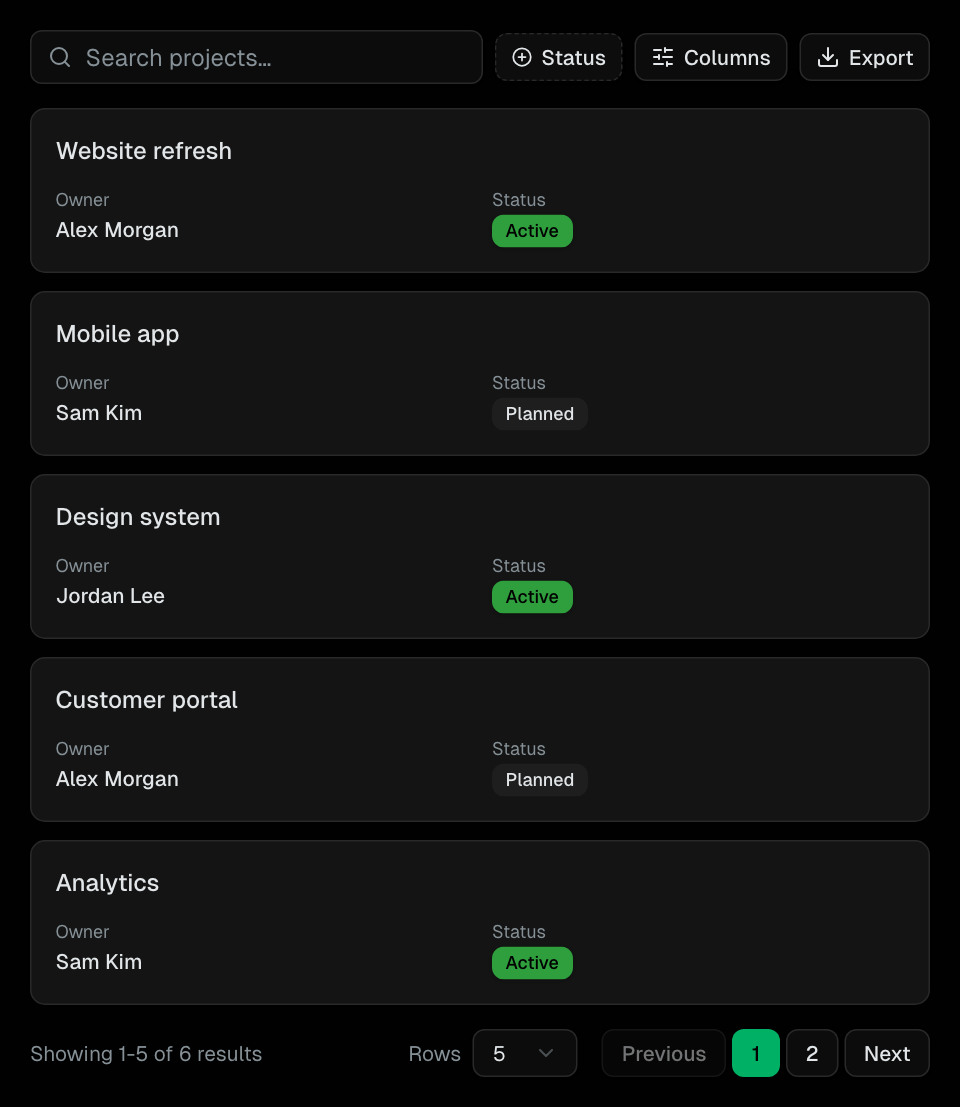
DataTable
Full-featured data table built on TanStack Table with column filtering, sorting, pagination, CSV export, and mobile responsive card view.
Shared Components
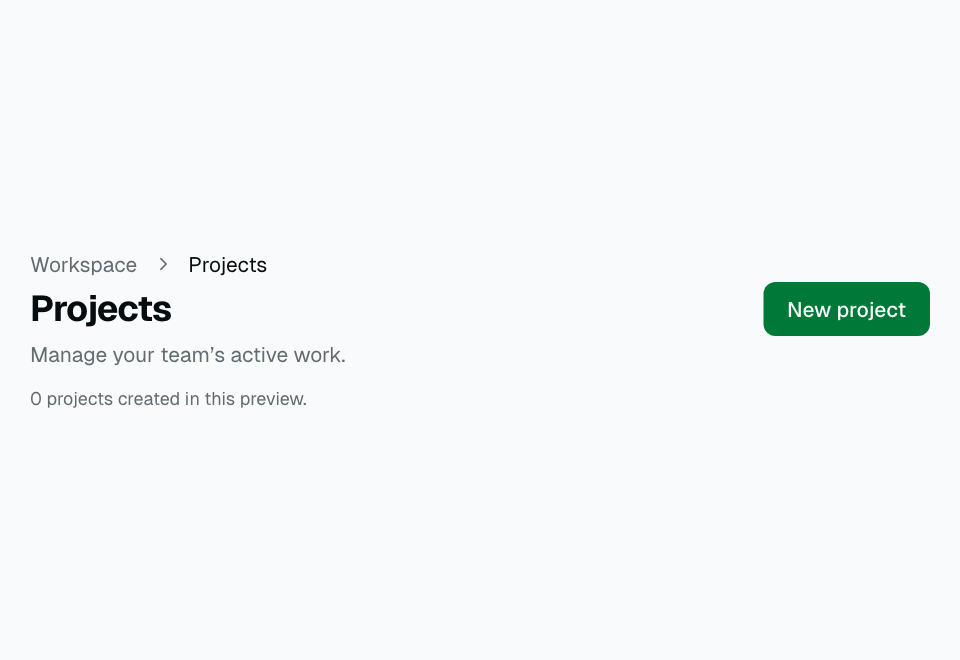
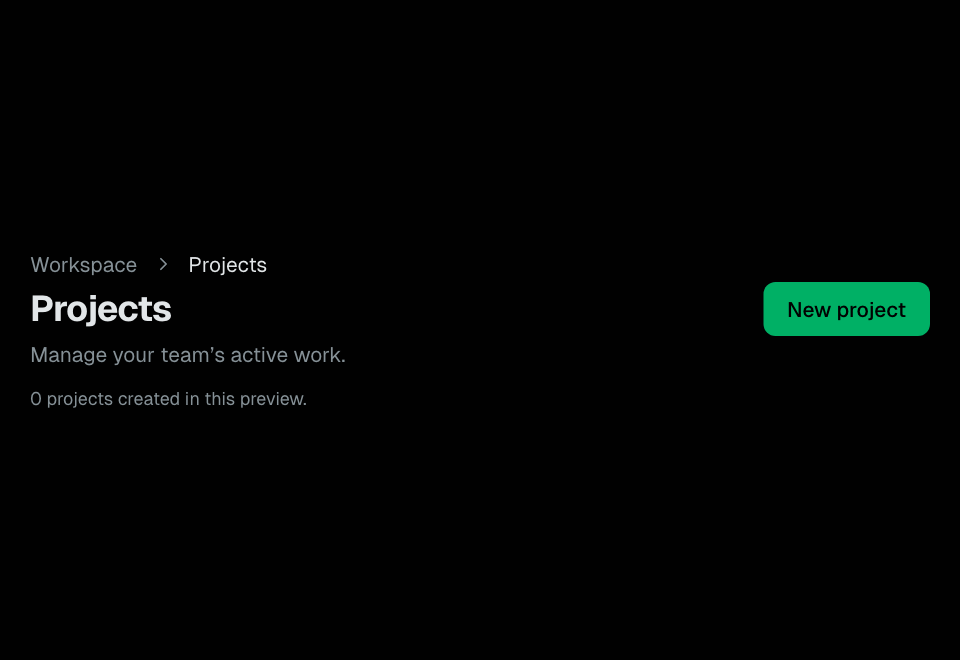
PageHeader
Reusable page header with title, description, breadcrumbs, and action slot.
Shared Components
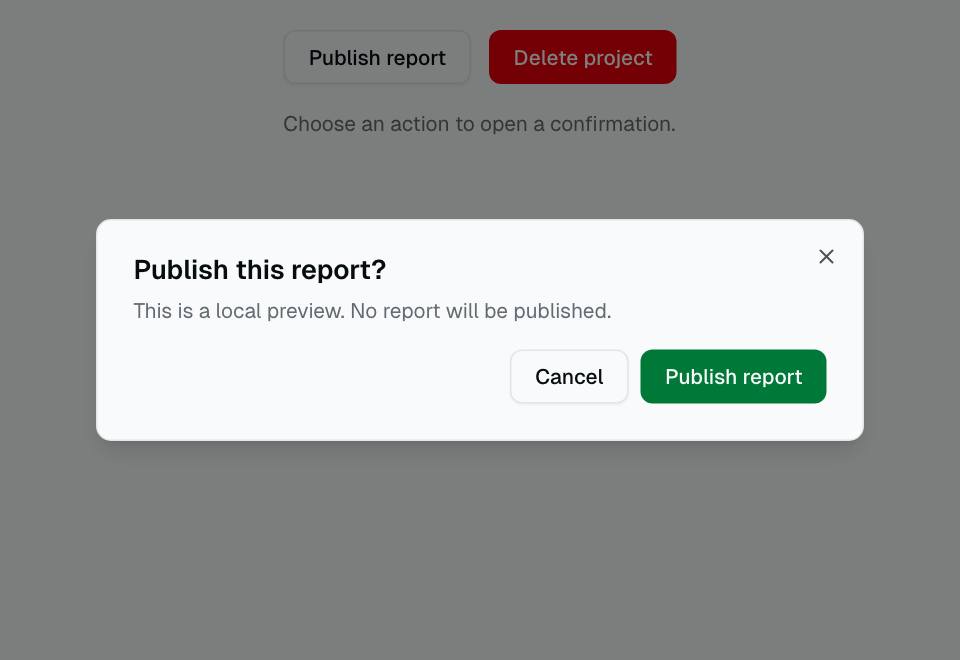
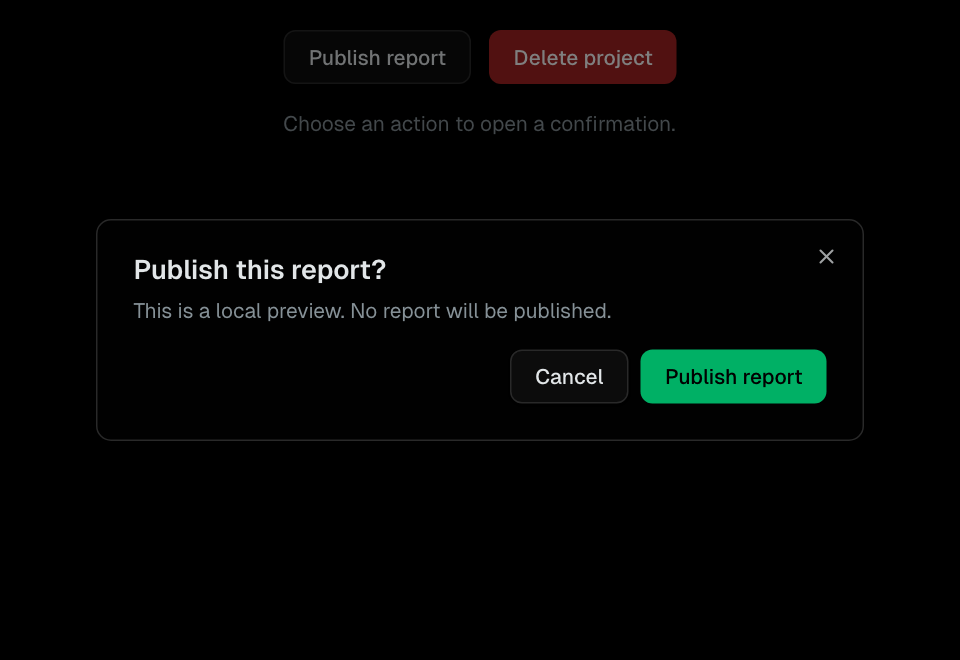
ConfirmDialog
Pre-configured confirmation dialog for destructive actions with customizable title, message, and button labels.
Shared Components
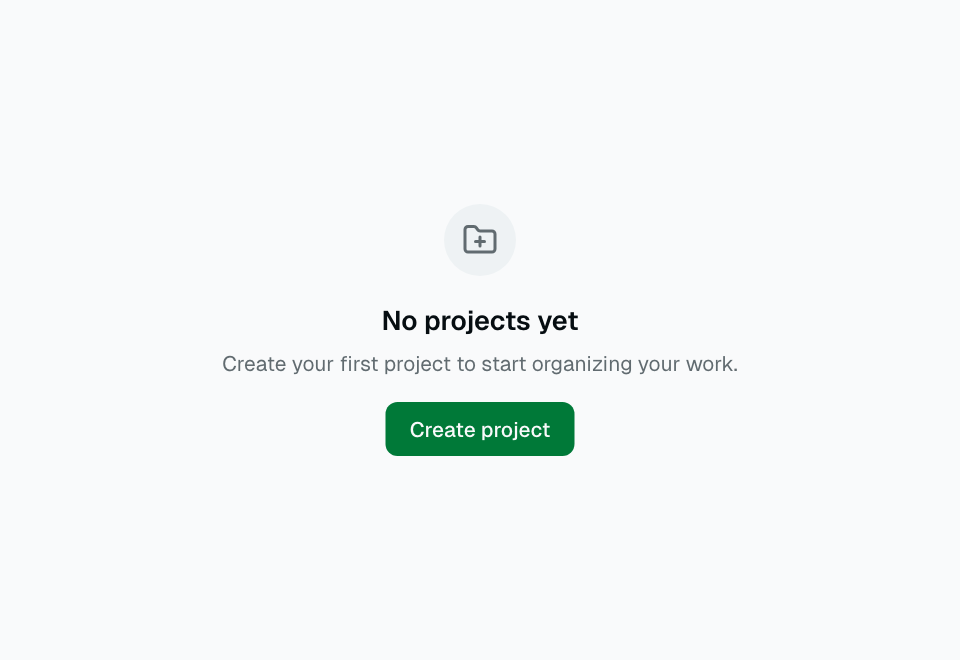
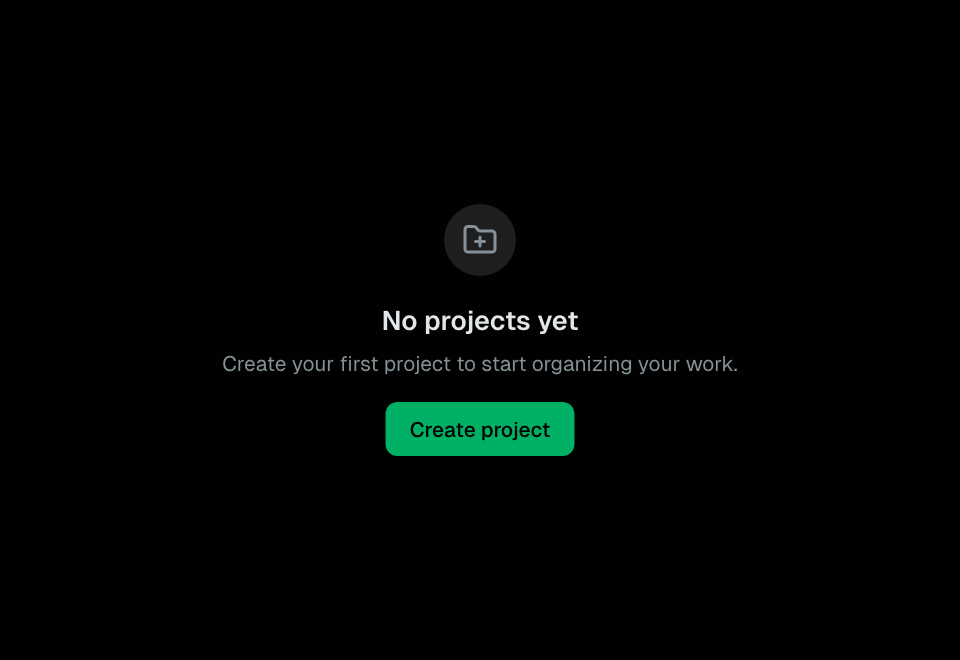
EmptyState
Placeholder display for empty data states with icon, title, description, and optional action button.
Shared Components
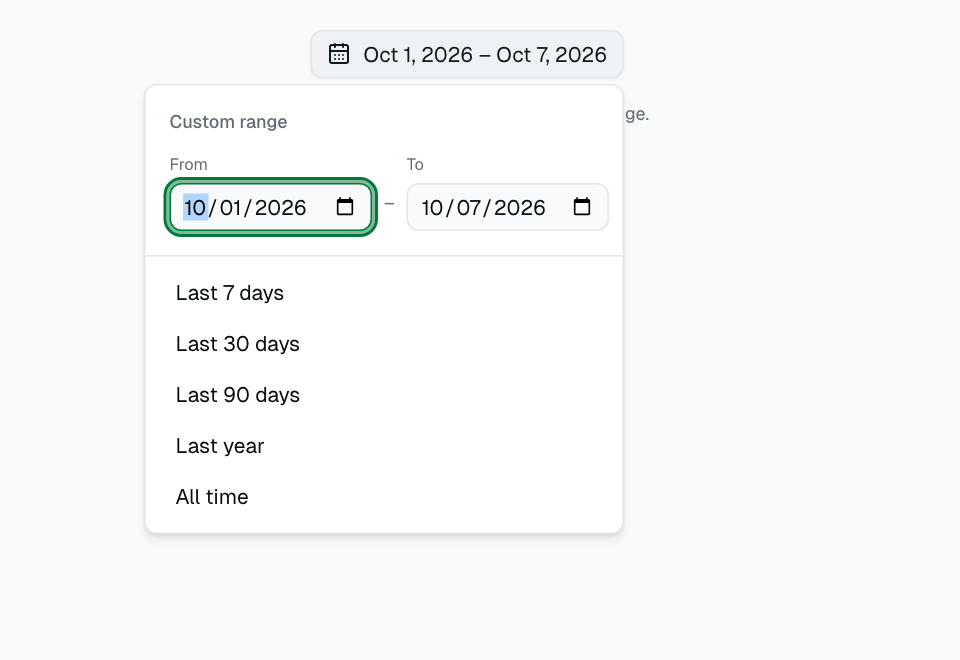
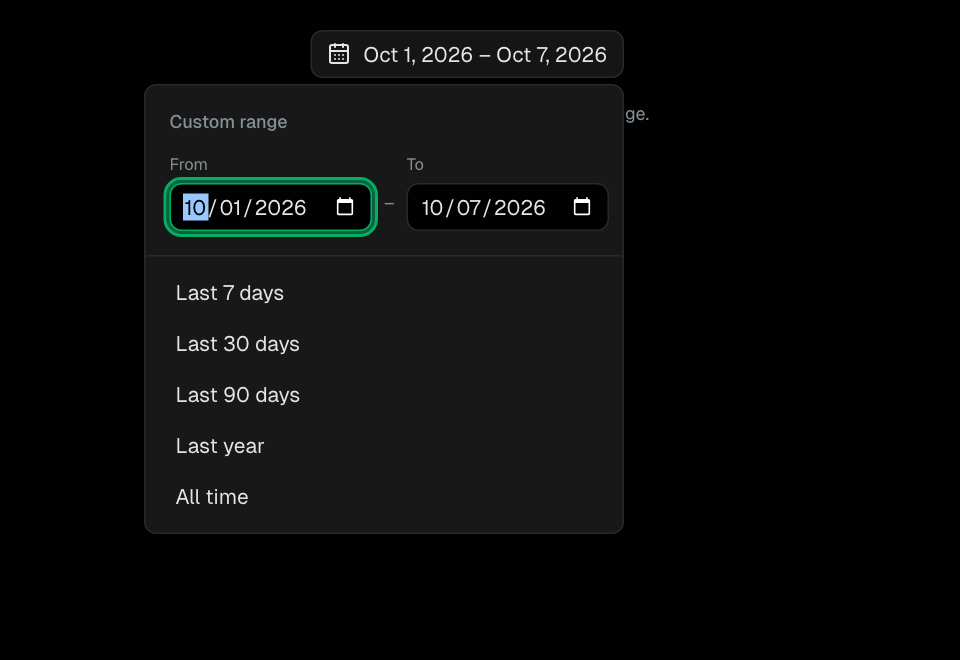
DateRangePicker
Date range selector with native date inputs and preset ranges.
Shared Components
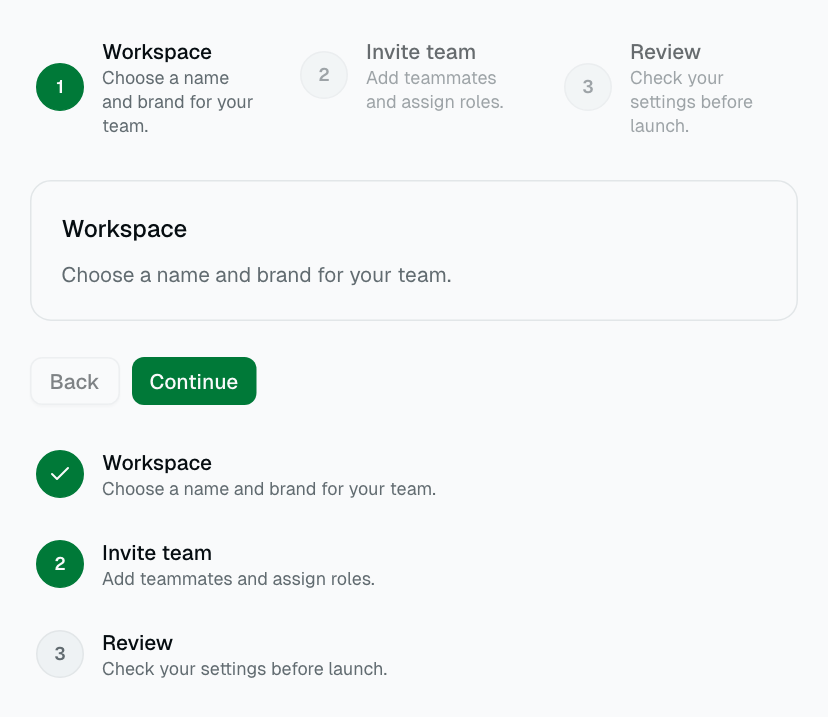
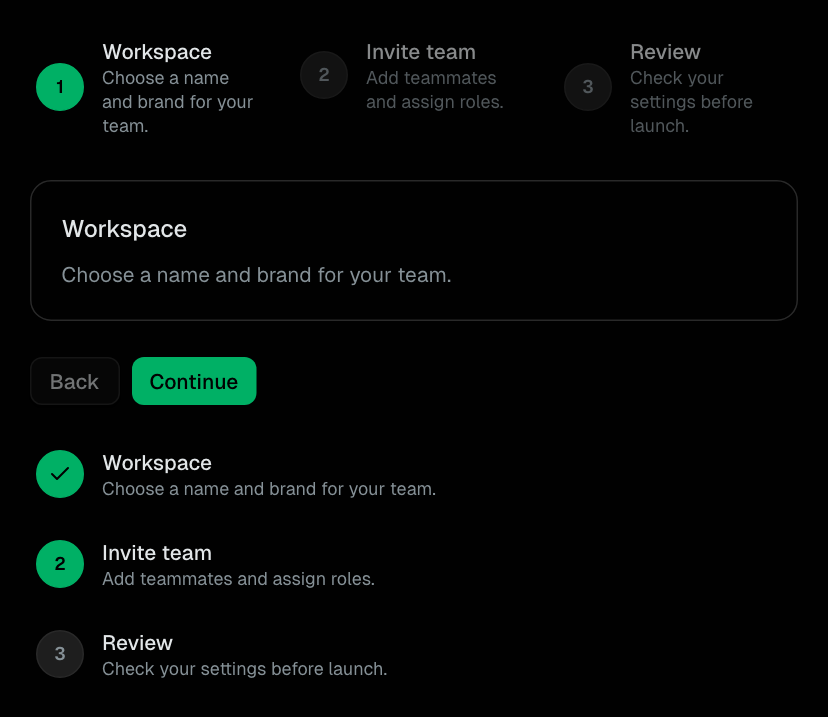
Stepper
Reusable progress navigation for multi-step workflows.
Shared Components
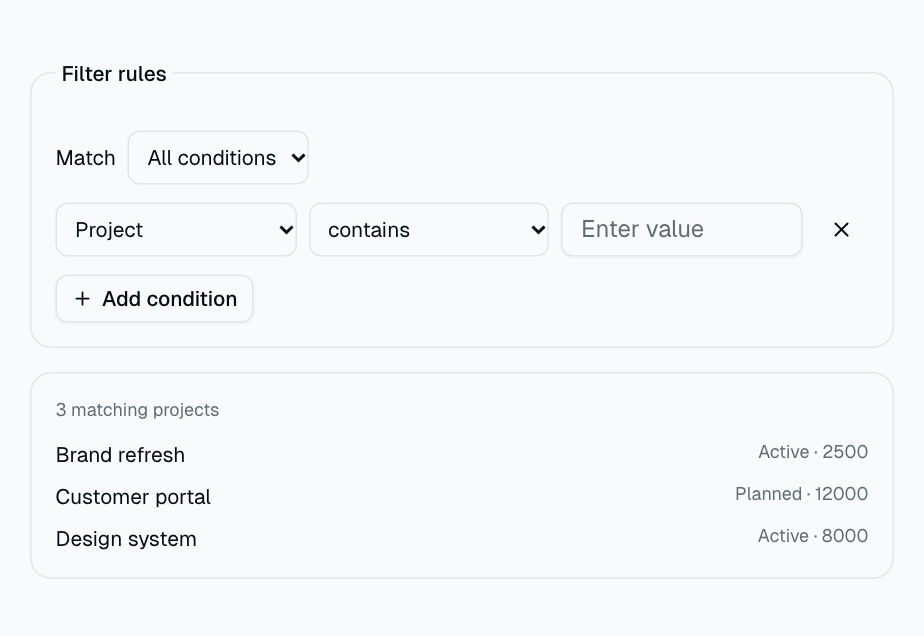
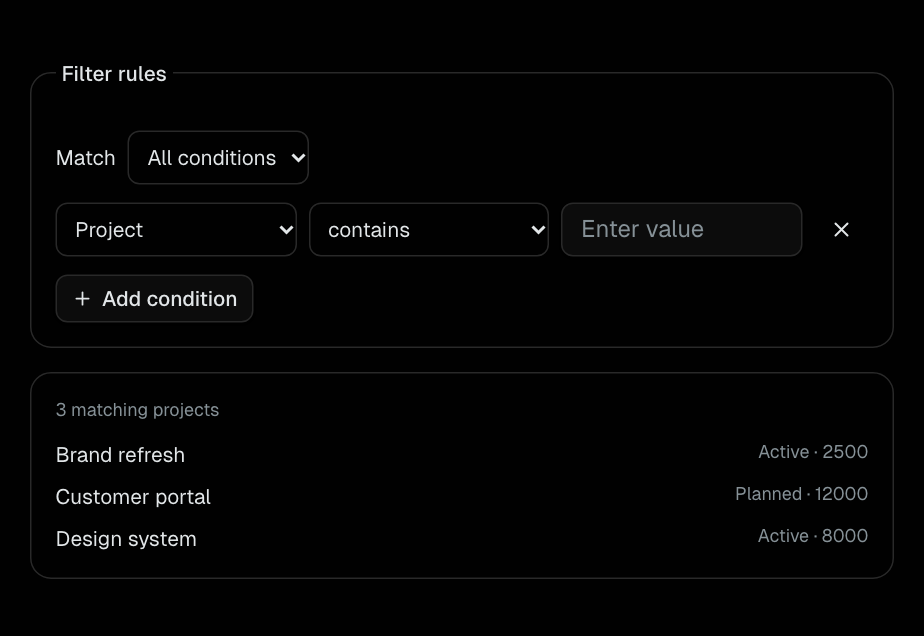
FilterBuilder
Typed text, number, and select conditions with AND/OR matching.
Shared Components
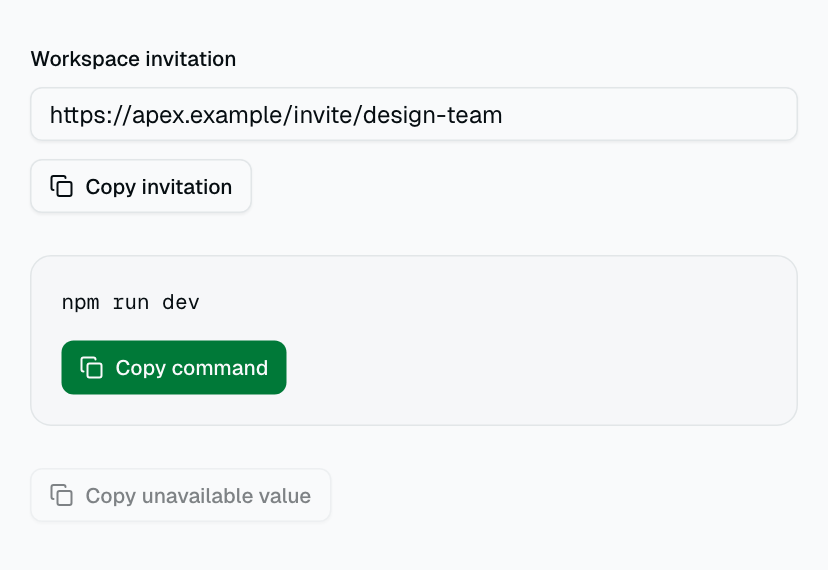
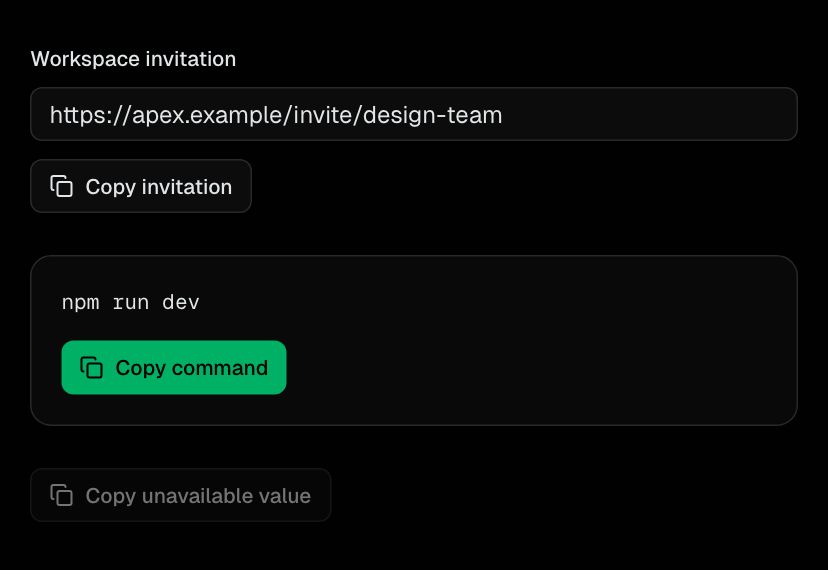
Clipboard
Reusable copy action with success, failure, and pending states.
Shared Components
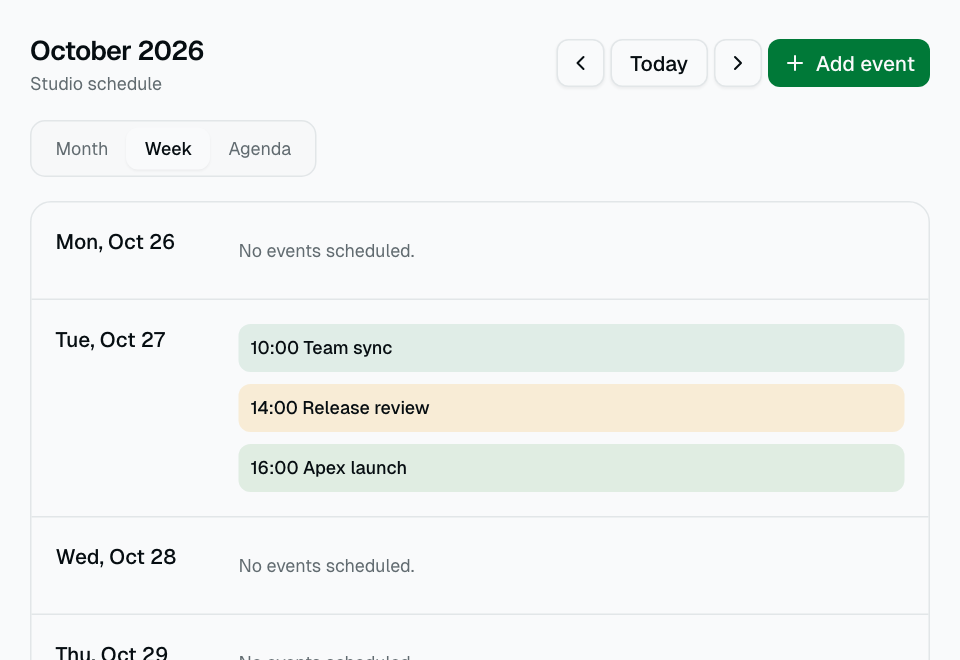
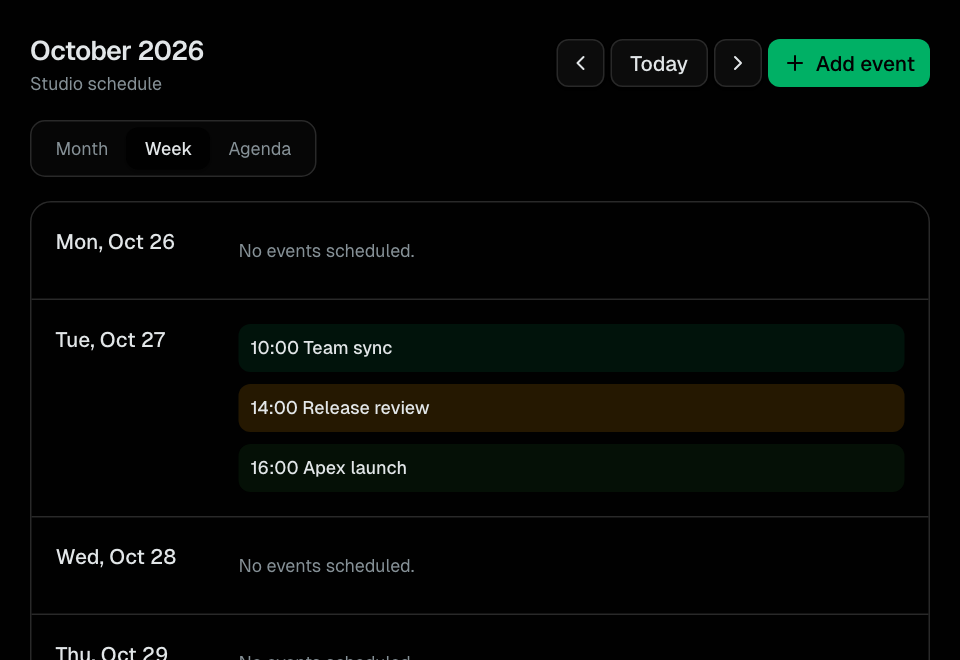
EventCalendar
Reusable month, week, and agenda scheduling with local civil-date events.
Shared Components
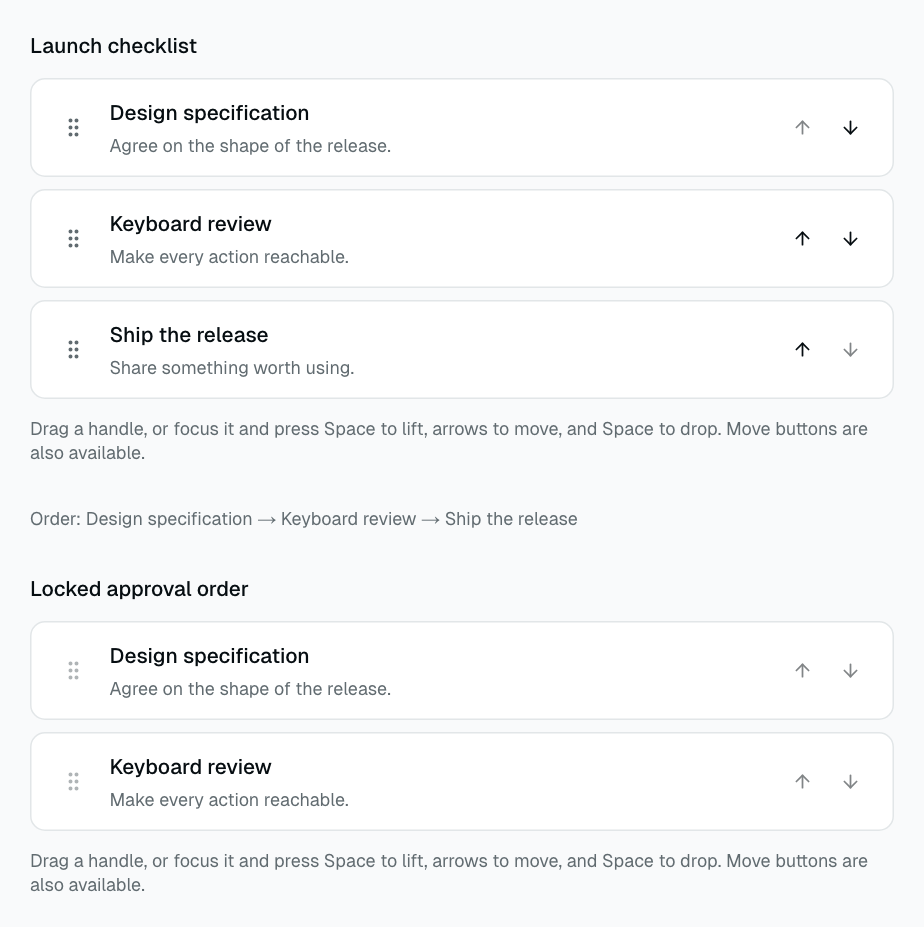
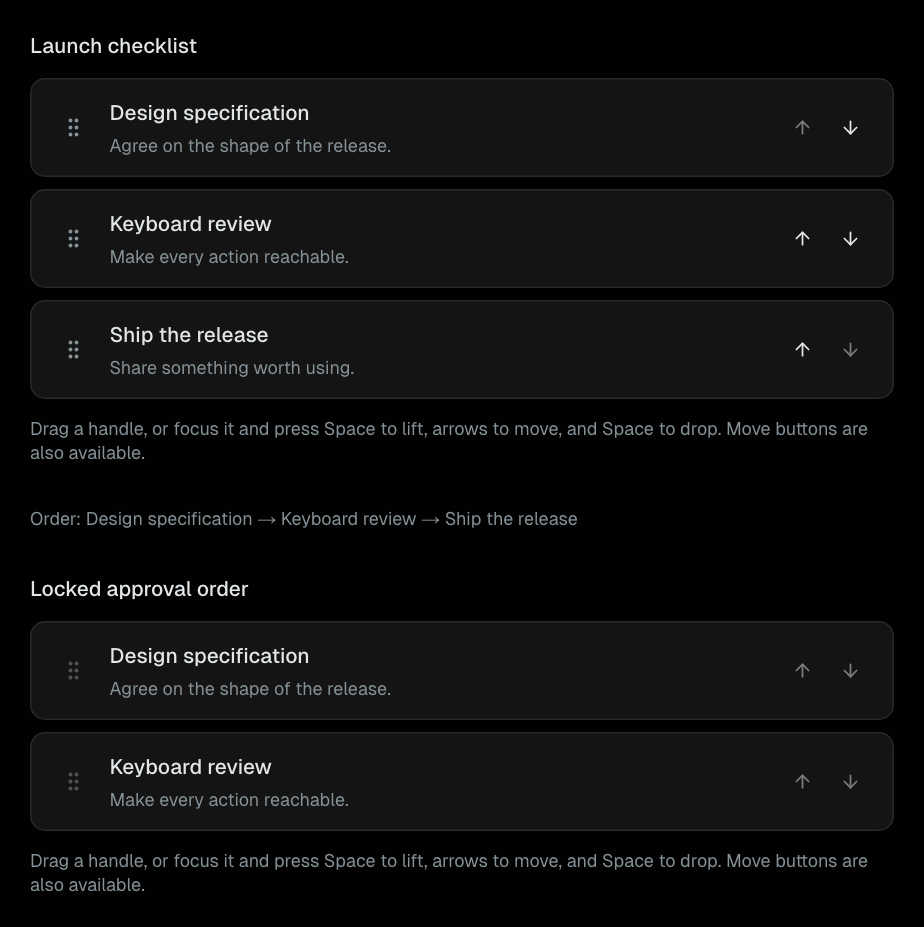
SortableList
Controlled vertical ordering with pointer, touch, keyboard, and move-button controls.
Shared Components
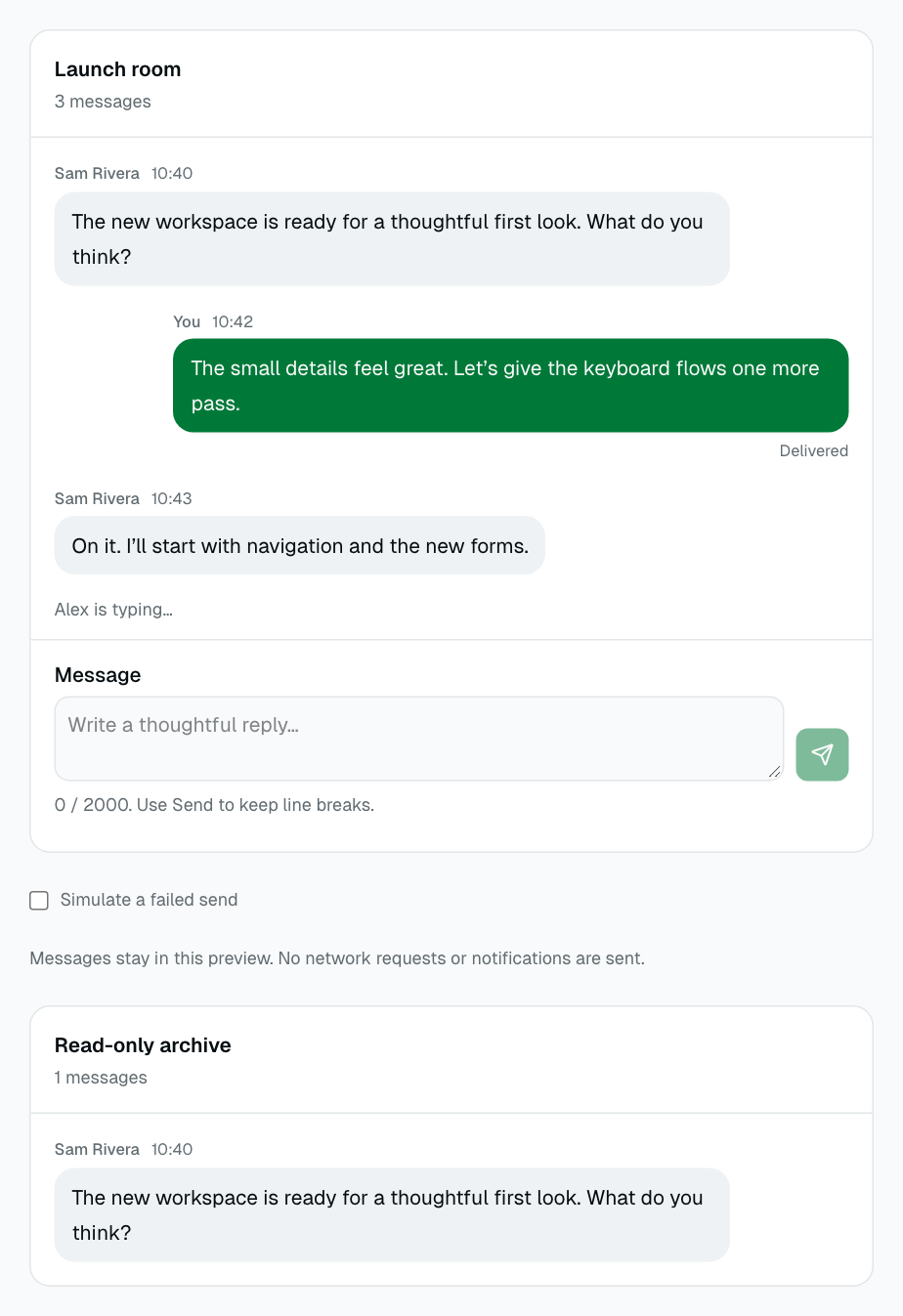
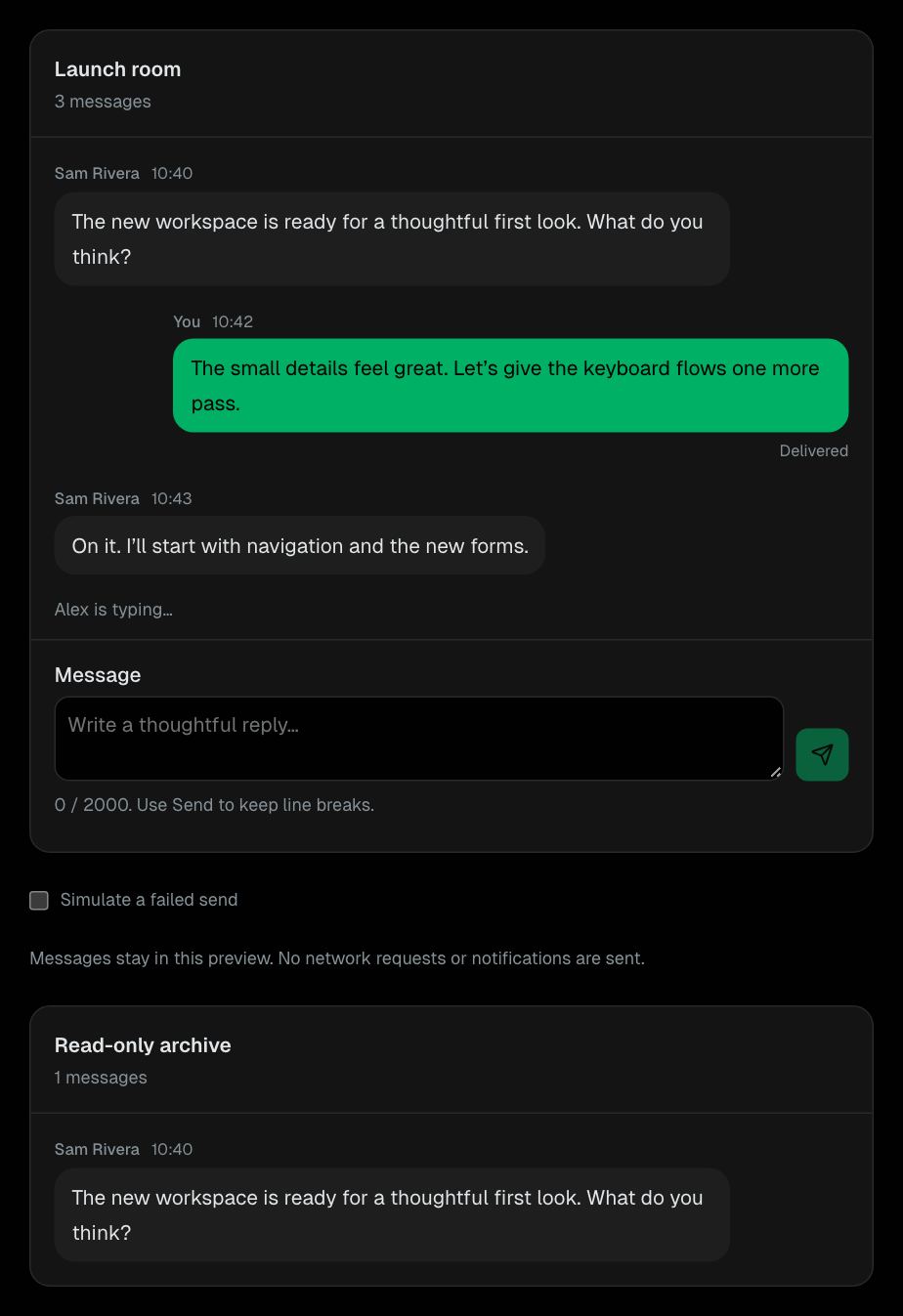
Chat
Presentational conversations with a controlled history and an asynchronous composer.
Shared Components
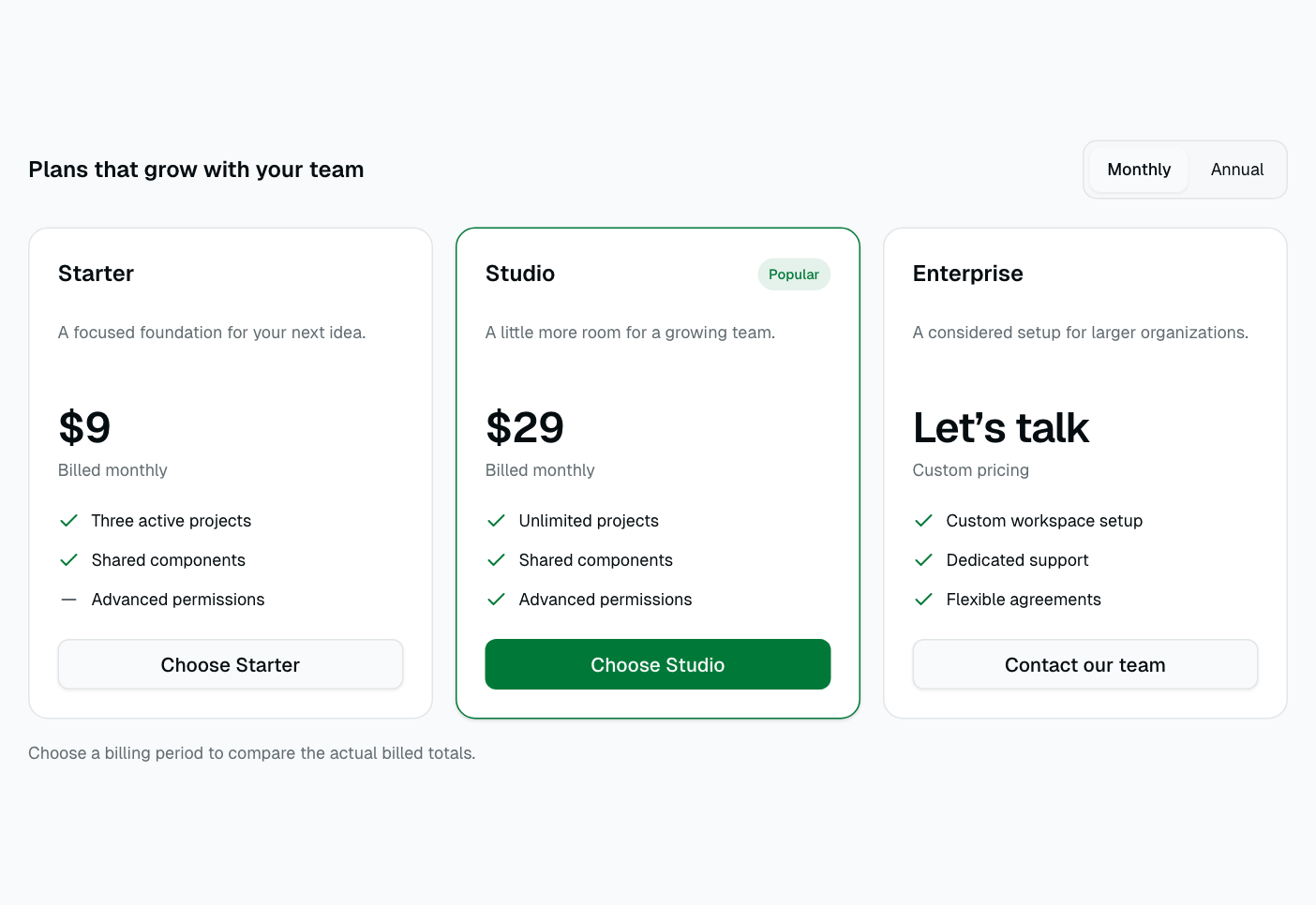
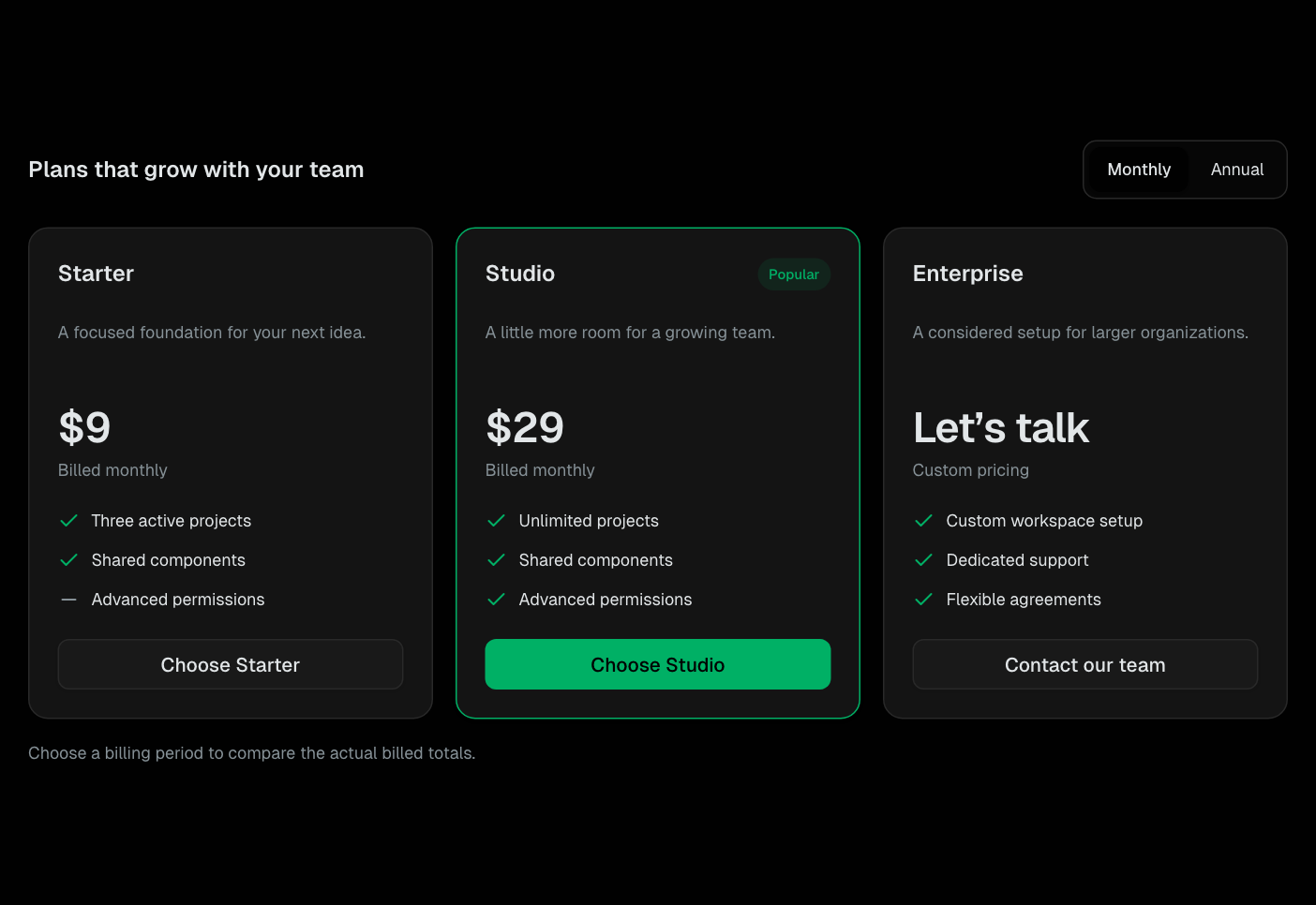
PricingTable
Responsive plan comparisons with explicit monthly and annual billed totals.
Shared Components
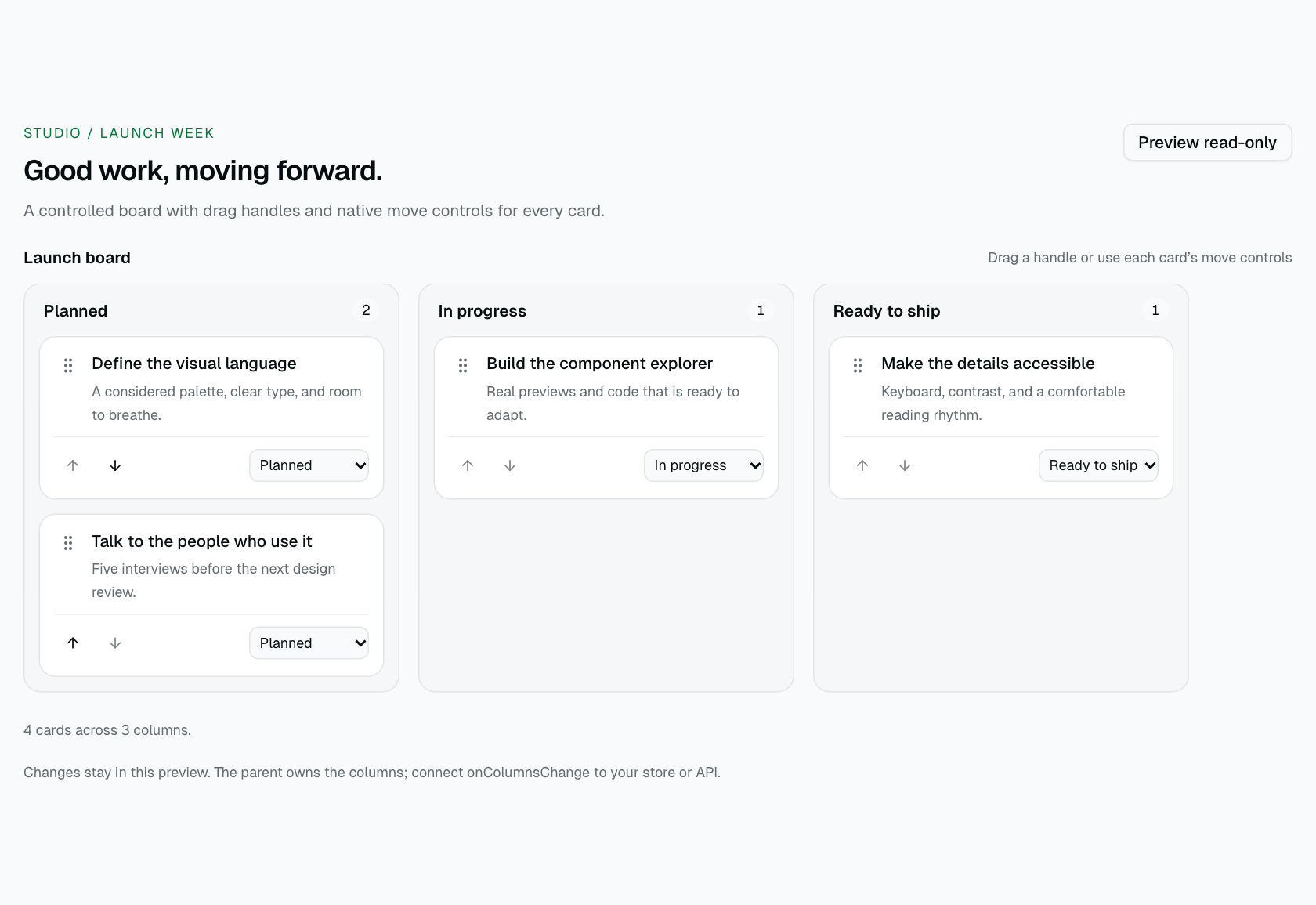
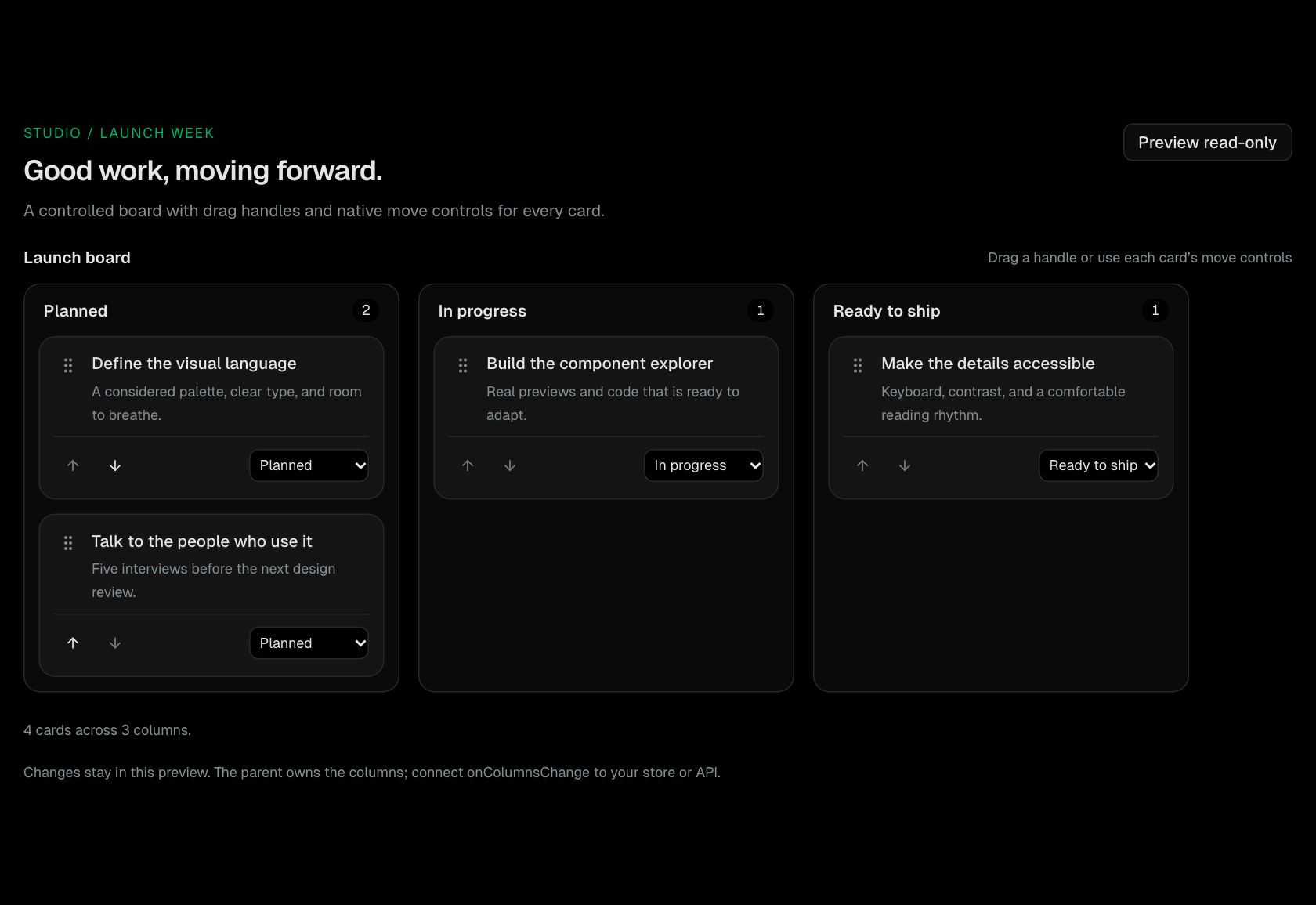
Kanban
A controlled task board with drag handles, native move controls, empty columns, and custom card content.
Shared Components